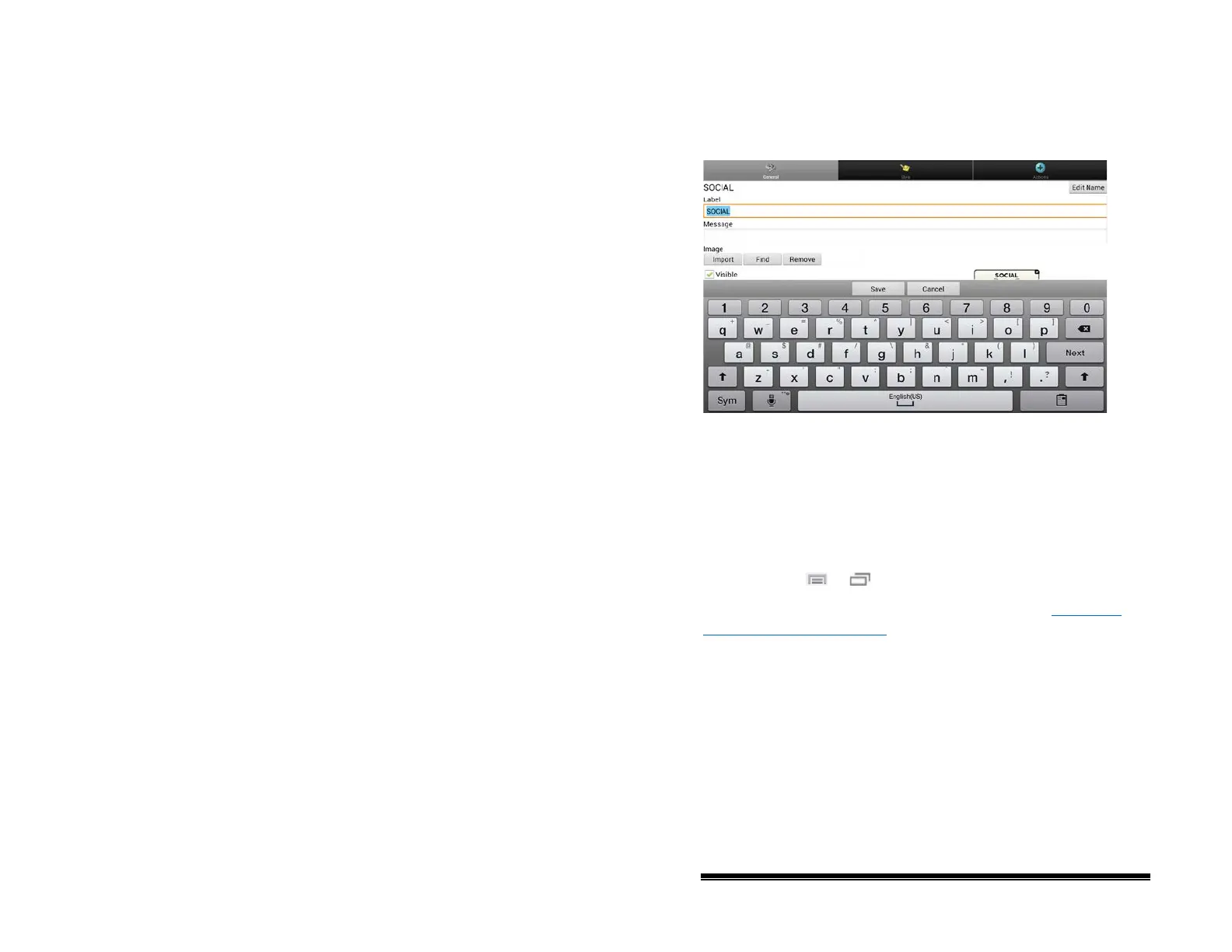
Editing the Button Text
In Chat Editor, click in the Label or Message box and enter your
new text. In the NOVA chat software, do the following:
Tap in the Label or Message box to display the keyboard.
Enter your new text. Choose Save to apply your changes to the
button.
Using Images with No Text
Don’t enter a label in the Label box. If you decide not to use
labels, we suggest expanding the image to fill the entire button
area. To do this:
Choose Menu
or > Settings > Style > Fill.
For information on adding images to buttons, see “
Adding or
Modifying a Button Image”.
NOVA chat User’s Guide 10022 Dedicated Version 1.4 Page 47



 To Next Page