Using the Touchscreen
Your NOVA chat comes with a capacitive touchscreen. It
responds best to a light touch from the pad of your finger.
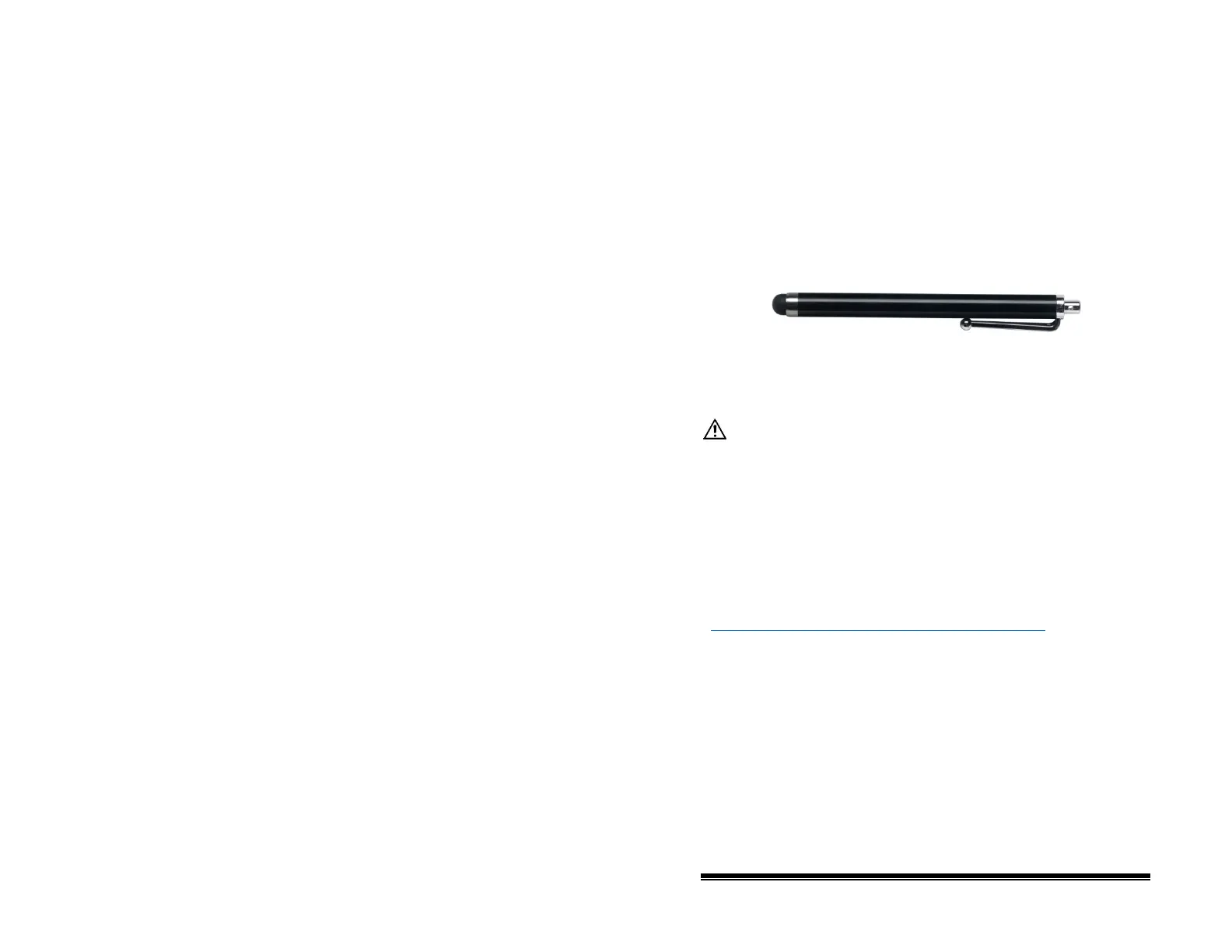
Using the Stylus
A compatible stylus was also provided with your device. If you
prefer to purchase a different stylus, be sure it is compatible
with a capacitive touchscreen.
Note: The stylus provided has an opening on the end and can be
attached to an individual or the device using a chain, string, or
lanyard.
The stylus is a potential hazard for choking or for poking
the eye.
Cleaning the Screen
To clean the screen, turn the device off, gently wipe the screen
with a soft, lint-free cloth slightly dampened with water, and dry
the screen with another soft, lint-free cloth. Do not spray or
splash liquid directly on the device.
Note: If your device will be used by more than one client, see
“Disinfecting a Device for Use by Multiple Clients” on page 98
.
Important! Using excessive force or a metallic object when
pressing on the touchscreen may damage the tempered glass
surface and void the warranty.
NOVA chat User’s Guide 10022 Dedicated Version 1.4 Page 30



 To Next Page