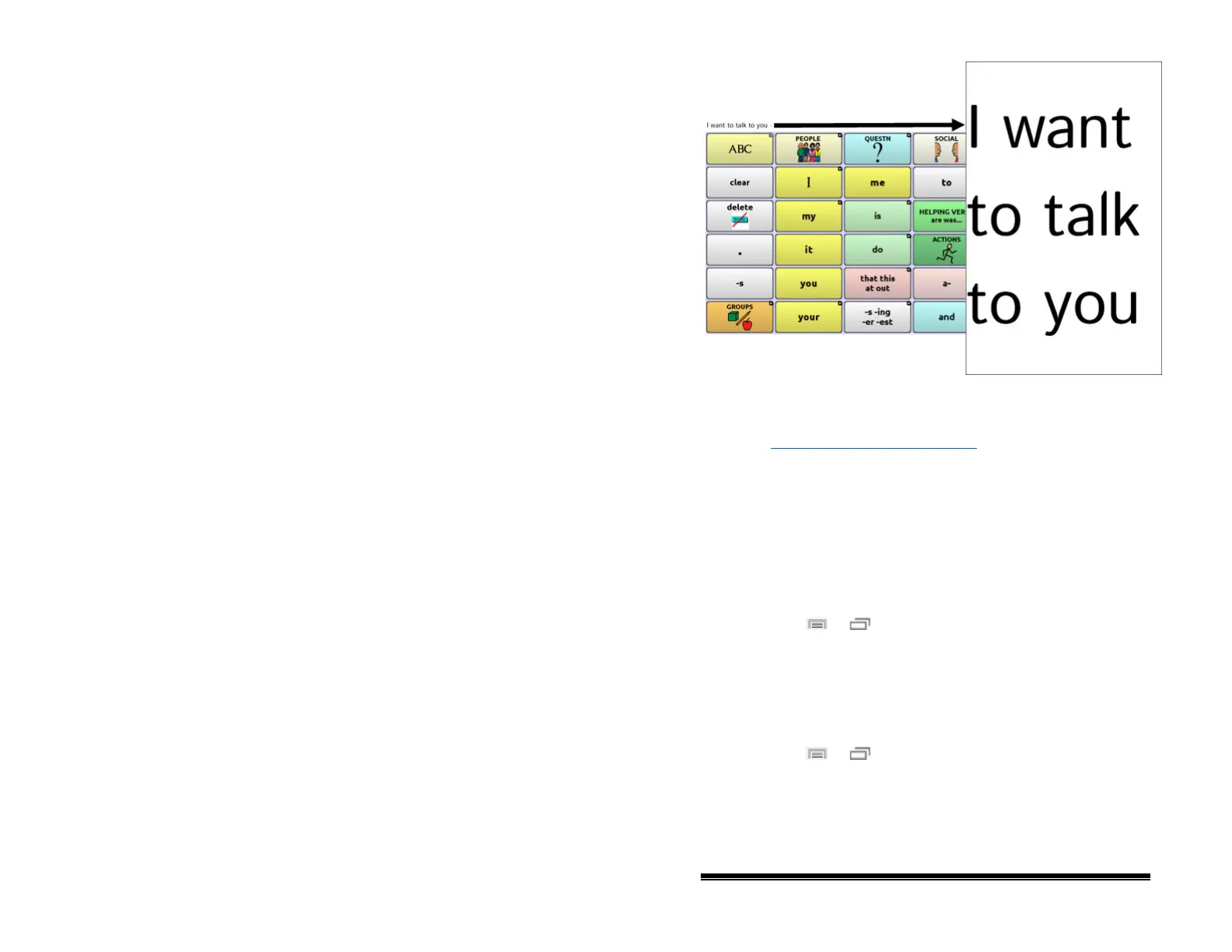
Tilting the device back will redraw the vocabulary page.
For information on using and customizing the Speech Display
Bar, see “Using the Speech Display Bar” on page 72
.
Changing Orientation Settings
Depending on the button layout, one orientation may be
preferred to another. For example, WordPower42 seems to work
better in a landscape layout, but WordPower24 works better in a
portrait layout.
To Allow Orientation to Change when You Tilt the Device:
Choose Menu
or > Settings > Input > Tilt > Action.
Then choose Auto Change Orientation.
To Lock the Orientation:
The orientation setting can be locked to keep the screen from
automatically adjusting when tilted.
Choose Menu
or > Settings > Input > Tilt > Action >
No Action > Preferred Orientation. Then select Portrait or
Landscape.
NOVA chat User’s Guide 10022 Dedicated Version 1.4 Page 75



 To Next Page