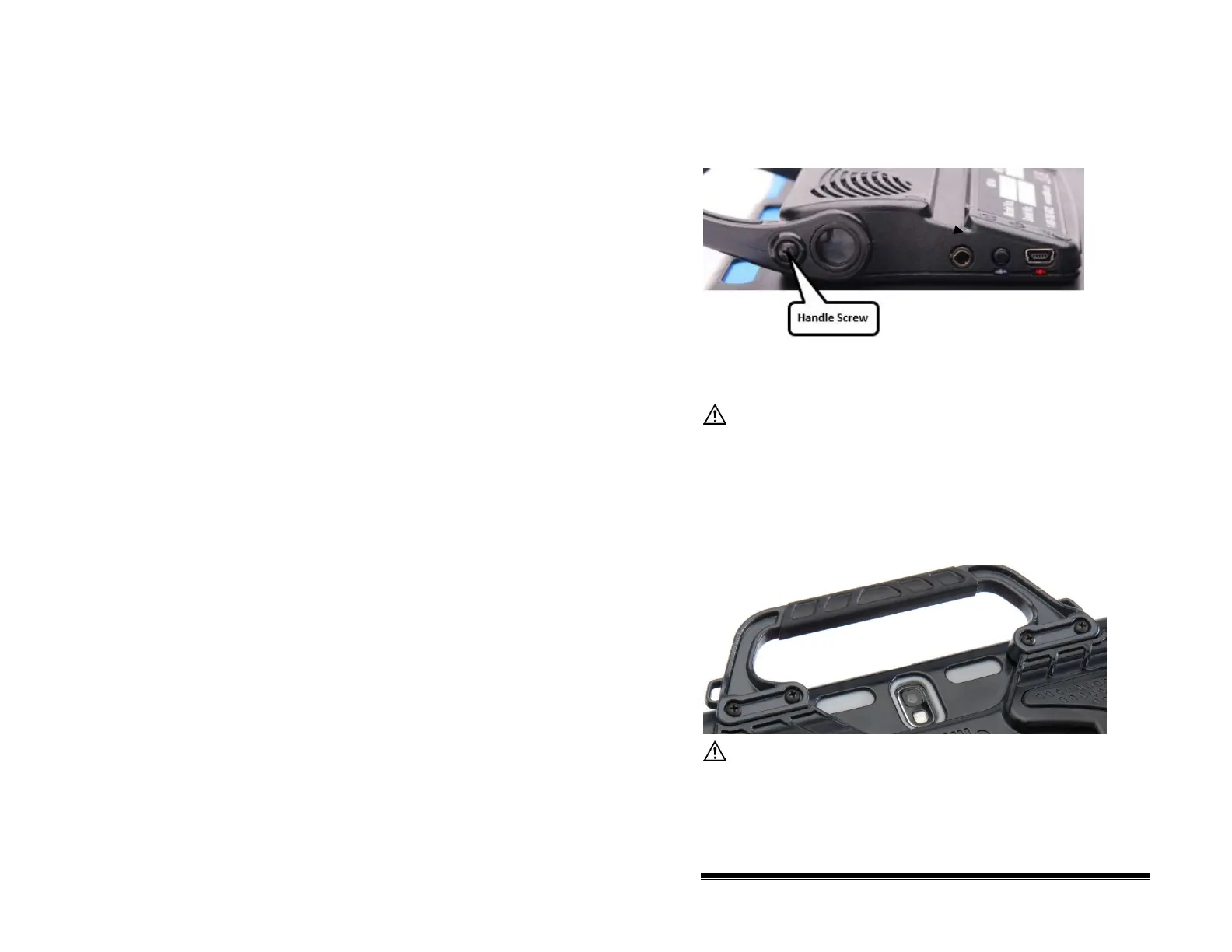
Removing the Handle: NOVA chat 10
If you do not plan to use the handle, you can remove it by
removing the two screws that hold it in place.
1. Remove the stand, if it is in place.
2. Remove a screw from each side.
3. With some tension, extend the sides out around the casing.
The stand, handle, and screws are potential choking
hazards.
Removing the Handle: NOVA chat 12
If you do not plan to use the handle, you can remove it by
removing the four screws that hold it in place.
The handle and screws are potential choking hazards.
NOVA chat User’s Guide 10022 Dedicated Version 1.4 Page 29



 To Next Page