Exploring Vocabulary Files
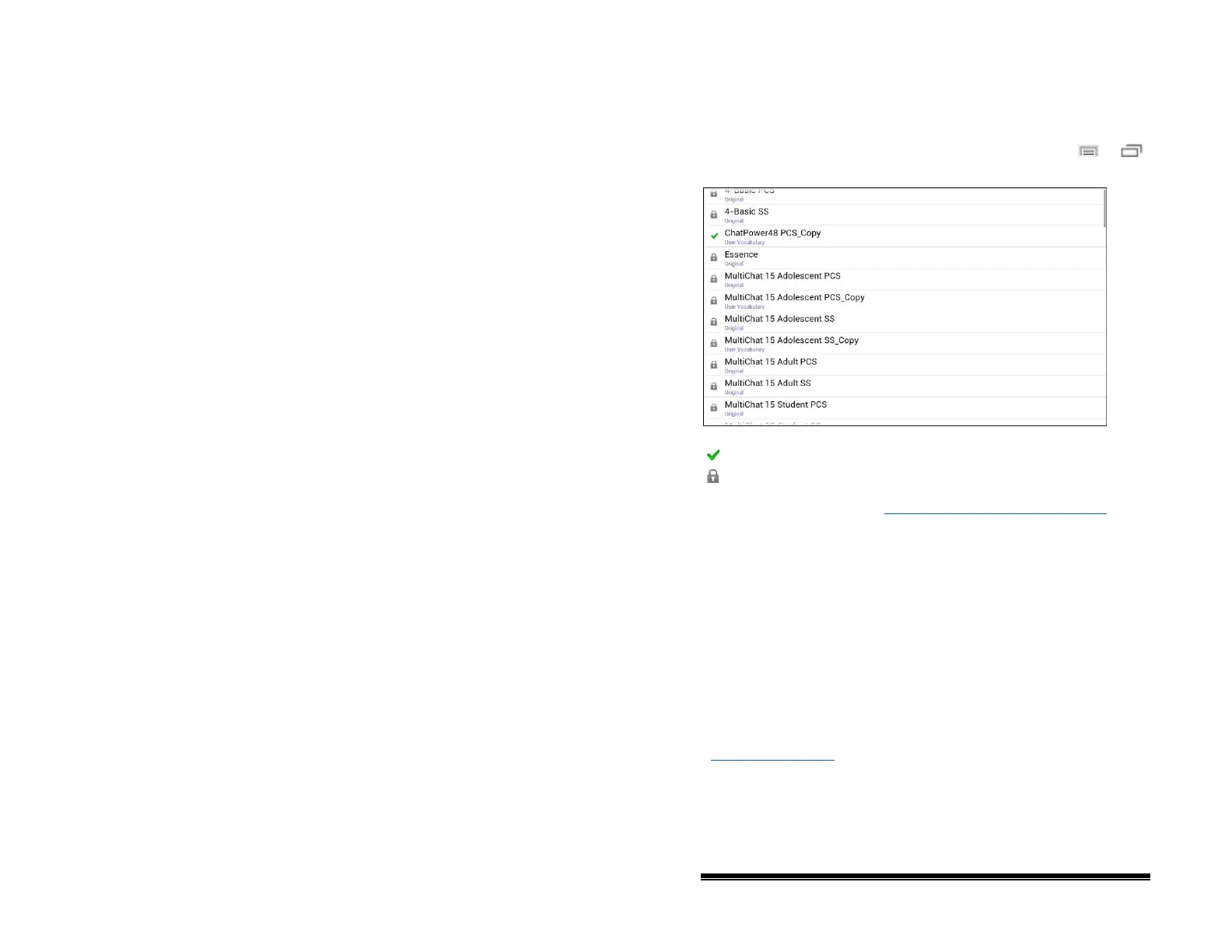
NOVA chat stands out from other systems because of its variety
of vocabulary files. To view these files, choose Menu
or
> Library. Available vocabulary files will be listed.
The vocabulary file that is currently open.
An original Saltillo-provided vocabulary file that cannot be modified or
deleted. To customize a vocabulary file, make a copy of it and
customize the copy. See “Creating a Customized Vocabulary File
” for
ways to make a copy.
Important!
A vocabulary file that you customized before software release
2.0 can only be transferred between NOVA chat and Chat
Editor.
A vocabulary file that you customized with release 2.0 software
or later can be transferred between NOVA chat, TouchChat, and
Chat Editor.
For information on transferring vocabulary files, see
“Transferring Files” on page 91
.
NOVA chat User’s Guide 10022 Dedicated Version 1.4 Page 35



 To Next Page