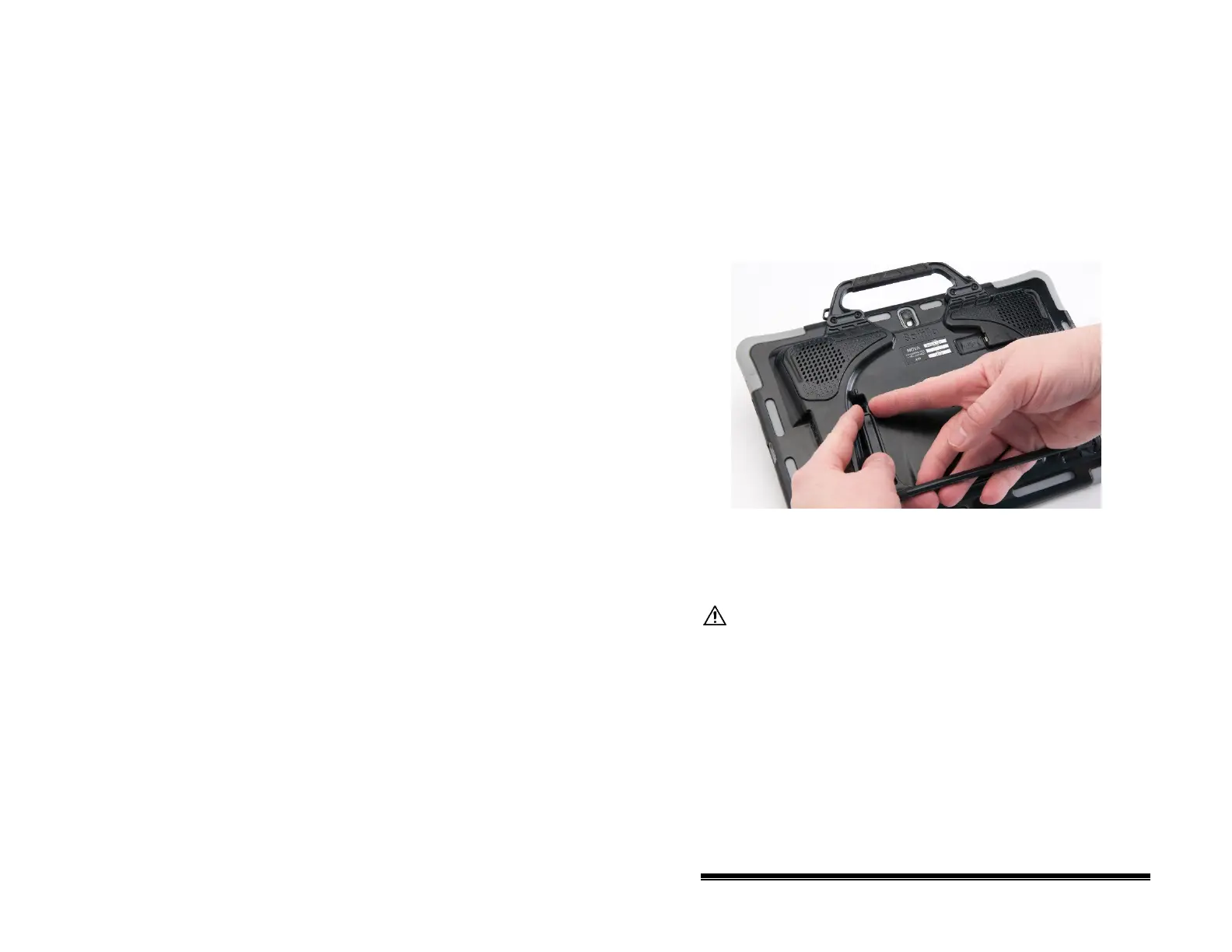
Removing/Reattaching the Stand: NOVA chat 12
If you do not want to use the stand, you can remove it from the
back of the device. You can reattach it easily at any time.
Removing the Stand
1. Position the stand so that it is not latched in place.
2. Squeeze near the end of one leg with your fingers until the
small peg disengages from the holder.
3. Pull the leg up until it is completely out of the holder.
4. Repeat for the other leg.
Note: Be sure to store the stand in a safe location in case you
want to reattach it later.
When the stand is removed, it becomes a potential hazard
for choking or for poking the eye.
Reattaching the Stand
1. Squeeze near the end of one leg of the stand with your
thumb and index finger.
2. Push the leg into the holder until the small peg snaps into
place.
3. Repeat for the other leg.
NOVA chat User’s Guide 10022 Dedicated Version 1.4 Page 28



 To Next Page