Finding an Image from the NOVA chat Library
From the Button Properties, choose Find or Browse to open a
list of categories.
Choose a category to open a list of images. Then choose the
image you want. The image will be displayed in the Button
Properties. Choose Save.
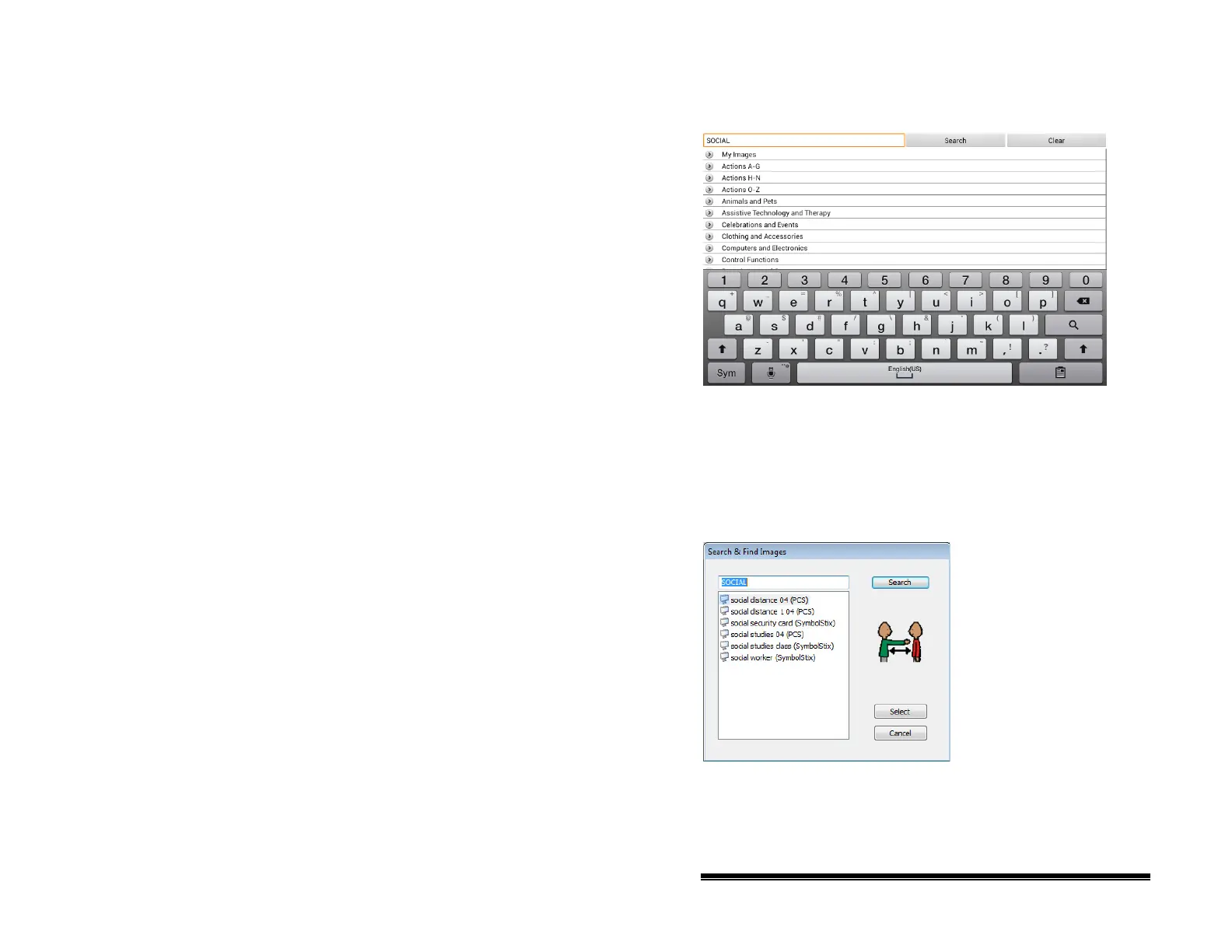
Searching for an Image in the NOVA chat Library
From Button Properties in the Editor, choose Search to search
for images with the label name.
Choose the image you want. The image will be displayed in the
Button Properties. Choose Save.
Note: If you don’t find the appropriate image, enter a new item
in the text box, choose Search, and choose a different image.
NOVA chat User’s Guide 10022 Dedicated Version 1.4 Page 49



 To Next Page