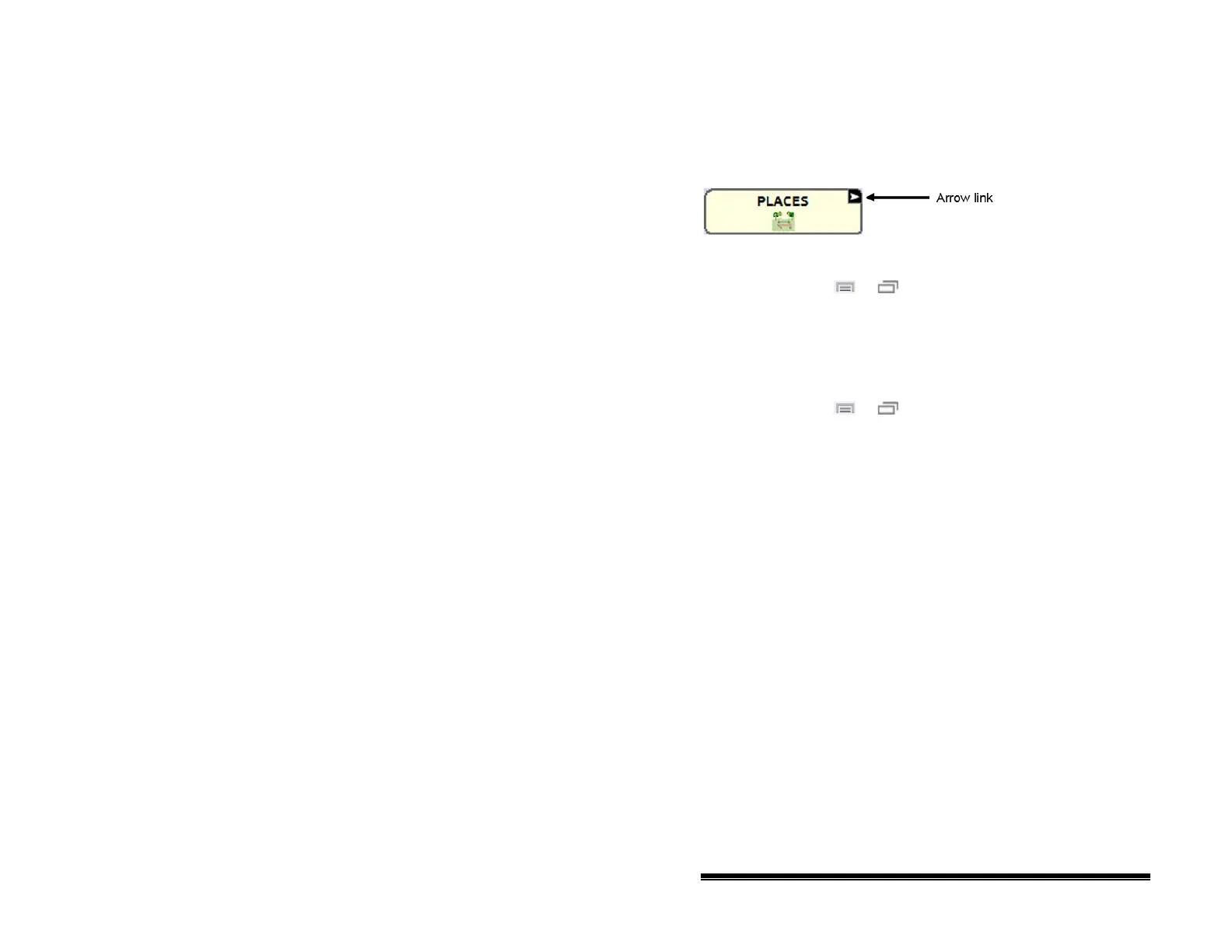
Modifying a Button Arrow Link
Linking buttons display a linking arrow in the upper right corner
of the button. The arrow indicates that the button will take you
to a different page. You can resize or hide the linking arrow.
To resize a linking arrow:
1. Choose Menu
or > Settings > Style.
2. Under “Modifiers”, choose Size. The Select a Size menu
opens.
3. Choose Smallest, Small, Normal, Large, or Largest.
To hide a linking arrow:
1. Choose Menu
or > Settings > Style.
2. Under “Modifiers”, choose Size. The Select a Size menu
opens.
3. Choose Hide.
NOVA chat User’s Guide 10022 Dedicated Version 1.4 Page 56



 To Next Page