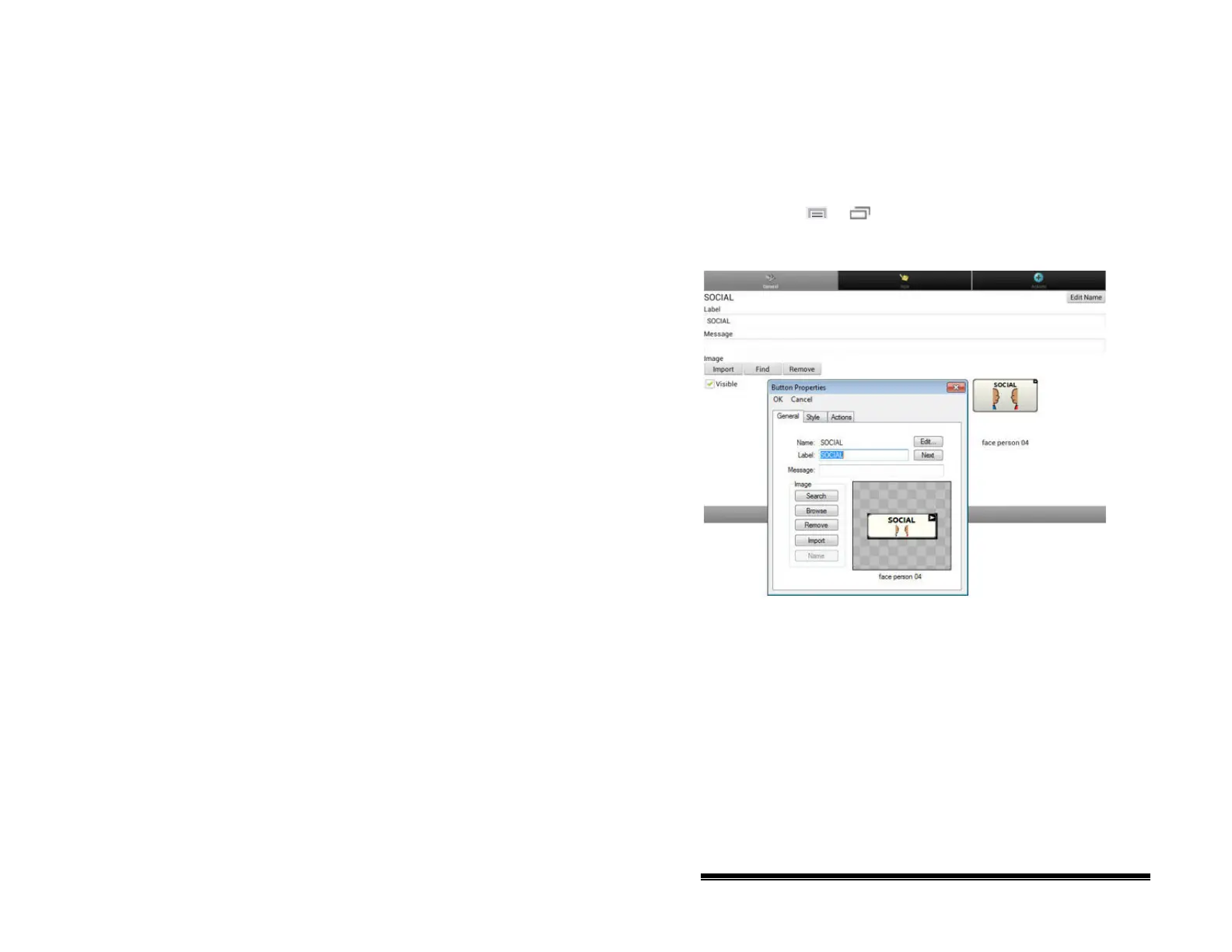
Modifying Button Text
You can modify the label or message text for any button. Or you
can remove the text and fill the button with an image.
Displaying the Button Text to Edit
Choose Menu or > Edit Mode. Then press and hold on
the button. (Right-click if you are using the Editor.) A menu will
open. Choose Edit Button to display the Button Properties.
NOVA chat User’s Guide 10022 Dedicated Version 1.4 Page 46



 To Next Page