94 • Operating Instructions Sam4S 230, 3xx, 4xx, 52xx Electronic Cash Register AU
Taking Deposits or Account Payments with Payment Key required to
Close Check
Taking Deposits or Account Payments, can only be done when the Payment key is
programmed as “Required to Close Check=YES”. See “Function Key Programming -
Payment” in “Program Mode Programming”.
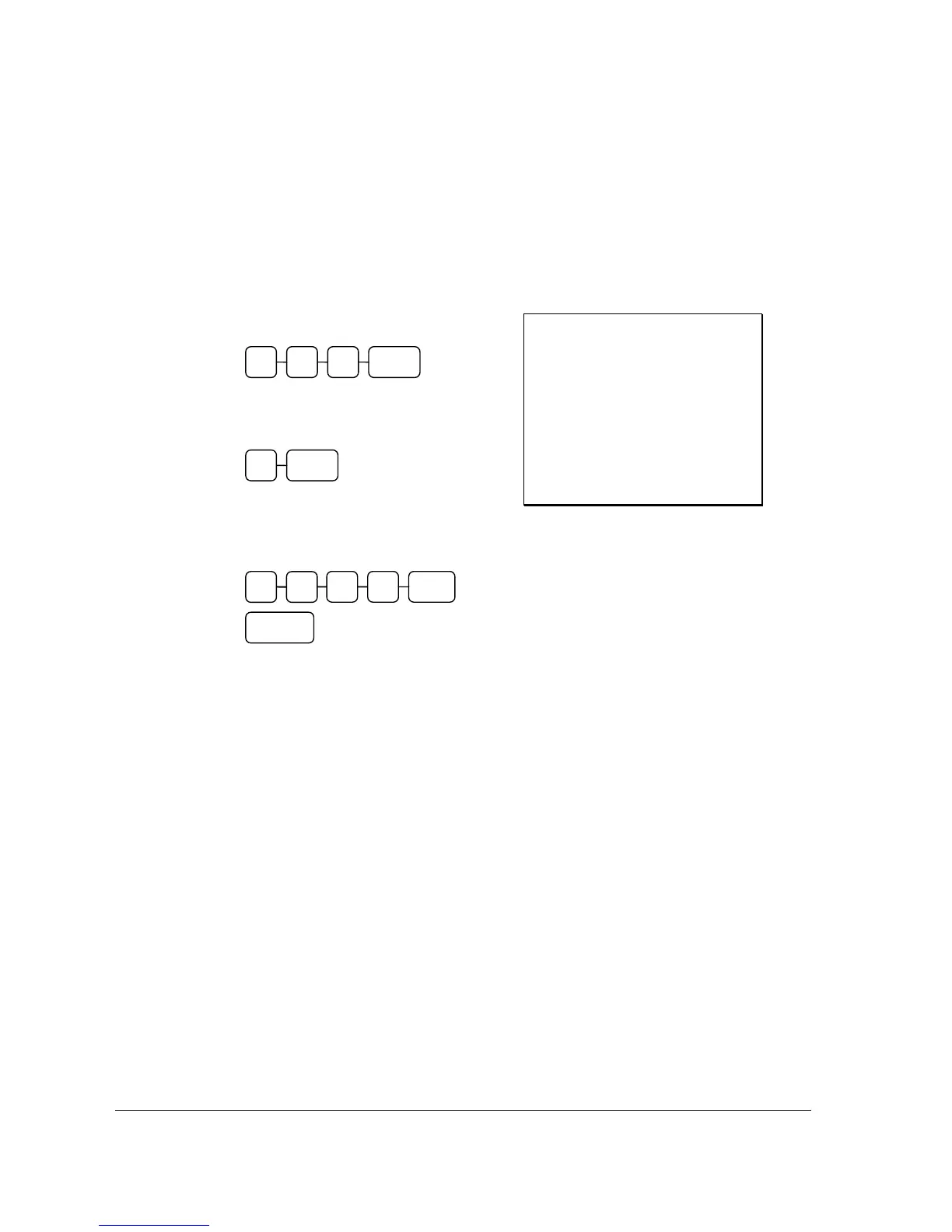
1. Enter the number of the guest check,
press the CHECK # key:
or, if you entered a table number, enter
the table number and press the TABLE
key:
2. To enter a Deposit or Account payment,
simply enter the amount given and press
the tender type followed by the
SERVICE key:
Receipt Example:
THANK-YOU
CALL AGAIN
DATE 01/05/2012 TUE TIME 08:30
CHECK #
#123
PBAL $19.00
TABLE #3
CASH $15.00
SERVICE $0.00
BFWD
$4.00
CHK # : 2
CLERK 1 No.000070 00001
TABLE 3
SERVICE
CHECK#3 1 2
1
0 CASH 0
5



 To Next Page