Sam4S 230, 3xx, 4xx, 52xx Electronic Cash Register AU Service Mode Programming • 117
Clear All Sales Totals
Program 20 - Clear All Sales Totals
1. Turn the control lock to the S-Mode.
Switch to S Mode by press MODE function key. (For ER-230)
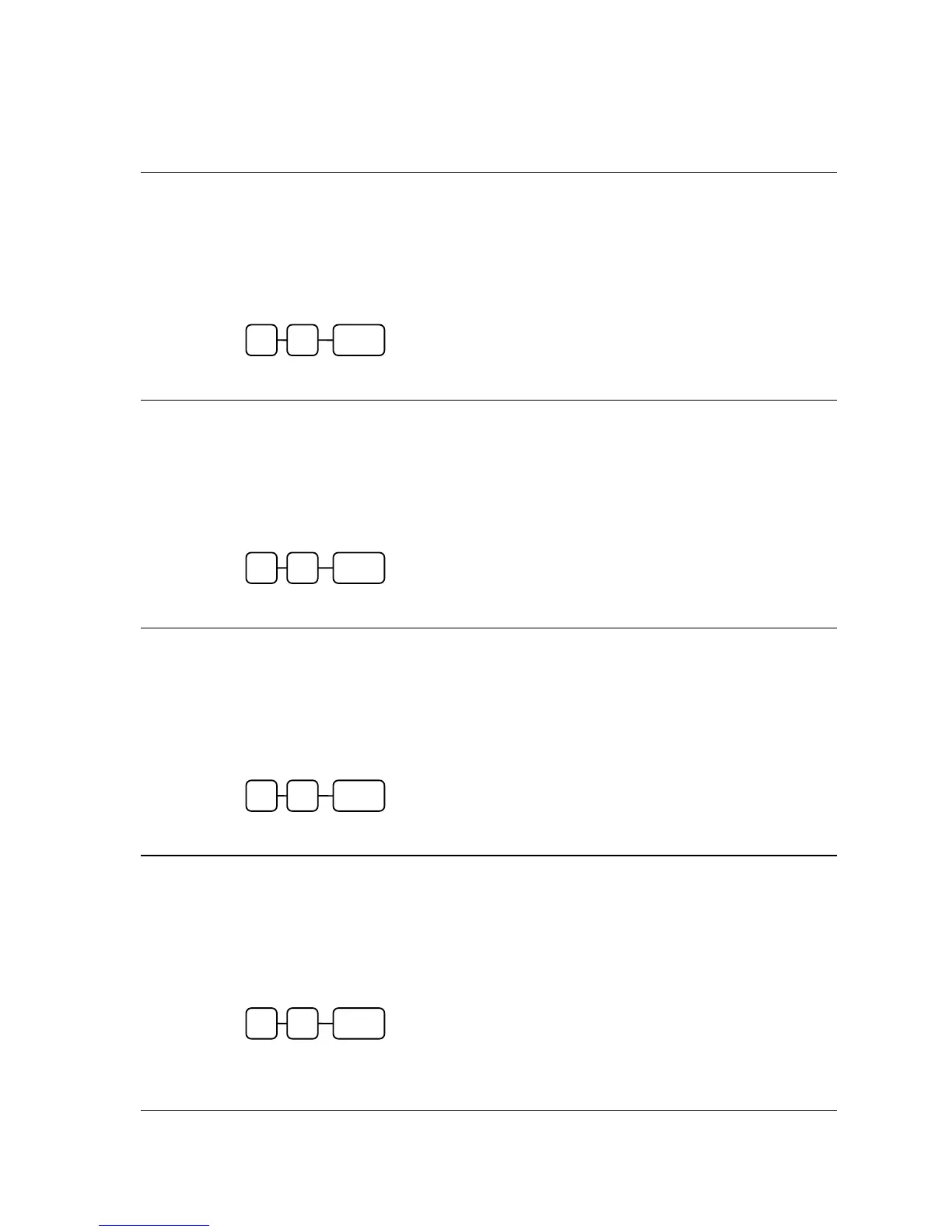
2. To Clear All Sale Totals, enter 2 0, and then press the SUBTL key.
Clear Grand Total
Program 30 - Clear Grand Total
1. Turn the control lock to the S-Mode.
Switch to S Mode by press MODE function key. (For ER-230)
2. To Clear Grand Total, enter 3 0, and then press the SUBTL key.
Clear / Delete PLU File
Program 40 - Clear / Delete PLU File
1. Turn the control lock to the S-Mode.
Switch to S Mode by press MODE function key. (For ER-230)
2. To Clear / Delete PLU File, enter 4 0, and then press the SUBTL key.
EPROM Information
Program 50 - EPROM Information
1. Turn the control lock to the S-Mode.
Switch to S Mode by press MODE function key. (For ER-230)
2. To Scan EPROM Information, enter 5 0, and then press the SUBTL key.
0 SUBTL 5
0 SUBTL 4
0 SUBTL 3
0 SUBTL 2



 To Next Page