Sam4S 230, 3xx, 4xx, 52xx Electronic Cash Register AU Program Mode Programming • 155
Program 450 - PLU MIX & MATCH Programming
If a PLU is eligible for a mix and match discount, enter the mix and match table for the PLU here.
See “Mix n Match Discount Programming” for more information.
Programming PLU Mix and Match
1. Turn the control lock to the PGM-Mode.
Switch to P Mode by press MODE function key. (For ER-230)
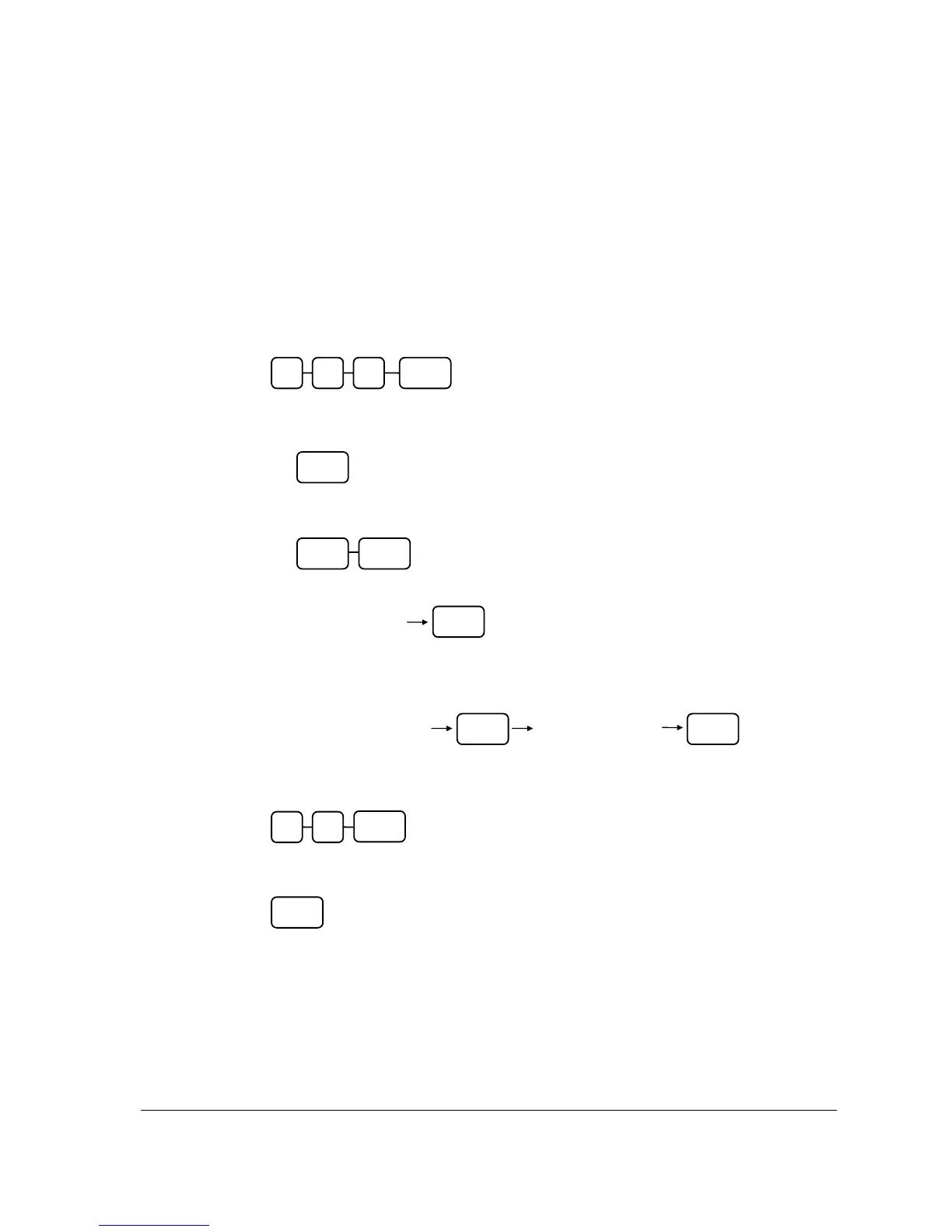
2. To begin the program, enter 4 5 0, press the SUBTL key.
3. Select the PLU or PLUs you wish to program in one of the following ways:
• Press a PLU on the keyboard, or
• Press the first PLU in a range of PLUs that are to receive the same setting then press
the last PLU, or
• Enter up to 15 digit number of the PLU and press the PLU key, or
• Enter the number of the first PLU in a range of PLUs that are to receive the same
setting; press the PLU key. Enter the last PLU number in the range; press the PLU
key, or
• For a barcode item, scan the barcode, (Only for single item.)
4. Enter the number of the Mix & Match Table (1-20); press the X/TIME key.
5. To program additional PLU Mix & Match, repeat from step 3, or press the CASH key
to finalise the program.
CASH
0 SUBTL5 4
PLU
PLU PLU
PLU
Enter the PLU#,
up to 15 digits
PLU
Enter the first PLU#,
up to 15 digits
Enter the last PLU#,
up to 15 digits
PLU
X/TIME



 To Next Page