74 • Operating Instructions Sam4S 230, 3xx, 4xx, 52xx Electronic Cash Register AU
Return Merchandise Registrations
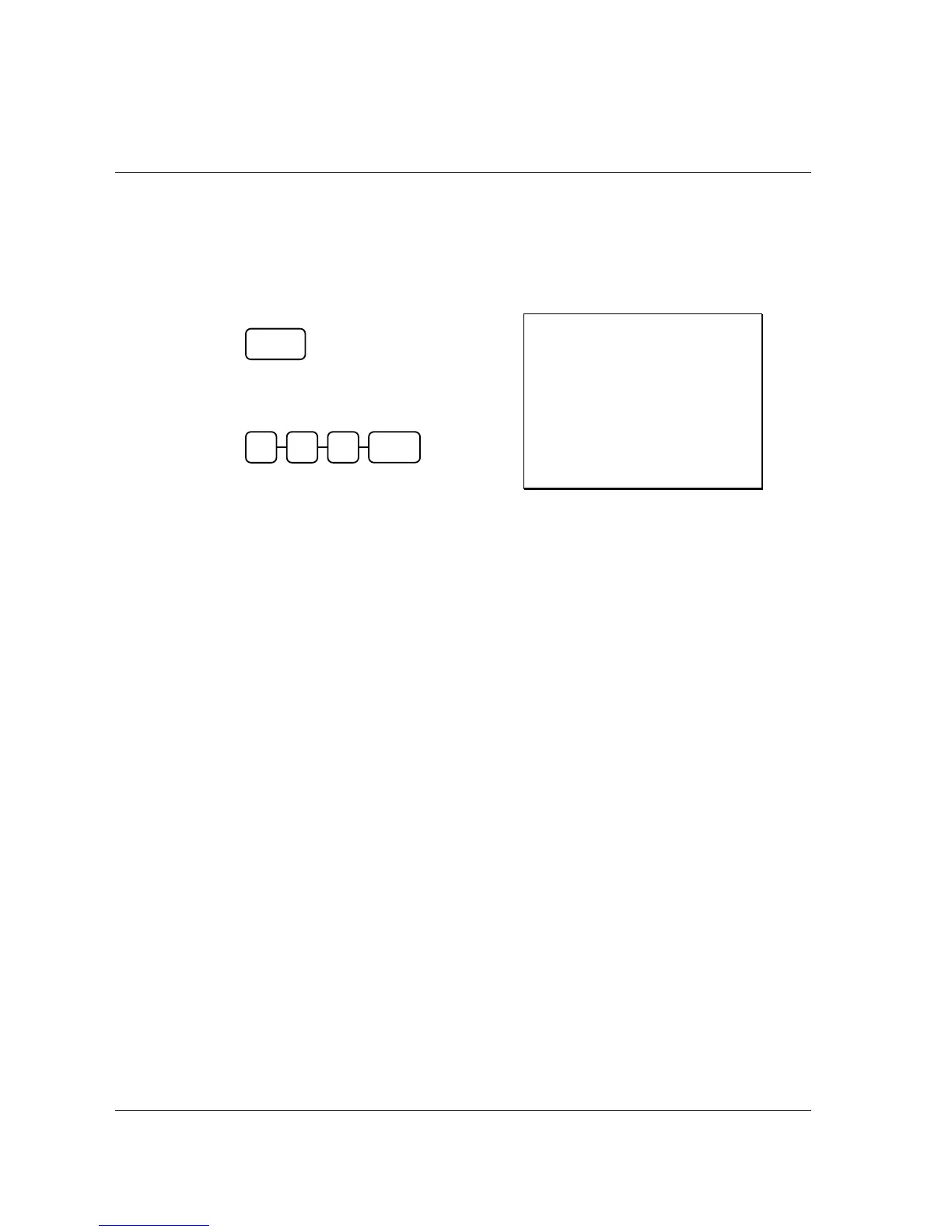
If you wish to return or refund an item press RETURN, then re-enter any item. You can return
merchandise as part of a sale, or you can return merchandise as a separate transaction and return cash
to the customer.
1. Press RETURN:
2. Enter the price of the item you wish to
return, and then press the PLU key where
it was registered originally.
3. Total the sale with CASH, CHECK, or a
CHARGE function.
Receipt Example:
THANK-YOU
CALL AGAIN
DATE 01/05/2012 TUE TIME 08:30
RETURN **************************
PLU2 T1 -2.99
ROUND -0.01
TOTAL -3.00
CASH -3.00
GST -0.27
CLERK 1 No.000040 00001
RETURN
2
9 9 2



 To Next Page