Sam4S 230, 3xx, 4xx, 52xx Electronic Cash Register AU Service Mode Programming • 119
NB. This will clear the Memory!
Program 60 - Memory Allocation Programming
1. Turn the control lock to the S-Mode.
Switch to S Mode by press MODE function key. (For ER-230)
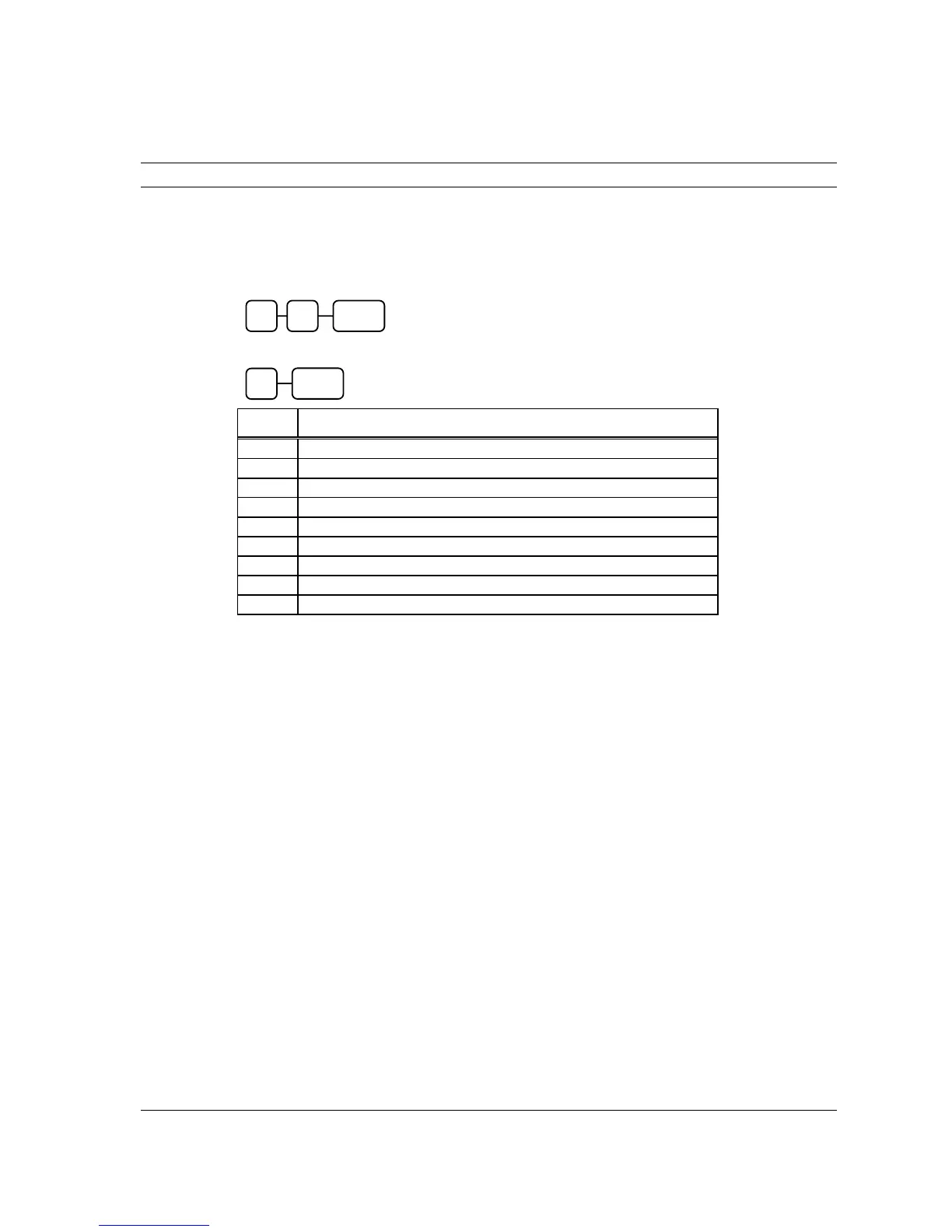
2. To Allocate Memory, enter 60, and then press the SBTL key.
3. Refer to the chart below. Enter the index number and press the X/TIME key.
X MEMORY ITEM
1
PLU
2
CLERK
3
GROUP
4 *
CHECK#
5 *
SOFT CHECK LINE
6 *
CHECK TYPE : Hard (1), Soft (0)
7
PRICE LEVEL
8
MIX AND MATCH
9
ELECTRONIC JOURNAL (ER-230 and ER-3xx Series only)
* Not Applicable on ER-230
X/TIME
X
0 SUBTL 6



 To Next Page