Sam4S 230, 3xx, 4xx, 52xx Electronic Cash Register AU X/Z Mode • 109
Reset Hard Check Line # (not applicable to ER-230)
If you want to change hard check line # to specific value, follow below sequence in Z-Mode.
Program 10 - Reset Hard Check Line # Programming
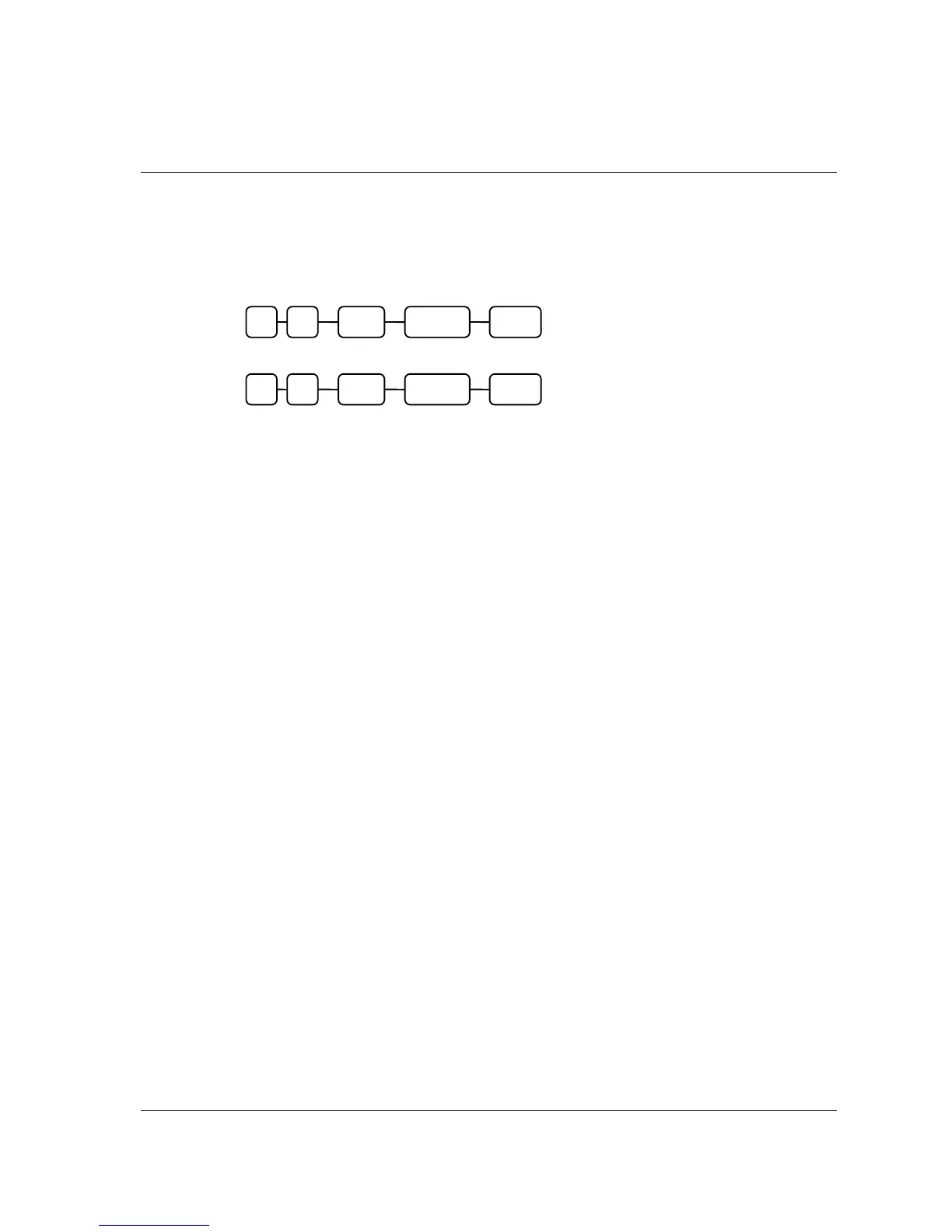
1. Reset All Hard Check Line #.
2. Reset an Individual Hard Check Line #.
This resets the auto line find function on the slip printer.
CASH Check # SBTL 0 1
CASH 0 SBTL 0 1



 To Next Page