72 • Operating Instructions Sam4S 230, 3xx, 4xx, 52xx Electronic Cash Register AU
Preset Percent Discount on Sale Total
In this example the %1 function is programmed with Percentage, Negative, Sale, Preset and
Overridable with a rate of 10%. Please refer to % (1 ~ 5) (Discounts or Surcharges) in Function
Key Programming in Program Mode Programming for more detail.
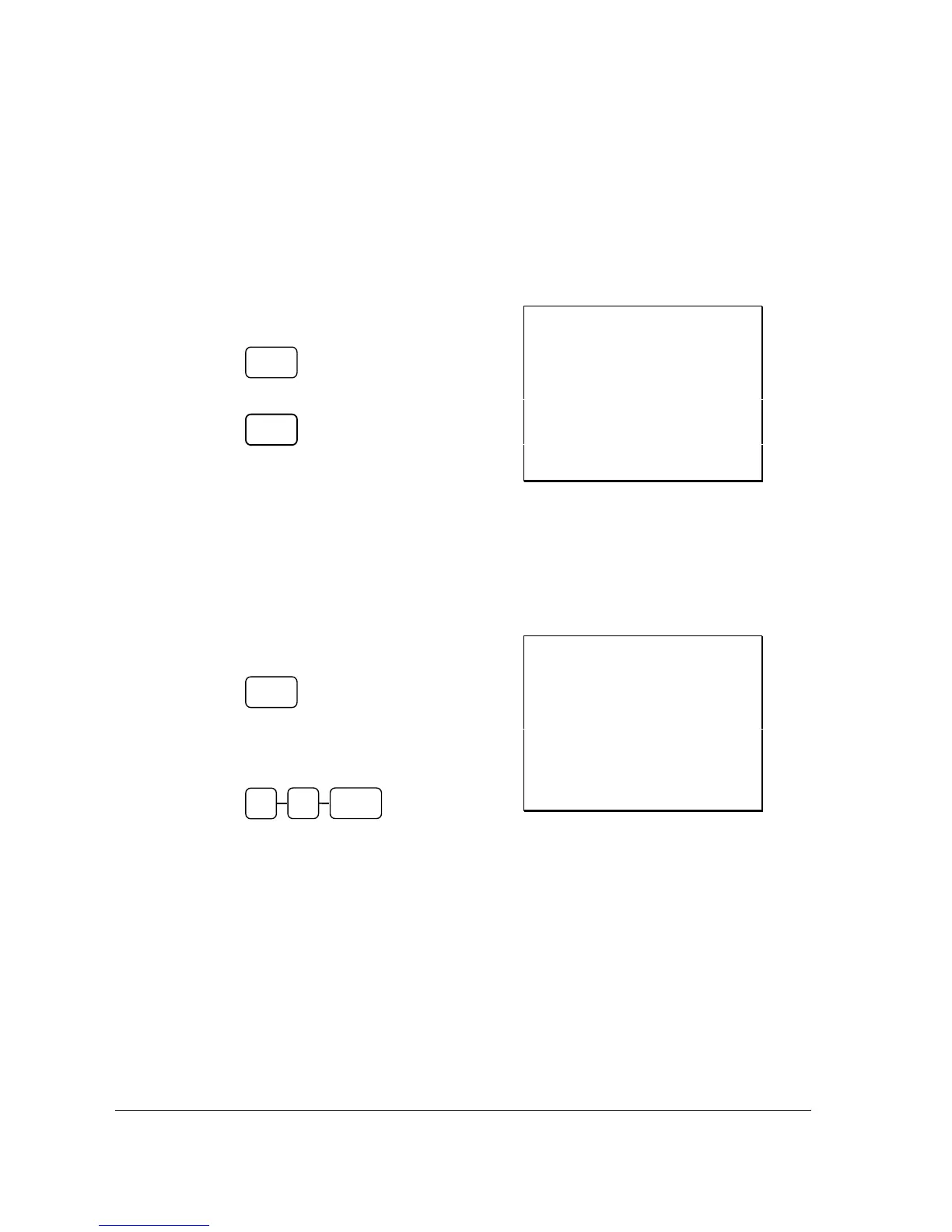
1. Register the items you wish to sell.
2. Press the SUBTL key:
3. Press the %1 key:
4. The surcharge is automatically added.
Receipt Example:
THANK-YOU
CALL AGAIN
DATE 01/05/2012 TUE TIME 08:30
PLU2 T1 $10.00
% 1 -15.000%
AMOUNT T1 -1.50
TOTAL $8.50
CASH $8.50
GST $0.77
CLERK 1 No.000036 00001
Enter a Percent Discount on Sale Total
You can also operate the percentage functions by entering the percentage of the discount or
surcharge. You can enter a fractional percentage up to 3 digits beyond the decimal (i.e. 99.999%) if
necessary.
1. Register the items you wish to sell.
2. Press the SUBTL key:
3. Enter the percentage, and then press the
appropriate discount key.
For example, for 15% enter:
4. The surcharge is automatically added.
Receipt Example:
THANK-YOU
CALL AGAIN
DATE 01/05/2012 TUE TIME 08:30
PLU2 T1 $10.00
% 1 -15.000%
AMOUNT T1 -1.50
TOTAL $8.50
CASH $8.50
GST $0.77
CLERK 1 No.000037 00001
For Surcharge Operation
When a % function is preset with “Percentage, Positive, Item, Preset and Overridable” or
“Percentage, Positive, Sale, Preset and Overridable” with a preset percentage rate, the % function key
will perform as a Surcharge on Item or Sale. Of course a override rate can be put in manually. Please
refer to operation sequences on previous.
For setting, please refer to % (1 ~ 5) (Discounts or Surcharges) in Function Key Programming in
Program Mode Programming for more detail.
SUBTL
SUBTL
% 1
1
5 % 1



 To Next Page