Sam4S 230, 3xx, 4xx, 52xx Electronic Cash Register AU Getting Started • 37
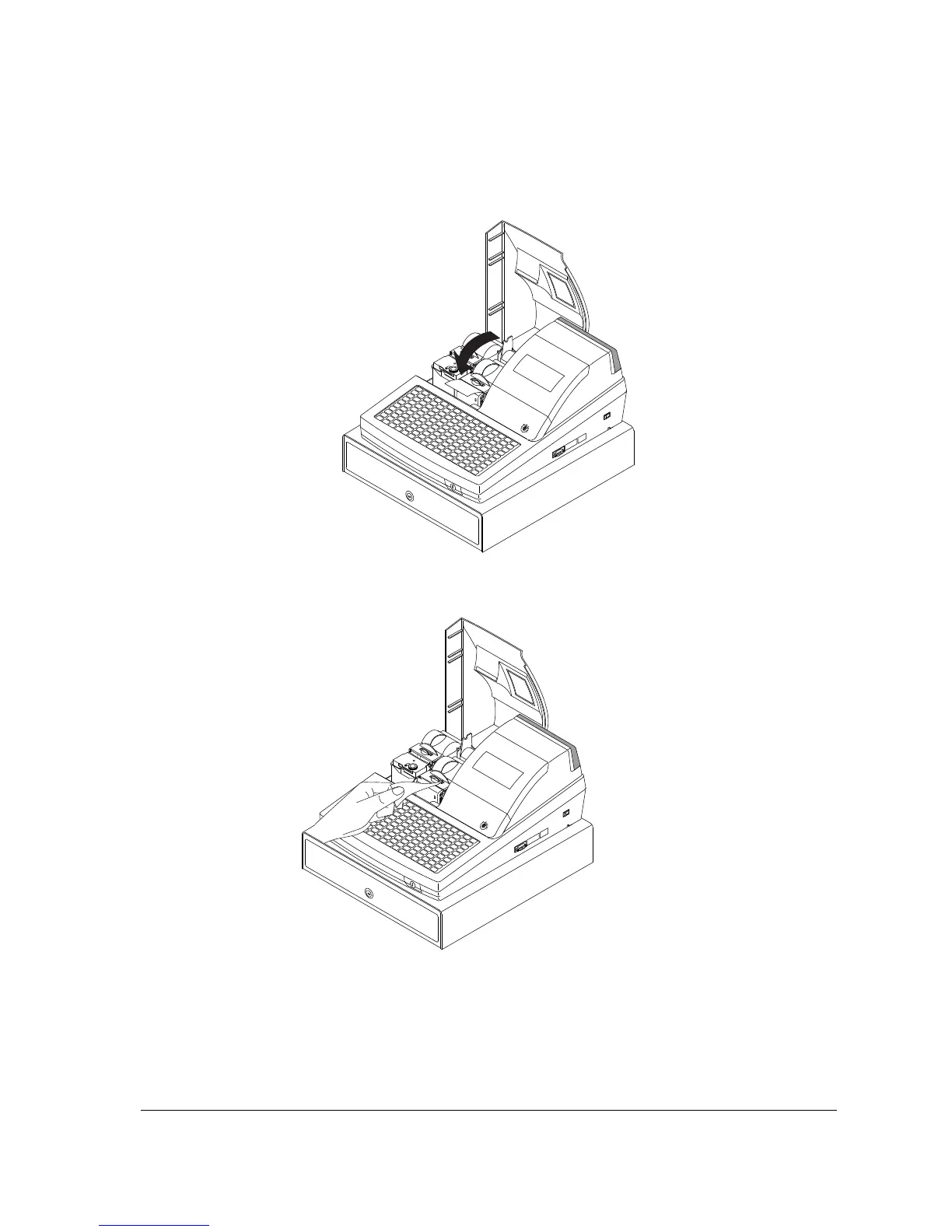
4. Put the leading edge of the paper over the printer
5. Close the paper cover slowly until it locks firmly
6. Passing the leading edge of the paper through the cutter slot. Tear off the excess paper.
Replace the printer cover.



 To Next Page