3 - 30 WS80A Service Manual
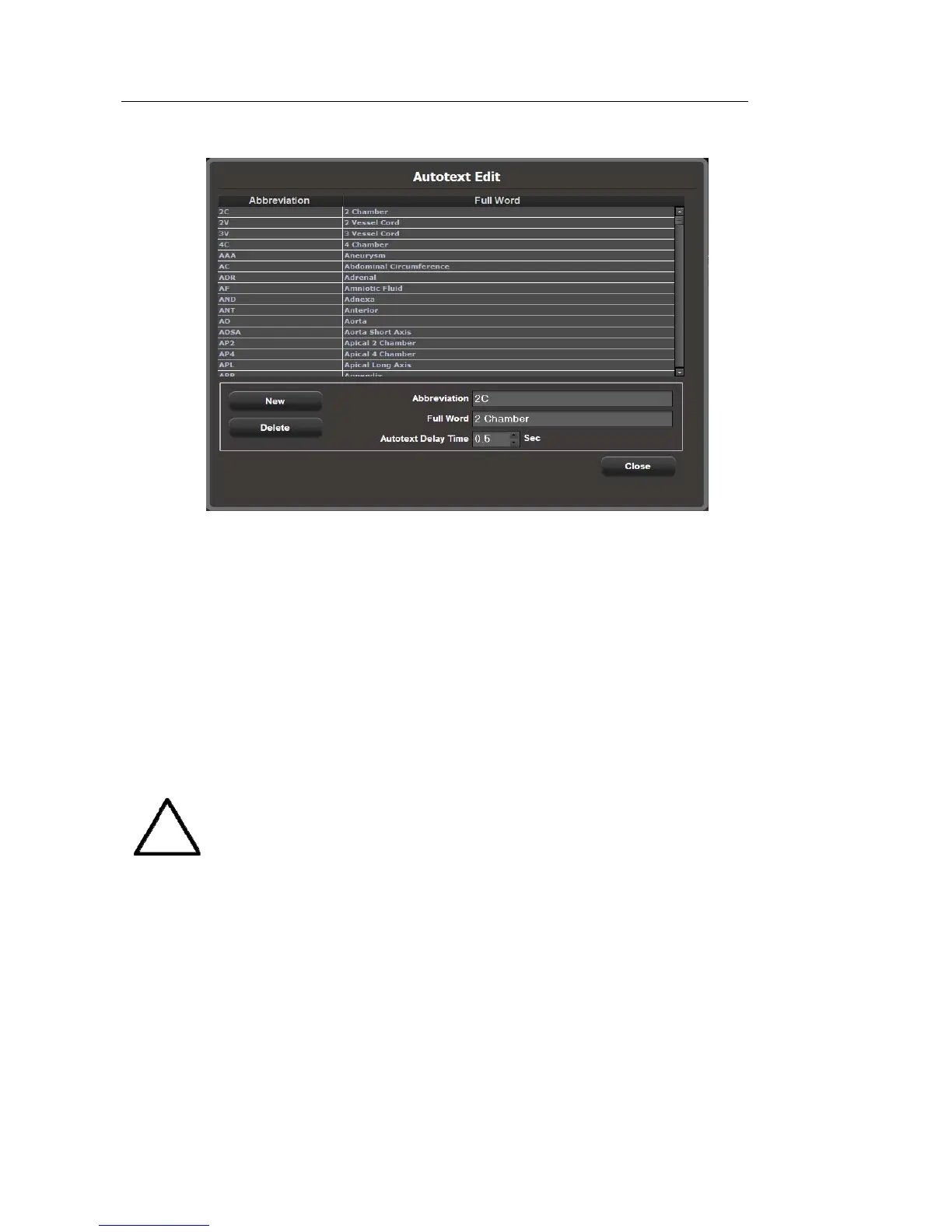
[Figure 3.14 Autotext Edit]
▌ Text library (Touch Screen)
Edit the whole text page shown on the touch screen. Select the application and preset to be
modified by using the combo button.
Word List
Select and edit the text you wish to modify, and then save it by tapping the Save button.
Up to four different preset text entries can be added for one text button.
NOTE
Duplicate letters and certain special characters cannot be entered.
Export/Import
Share the text saved on the system with another system, or import a text entry from
another system.



 To Next Page