Chapter 1. Introduction 1 - 13
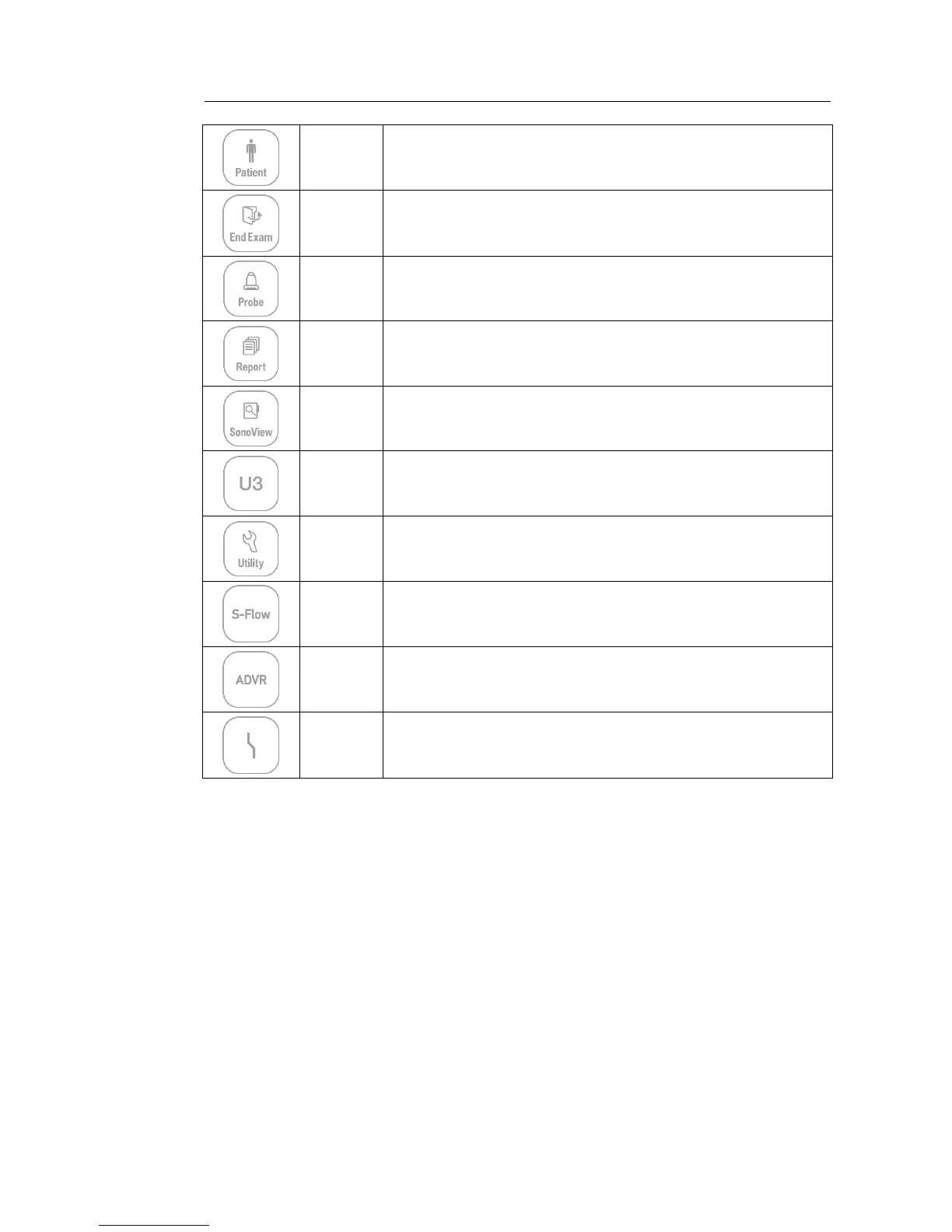
Patient
Displays the Patient Information screen, which is used for selecting a patient
ID from the list or entering new patient information.
End Exam
Finishes the exam of the currently selected patient and resets the related
data.
Probe
Displays the Probe Selection screen to select or change the probe and
application.
Report
Displays the Report screen that shows the measurement results of the
current application and other information.
SonoView Runs SonoView, which is the image filing program.
U3
Stands for User Key; functions can be assigned to these buttons as desired.
The function of each button can be set in Setup > User Defined Key. The
settings are displayed in the User Defined Key area in the monitor.
Utility The Utility Menu appears on the touch screen.
S-Flow Initiates or terminates the S-Flow (Directional Power Doppler) Mode.
ADVR Initiates recording feature.
TGC
The TGC screen will be displayed on the touch screen. TGC stands for Time
Gain Compensation.



 To Next Page