23
Basic Operation
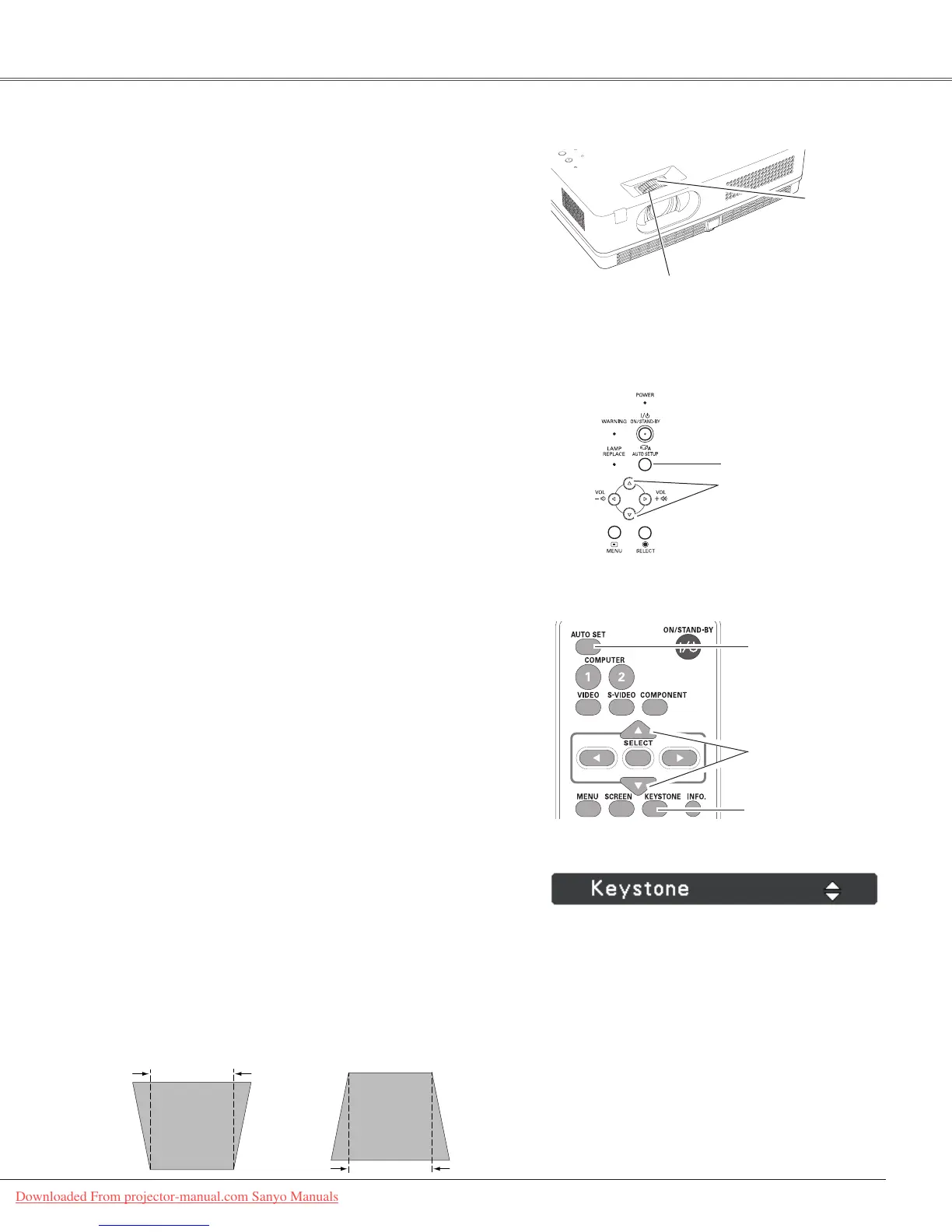
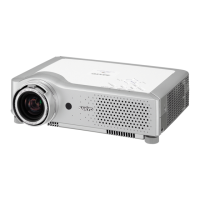
RotatetheZoomRingtozoominandout.
RotatetheFocusRingtoadjustthefocusoftheimage.
Zoom and Focus Adjustment
Ifaprojectedpicturestillhaskeystonedistortionafter
pressingtheAUTOSETUPbuttononthetopcontrolorthe
AUTOSETbuttonontheremotecontrol,correcttheimage
manuallyasfollows:
PresstheKEYSTONEbuttonontheremotecontrol.The
Keystonedialogboxappears.UsethePoint▲▼buttonsto
correctkeystonedistortion.Thekeystoneadjustmentcanbe
stored(seepage45).
Reducetheupperwidth
withthePoint▲button.
Reducethelowerwidth
withthePoint▼button.
•Thewhitearrowsindicatethatthereisno
correction.
•Aredarrowindicatesthedirectionofcorrection.
•Anarrowdisappearsatthemaximumcorrection.
•IfyoupresstheKEYSTONEbuttononthe
remotecontroloncemorewhilethekeystone
dialogboxisbeingdisplayed,thekeystone
adjustmentwillbecanceled.
•Theadjustablerangeislimiteddependingonthe
inputsignal.
Keystone Correction
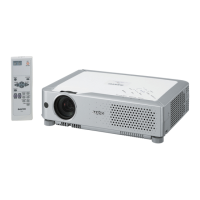
Remote Control
Autosetupfunctionisprovidedtoautomaticallyexecutethe
settingofAutosetup(includesInputsearch,AutoPCadj.
andAutoKeystonefunctions)inthesettingmenubyjust
pressingtheAUTOSETUPbuttononthetopcontrolorthe
AUTOSETbuttonontheremotecontrol.Refertopage44
forthesettingoftheAutosetupfunction.
Notes:
•AutoKeystonecorrectsverticaldistortiononly;itdoes
notcorrecthorizontaldistortion.
•AutoKeystonecannotworkwhenCeilingfeatureisset
toOnintheSettingmenu(p.49).
•Perfectcorrectionoftheimagedistortioncannotbe
ensuredwiththeAutosetupfunction.Ifthedistortion
cannotbecorrectedproperlybypressingtheAUTO
SETUPorAUTOSETbutton,adjustmanuallyby
pressingtheKEYSTONEbuttonontheremotecontrol
orselectingKeystoneintheSettingmenu(p.45).
•Fine sync,Total dots,HorizontalandVertical
positionofsomecomputerscannotbefullyadjusted
withtheAutoPCAdjustmentfunction.Whentheimage
isnotprovidedproperlywiththisoperation,manual
adjustmentsarerequired(pp.30-31).
AUTO SET button
Auto Setup Function
POINT ▲▼buttons
KEYSTONE button
Top Control
AUTO SETUP button
POINT ▲▼buttons
ZoomRing
FocusRing
Downloaded From projector-manual.com Sanyo Manuals


 To Next Page