32 CSP-204 ● CSP-208 ● CSP-104 ● CSP-108 SATEL
2 – fire routing output disablement;
3 – fault routing output disablement.
Note: The options are not automatically corrected when the output type changes, therefore,
after starting a function or pressing the button to check the settings saved in the
control panel, the LEDs corresponding to unavailable options may turn on.
6. Press the button to save the changes made.
6. Programming the delay time for relay outputs
1. Using the buttons , select the function 6 (see: Table 1, p. 29).
2. Press the
button.
3. Press one of the buttons
to select the relay output for which the time delay will be
programmed.
4. Press the button.
5. Using the buttons , specify the delay time.
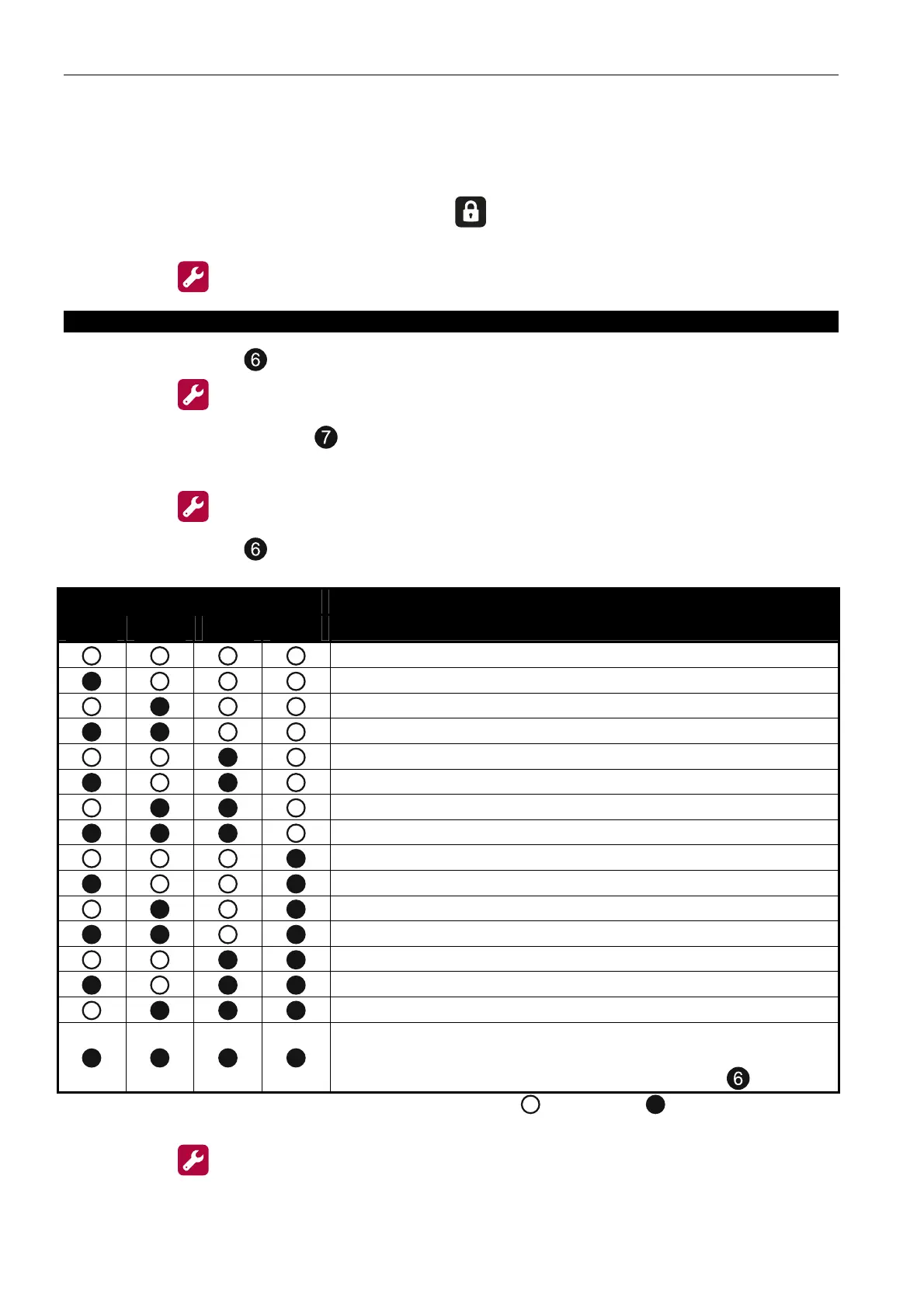
LED number
1 2 3 4
Time
0
30 seconds
40 seconds
50 seconds
1 minute
1 minute 30 seconds
2 minutes
3 minutes
4 minutes
5 minutes
6 minutes
7 minutes
8 minutes
9 minutes
10 minutes
other value (if the value programmed in the control panel
does not correspond to any of these shown above – the
value cannot be set using the buttons )
Table 4. Presentation of time using the LEDs ( - LED OFF; - LED ON).
6. Press the button to save the changes made.



 To Next Page