SATEL Installation and Programming Manual 33
7. Programming the cut off time of relay outputs
1. Using the buttons , select the function 7 (see: Table 1, p. 29).
2. Press the button.
3. Press one of the buttons
to select the relay output for which the cut off time will be
programmed.
4. Press the button.
5. Using the buttons , specify the cut off time (see: Table 4, p. 32).
6. Press the button to save the changes made.
8. Programming the input type
1. Using the buttons , select the function 8 (see: Table 1, p. 29).
2. Press the button.
3. Press one of the buttons to select the input for which the type will be programmed.
4. Press the button.
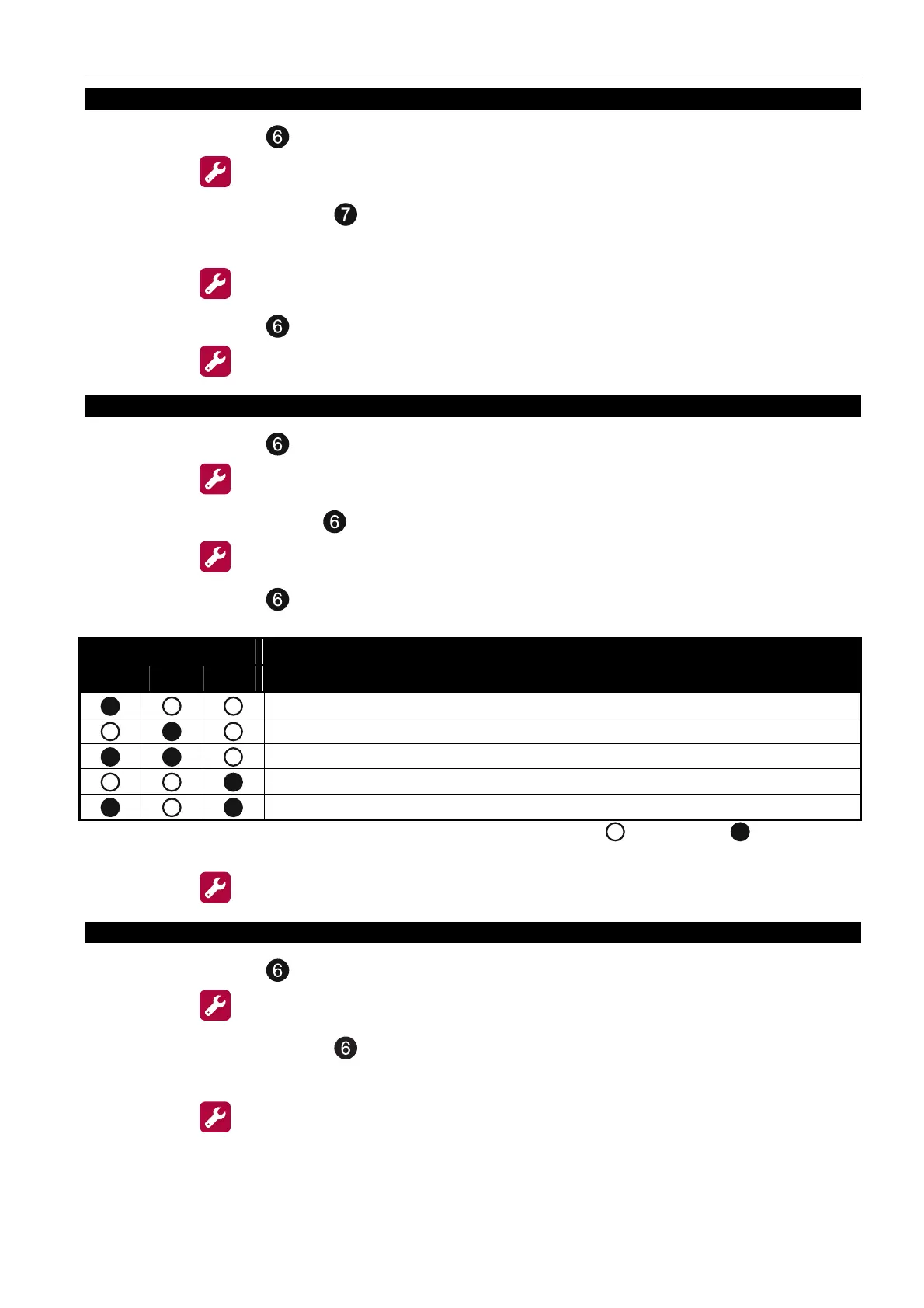
5. Using the buttons , specify the input type.
LED number
1 2 3
Input type
disabled
fire damper
auxiliary device fault
transmission confirmation
class change
Table 5. Presentation of the operating mode using the LEDs ( - LED OFF; - LED ON).
6. Press the
button to save the changes made.
9. Programming the input options
1. Using the buttons , select the function 9 (see: Table 1, p. 29).
2. Press the button.
3. Press one of the buttons
to select the input of T
RANSMISSION CONFIRMATION
type, for
which options will be programmed.
4. Press the button.



 To Next Page