5.11 Functions via the operating panel 31
5.11 Functions via the operating panel
5.11.1 Reference run:
The width measurement should be inspected at regular intervals. Ex works, the difference across
the width is +/-3 mm from the display in the operating panel to the measured width between the
transport rollers. If the values have any larger deviations, the automatic width referencing can be
used to re-adjust the values (see Figure 5.7). After the reference run, the distance of the transport
rollers is (160 mm).
The active reference run is displayed via the yellow signal lamp on the machine and the flashing
symbol at the operating panel.
5.11.2 Homing run:
If the machine must be cleared, this can be done with the homing run. The following functions are
performed:
Lifting the dish brushes to the maximum
Moving the transverse drive until the transverse cleaning brush is in the position above
the adjustment beam.
The transport rollers are started, so that any present formwork elements are moved
from the machine.
The active homing run is displayed via the yellow signal lamp on the machine and the flashing
symbol at the operating panel.
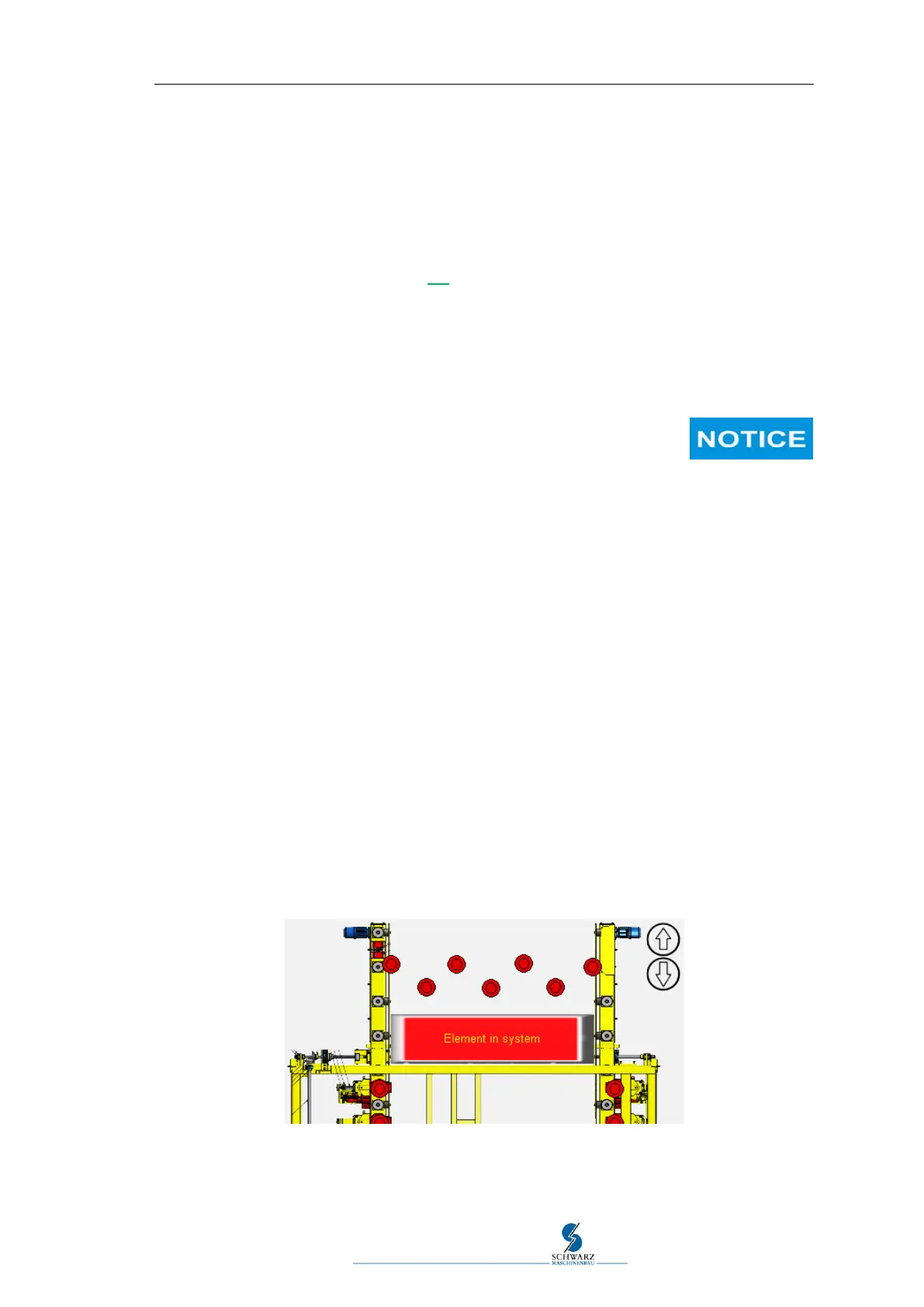
5.11.3 Message "Element in system" - Reset:
Interruption of the automated cleaning process or manual occupation of one of the element recog-
nition sensors may switch the control to the status "Element in the system" even though the ma-
chine is empty or has already been cleared.
Figure 5.16 Element in system
The message can be reset when manual mode has been selected. Tapping the message in the
operating panel will issue a message for resetting the element counter.



 To Next Page