32 5 Operation
5.11.4 Reversing request
If subsequent cleaning of an element is required or for setting work, the SB10B offers the option
to reverse the formwork elements.
The requirement of reversing is tripped with the symbol "15)") Reversing request" (see page 27
). The request can only be set in automatic mode and is displayed by the flashing symbol at the
operating panel.
The control moves the still-present elements out of the machine. In order to avoid collision, the
disc brushes are then moved up via the automatic height adjustment. The transport now switches
to reversing and the formwork element can be inserted into the machine from behind. The return
transport is ended as soon as the formwork element is moved back until it is placed in front of the
transverse cleaning brush. Now the control switches and the element is cleaned in the standard
automatic mode again.
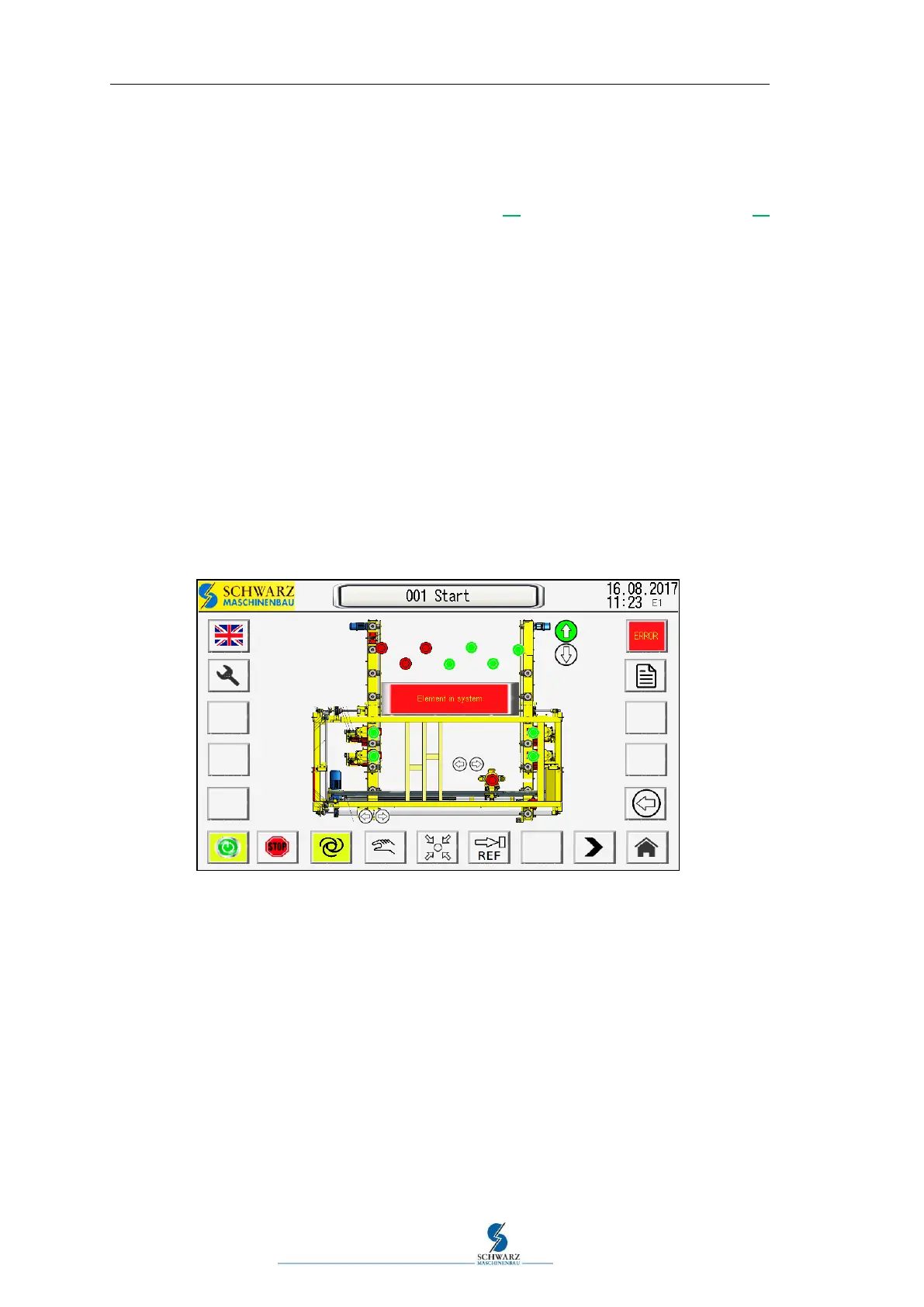
5.11.5 Display and colours in the operating panel
The corresponding symbols have a green background for active functions.
If the machine moves to the home position, reference run or the transverse drive to po-
sition, the symbols flash yellow or the signal light flashes.
If fault messages are pending, the Error symbol flashes red.
Figure 5.17 Display and colours in the operating panel



 To Next Page