5.11 Functions via the operating panel 33
5.11.6 Login settings, service pages
A code is required for calling the setting pages (menu pages 400-406) and for resetting the day
counter (menu page 101). Pushing the symbol "Settings" or the symbol "Reset" opens a window
for entering the code.
5.11.7 Reading and resetting of fault messages
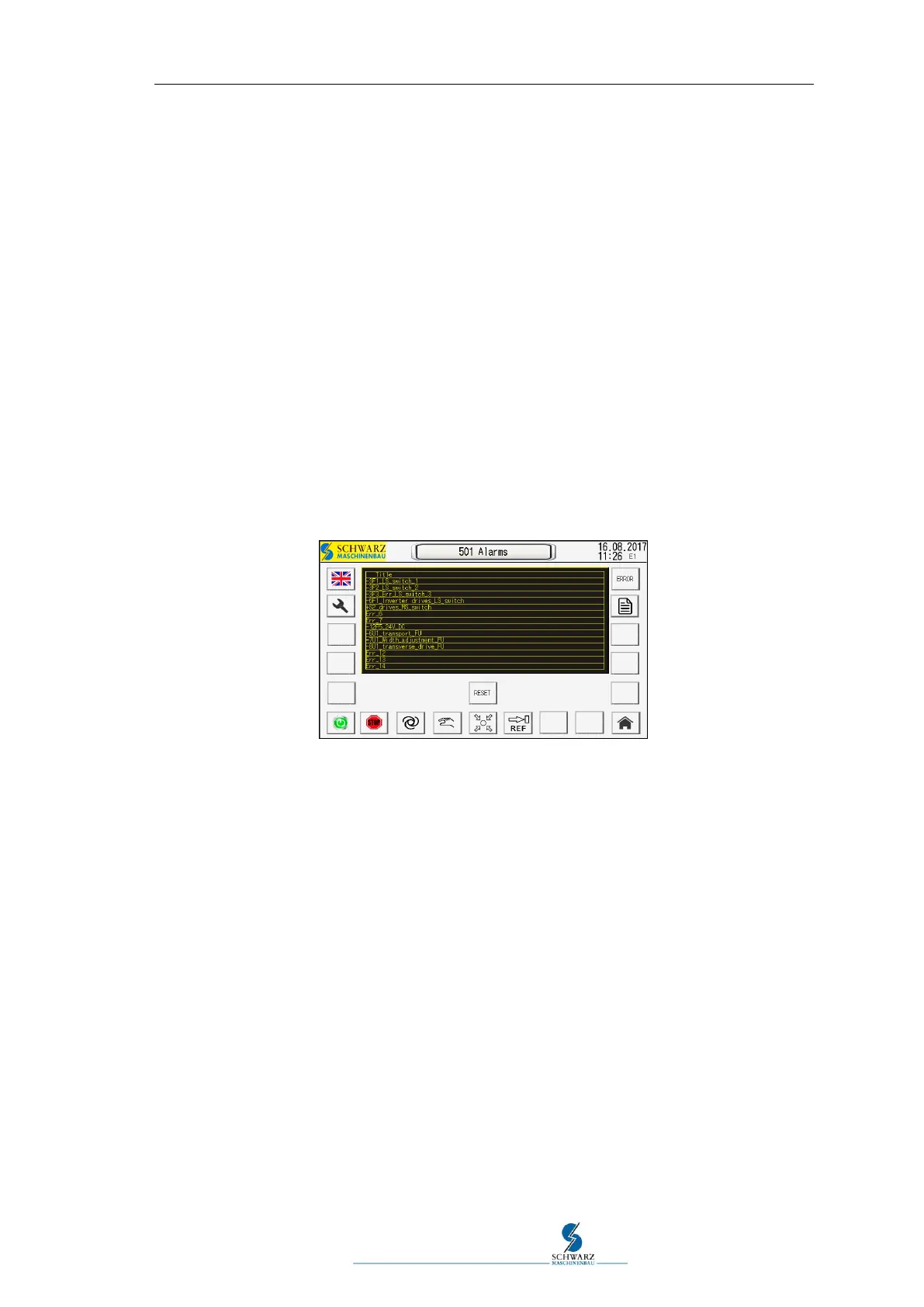
Call via symbol "19" at the operating panel. This page lists information on the type of the errors
in case of a fault.
After the fault is removed, the messages in the list can be reset. This is done via the symbol
"RESET" (see Figure 5.18).
Note:
Fault messages that were tripped by pushing EMERGENCY OFF switches are displayed and can
only be reset via the button EMERGENCY OFF RESET at the right control cabinet.
Figure 5.18 Operating panel page 501



 To Next Page