Impulse 300D – User Manual
Page 11 (67)
1.1 Product Introduction
The IMPULSE 300D Network Decoder continues Sencore’s long history of leadership in
the receiver/decoder space. The product boasts a full complement of cutting-edge
features, including 4:2:0 H.265 8bit/10bit decoding, and optional licensing added to include
4k/UHD decoding and downconversion. This feature set makes the IMPULSE 300D the
ideal choice for demanding distribution applications which require a future-proof set of
specifications.
Every IMPULSE 300D ships with a full complement of inputs and outputs built-in, including
IP input and output, a signle SD/HD/3G-SDI output (licensable feature), Composite
audio/video output and HDMI 2.0 output. The digital video output means that video
monitoring is as easy as finding the nearest standard consumer television or PC monitor.
The receiver also maintains Sencore’s long tradition of ease of use, with a straight-forward
web interface accessible via all major browsers and complete control of the unit via the
front panel keypad, and is backed by Sencore’s best-in-class staff of ProCare support
engineers.
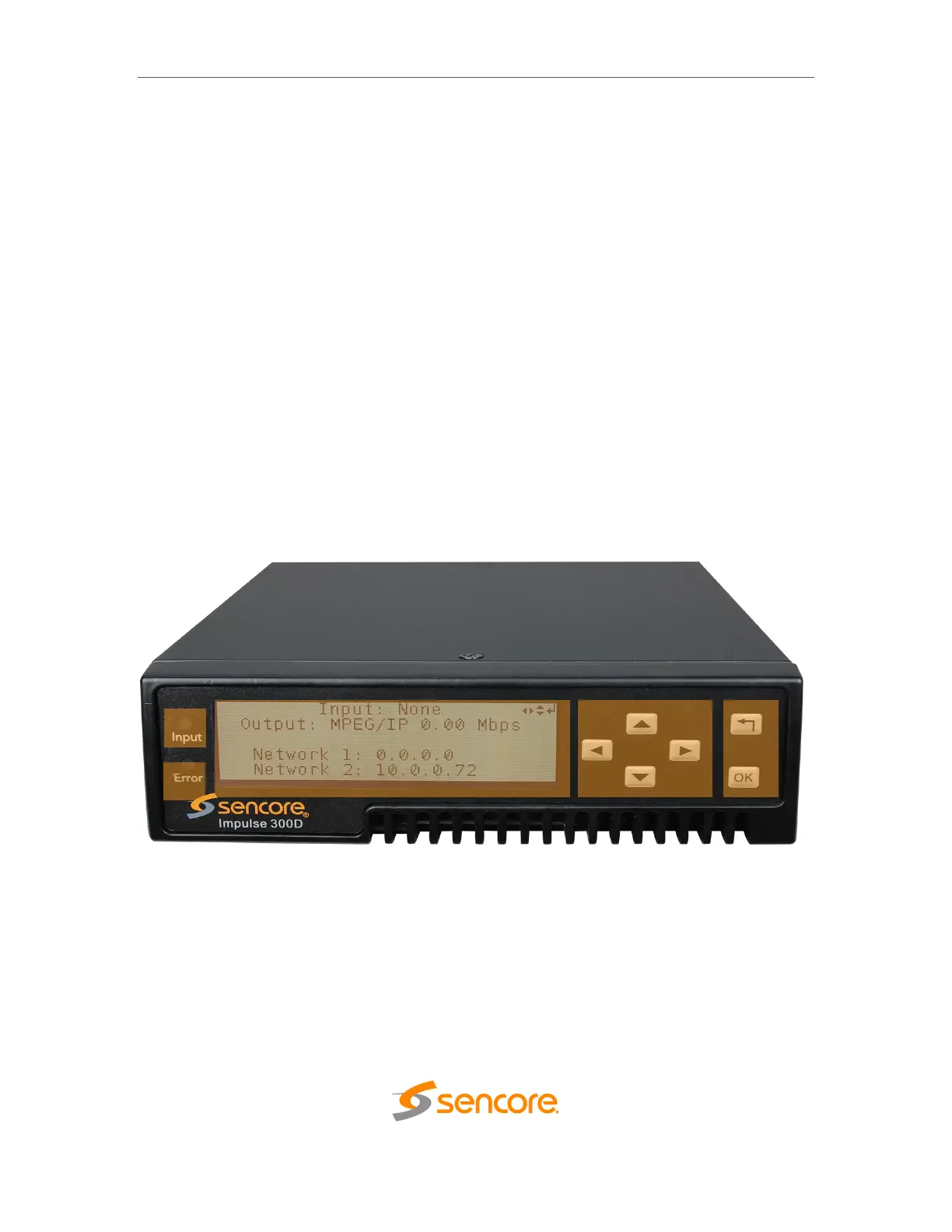
1.2 Front Panel Overview
The IMPULSE 300D can be controlled from the front panel using the LCD screen and
buttons that are shown below. A detailed description of using the front panel can found
in Section 3.1. All hardware listed below comes standard.
1. Input Indicator
2. Error Indicator
3. LCD Screen
4. Up, Down, Left and Right Buttons
5. OK and Return Buttons



 To Next Page