Impulse 300D – User Manual
Page 23 (67)
4.2 Main Panel
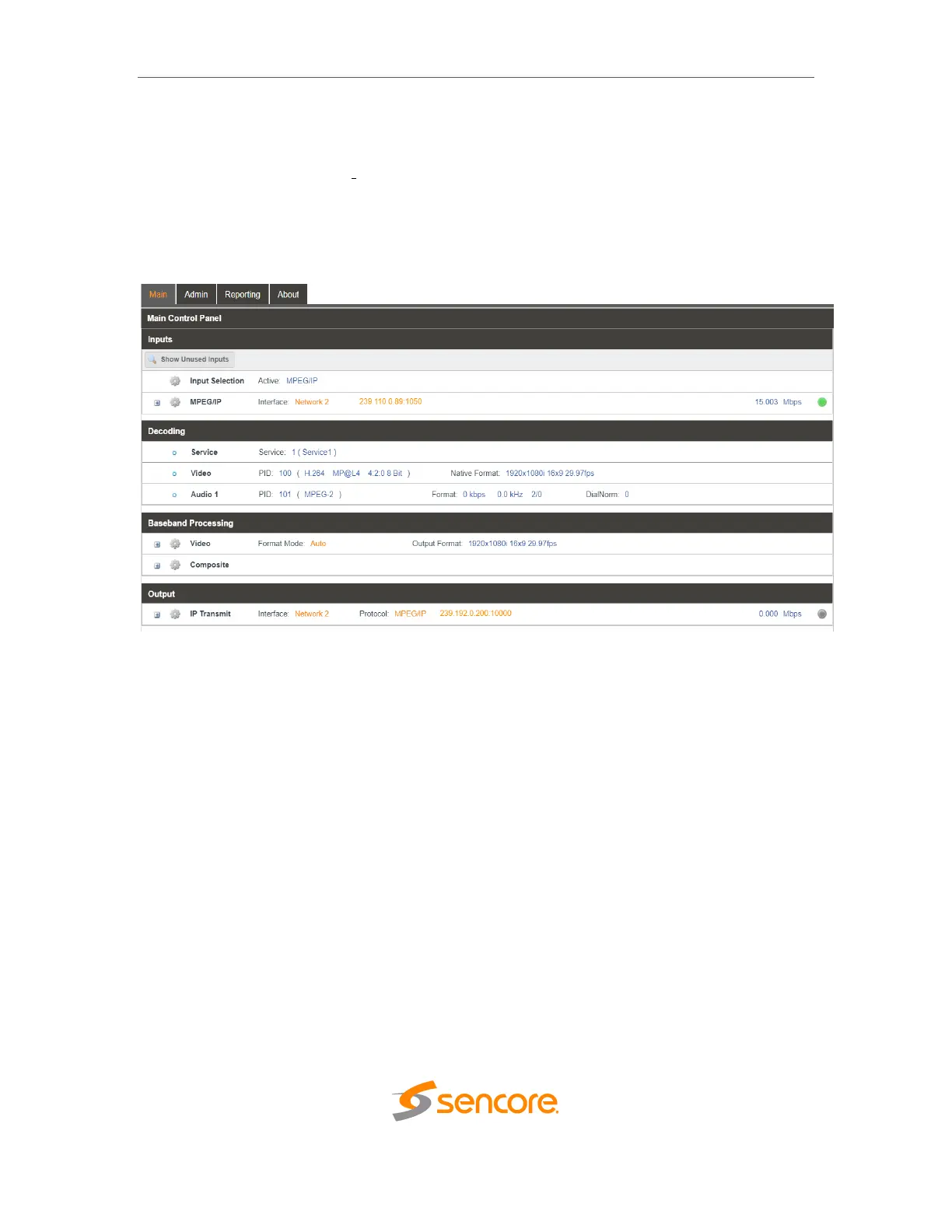
The Main panel of the IMPULSE 300D web interface is used to configure the unit to
decode and de-encapsulate. When configuring the IMPULSE 300D the user begins at
the top of the menu and works down. The inputs are configured, then decoding,
baseband processing, then outputs are configured. Pictured below is a fully populated
unit with all options licensed.



 To Next Page