Impulse 300D – User Manual
Page 41 (67)
4.3.4 General Settings
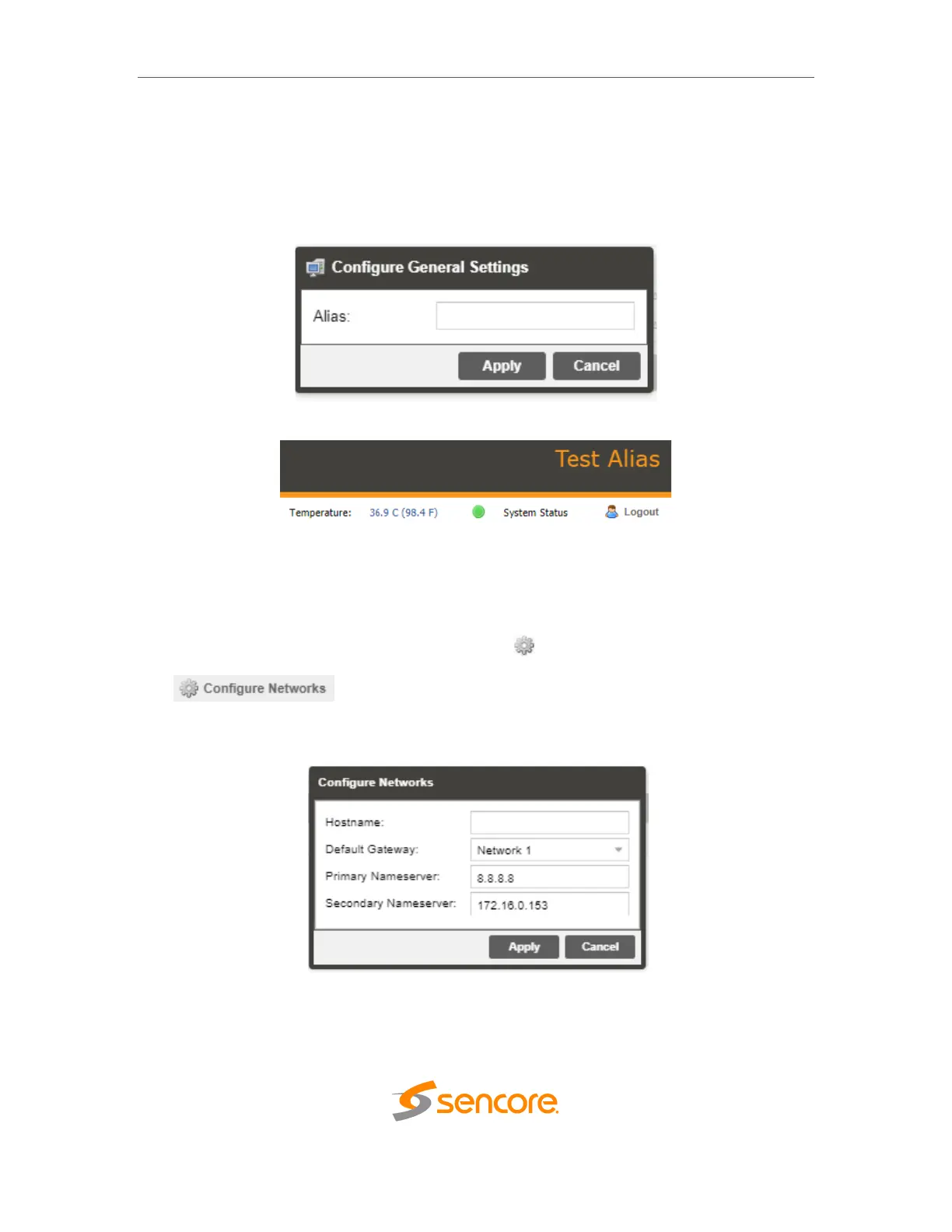
The IMPULSE 300D can be assigned an alias which is displayed in the upper right hand
corner of the web interface. The alias can help define which IMPULSE 300D the
operator is currently logged into.
4.3.5 Unit Network Configuration
The management of the IMPULSE 300D can be configured from the web interface. To
make changes to the management port click, the button under the Unit Network
Configuration section. Domain name servers can be configured on the IMPULSE clicking
the button. IP address and web address entries are accepted as
Nameserver addresses. The hostname and default gateway may also be configured
under this menu.
NOTE: Exercise extreme caution when performing changes to this menu as
network communication can be lost with the IMPULSE 300D.



 To Next Page