Impulse 300D – User Manual
Page 42 (67)
Valid characters:
A through Z
0 through 9
- (hyphen)
This setting allows the user to define an optional
unit Hostname.
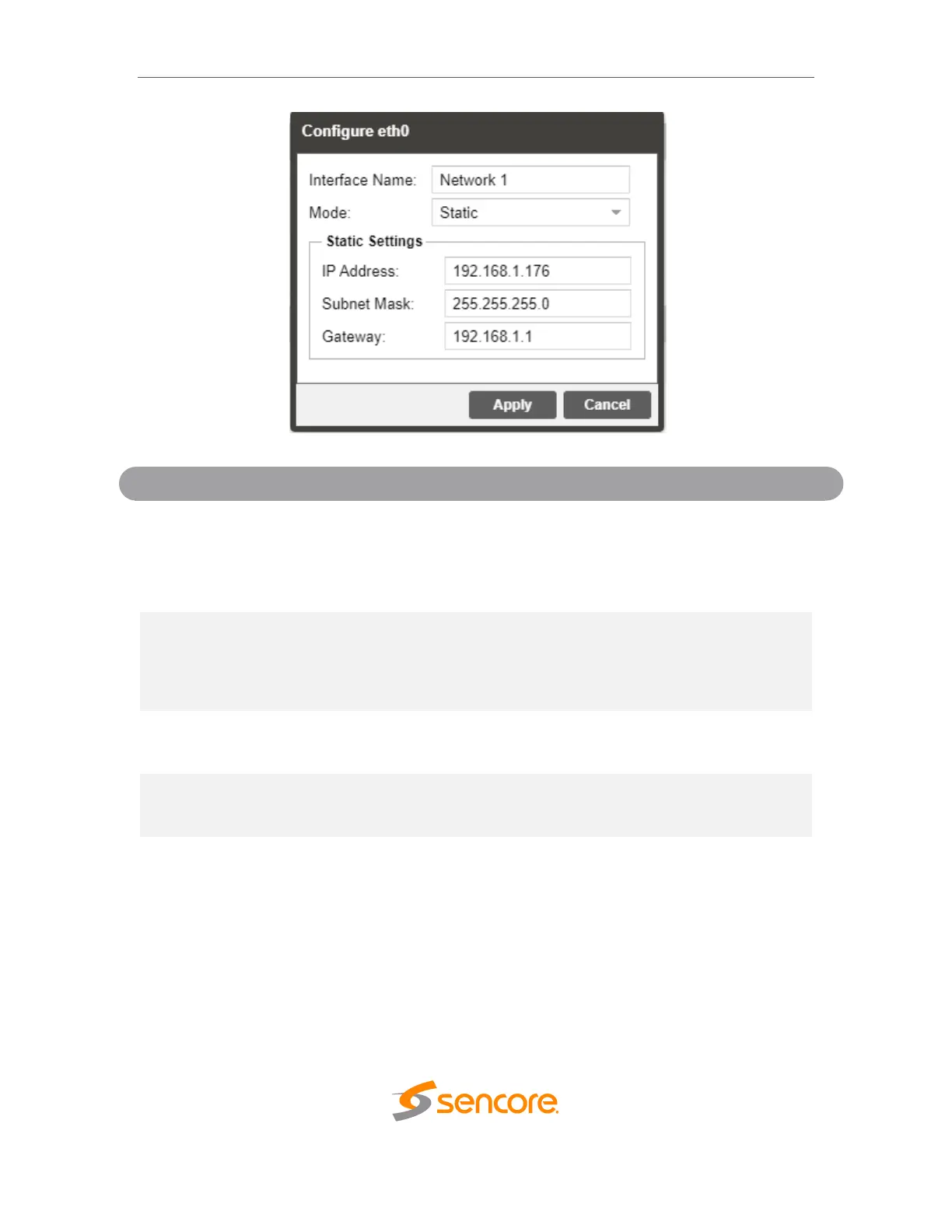
Setting to DHCP will allow the network assign an
IP address automatically to the IMPULSE 300D
(if supported). Setting to Static allows the user to
manually define all TCP/IP settings for the
management port.
Four decimal octets:
XXX.XXX.XXX.XXX
This option is only available if Static Mode is set.
This is the IP address assigned to the
management port.
255.0.0.0 –
255.255.255.254
This option is only available if Static Mode is set.
This is the Subnet Mask assigned to the
management port.
Four decimal octets:
XXX.XXX.XXX.XXX
This option is only available if Static Mode is set.
This is the Gateway address assigned to the
management port.



 To Next Page