Impulse 300D – User Manual
Page 21 (67)
4.1 IMPULSE 300D Web Interface Overview
4.1.1 Logging into the IMPULSE 300D Web Interface
To open the IMPULSE 300D web interface use one of the following supported browsers
and navigate to the unit’s IP address:
• Internet Explorer
• Firefox
• Google Chrome
Note: Some older versions on these browsers may not be supported
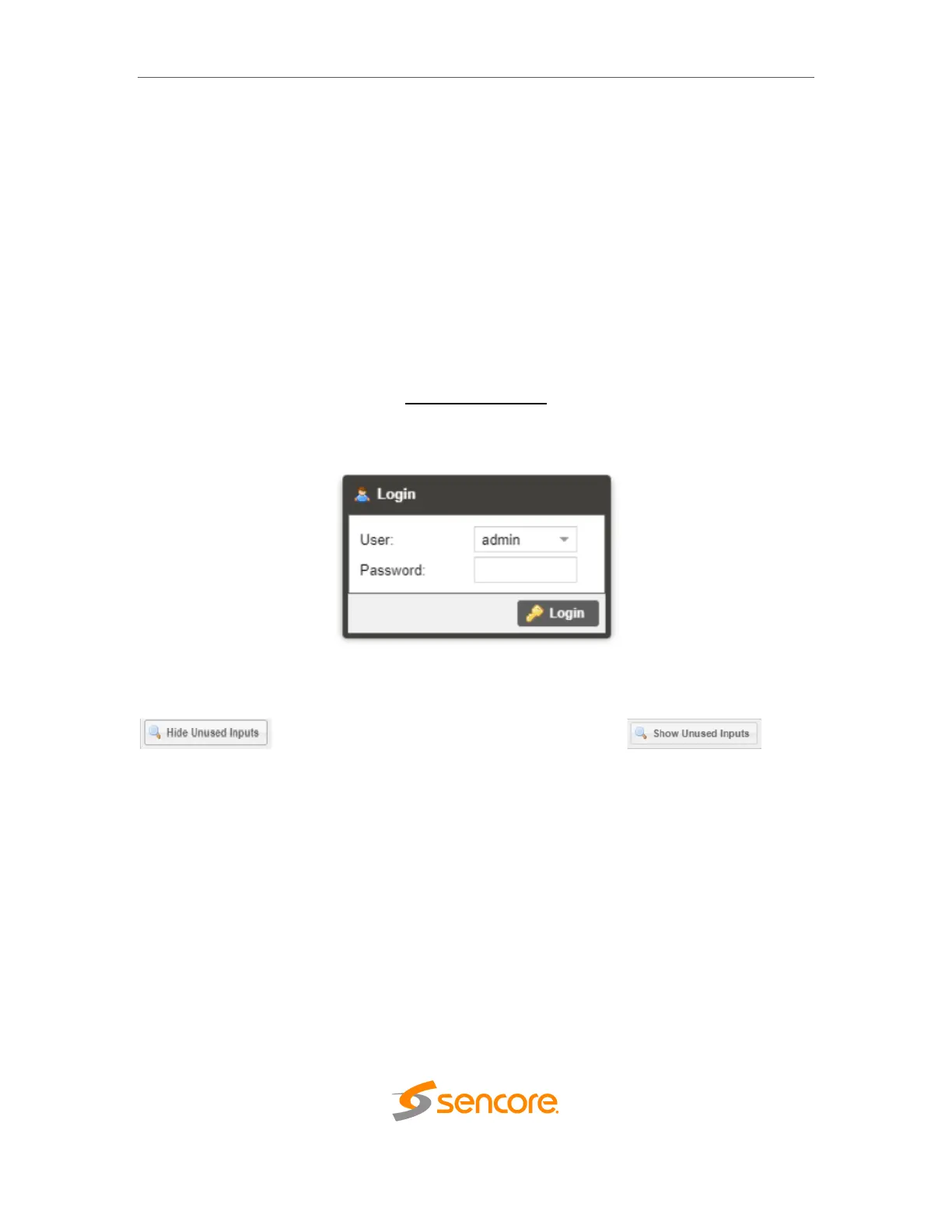
The user will need to login to the web interface. Press the login button in order to login to
the web interface.
Default Credentials
Username: admin
Password: mpeg101
4.1.2 Hiding Unused Inputs
The IMPULSE 300D web interface allows the user to hide inactive inputs using the
button or show all available inputs by click the
button. Only the inputs configured as the Primary Input and Backup Input (see Section
4.2.1) will be displayed when unused inputs are hidden.



 To Next Page