Impulse 300D – User Manual
Page 49 (67)
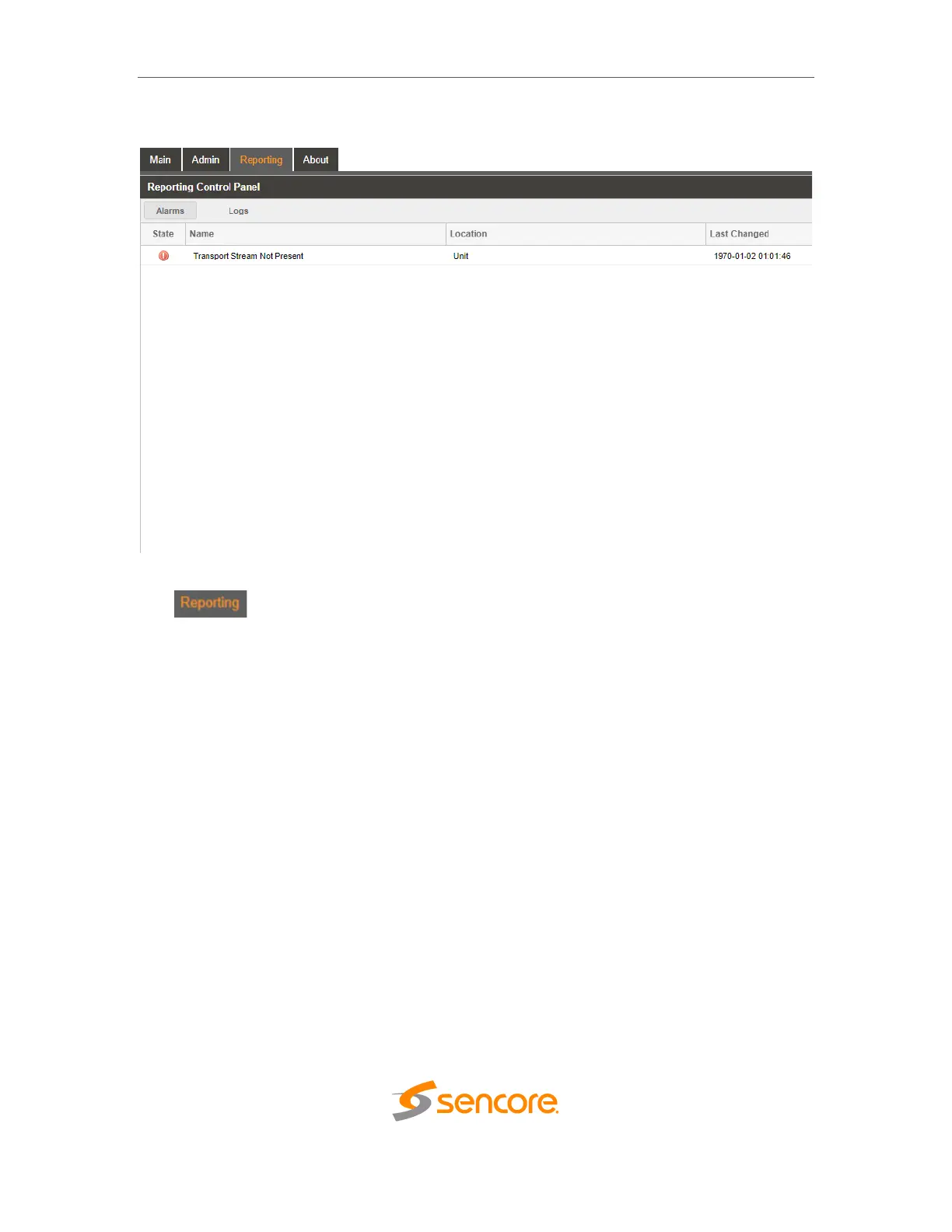
4.4 Reporting Panel
The tab in the IMPULSE 300D contains logs for active alarms currently
affecting the unit and an event log. The active alarms are updated periodically in order to
reflect the real-time state of the unit. Once an error is cleared it will be cleared from the
active alarms window. The event log can be used to view alarm and event history. Both
the active alarm and event logs can be configured to hide or change the behavior of
alarms and events.



 To Next Page