EasyManua.ls Logo

Sencore Impulse 300D - Configuring Video Services

Sencore Impulse 300D
67 pages
Print Icon
To Next Page IconTo Next Page
To Previous Page IconTo Previous Page
Loading...
Impulse 300D – User Manual
Page 34 (67)
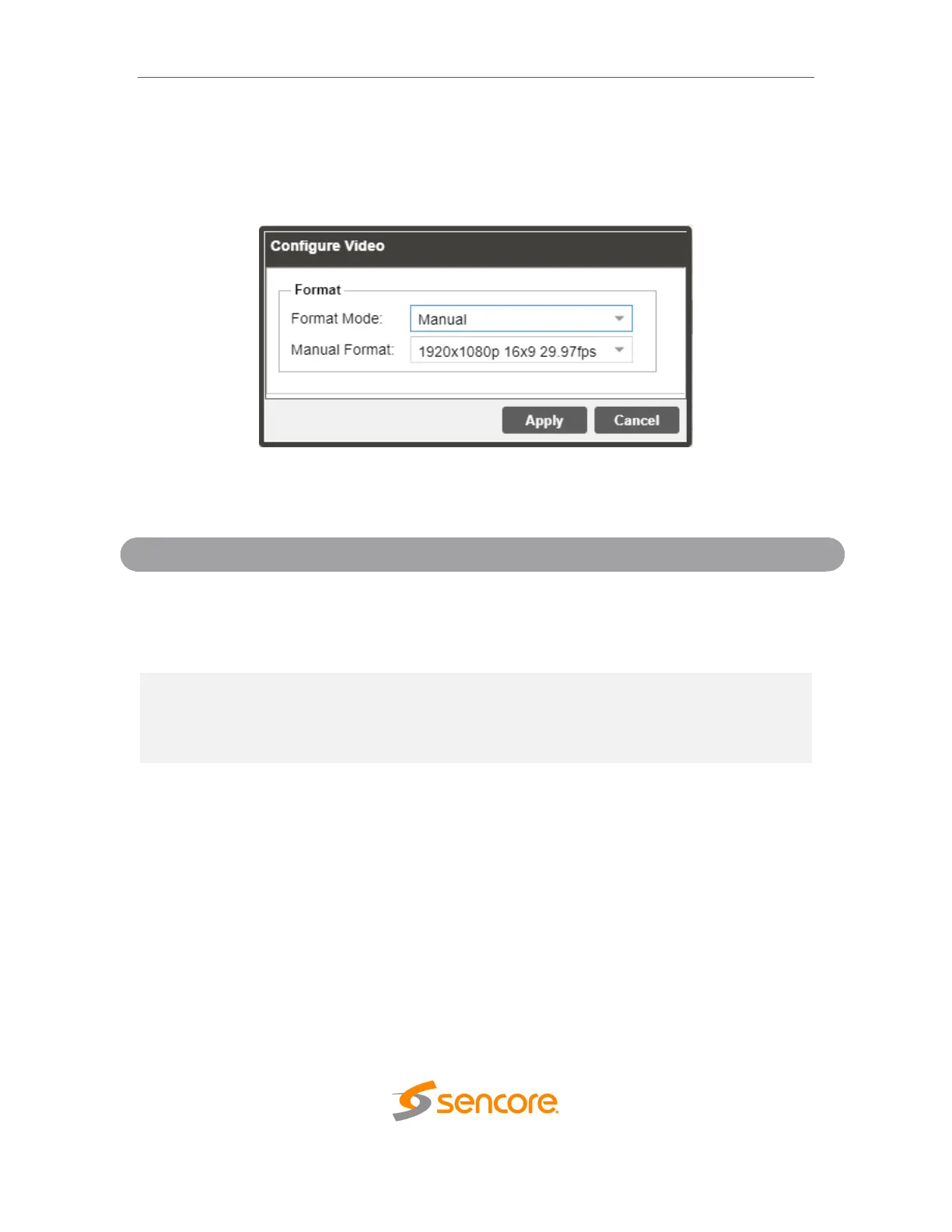
4.2.3 Configuring Video Services
The menu allows the user to configure both HDMI and SDI output formats of the
IMPULSE 300D. The Auto setting may be used to match the native video format.
General and Overlay Options
Setti
Range
Description
Format Mode
Auto
Manual
Setting to Auto the IMPULSE 300D will
output video to match the incoming native
video format. Setting to Manual the user
can define the video format the IMPULSE
300D will output.
Manual Format
Refer to Appendix C
for supported
formats.
This setting is the video format the
IMPULSE 300D will output.

Related product manuals