Impulse 300D – User Manual
Page 40 (67)
Adds a new profile from current settings. User
must name profile before creation is complete.
Allows the user to browse to external storage or
workstation to upload profile to IMPULSE 300D.
Select a profile from the drop down menu and
click this button. The IMPULSE 300D will apply all
settings contained in the profile selected.
Select a profile from the drop down menu and
click this button. The user will be prompted for a
new name for the profile.
Select a profile from the drop down menu and
click this button. The user will be prompted to
confirm deletion of the profile.
Select a profile from the drop down menu and
click this button. The user will be prompted to
select a directory to download the profile.
4.3.3 Diagnostics
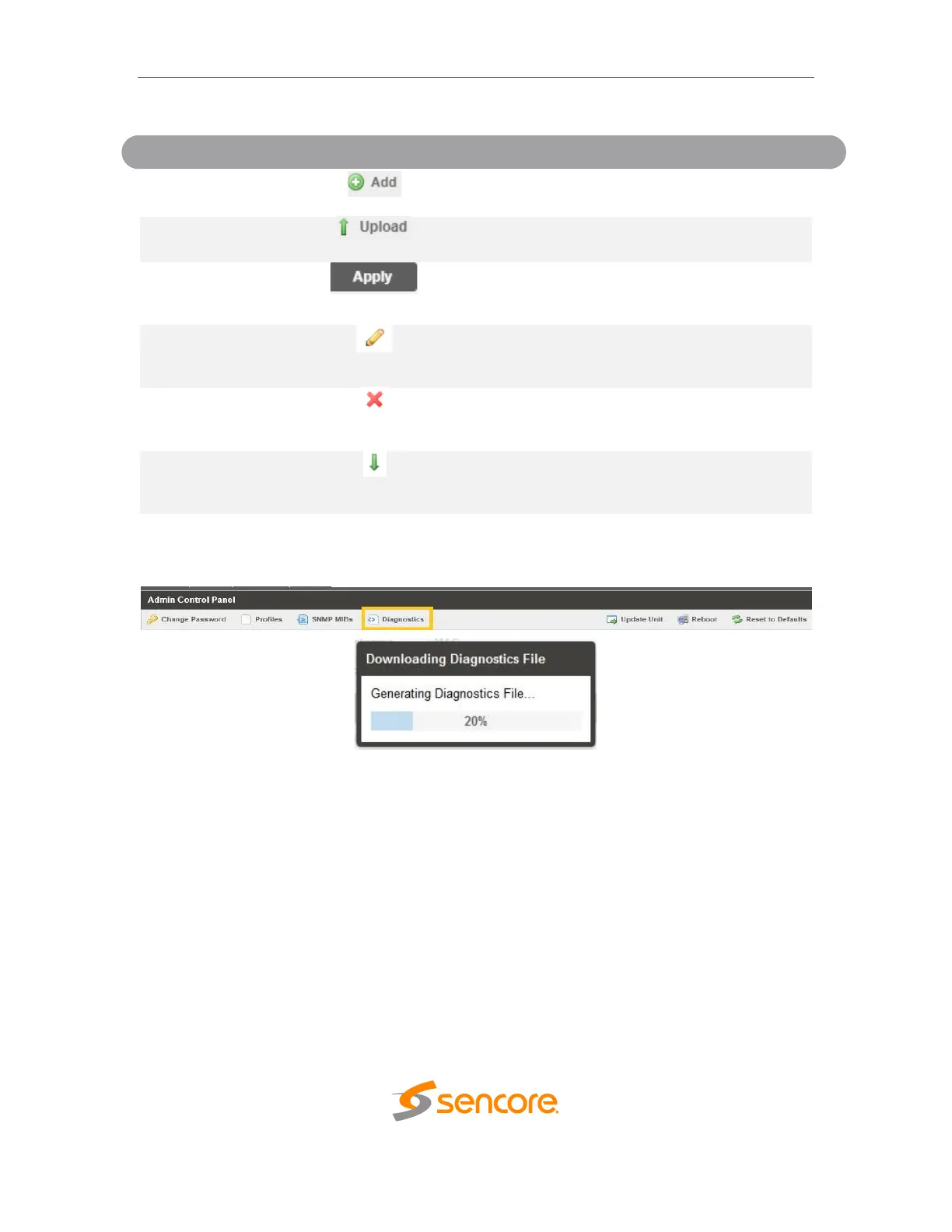
The IMPULSE 300D provides the user the ability to take a snapshot of ALL current unit
settings, reported values, active alarms, and the alarm and log file history. This snapshot
will be downloaded as a .XML format file that can be sent to Procare at Sencore for
analysis.
Click the ‘Diagnostics’ button and a window will open showing the diagnostic file creation
progress.
This window is replaced with a download file window when file creation is complete.
The user will be asked to ‘Open’ or ‘Save’ the file.



 To Next Page