Impulse 300D – User Manual
Page 46 (67)
4.3.9 Updating the IMPULSE 300D
4.3.9
4.3.9.1 Applying Software Updates
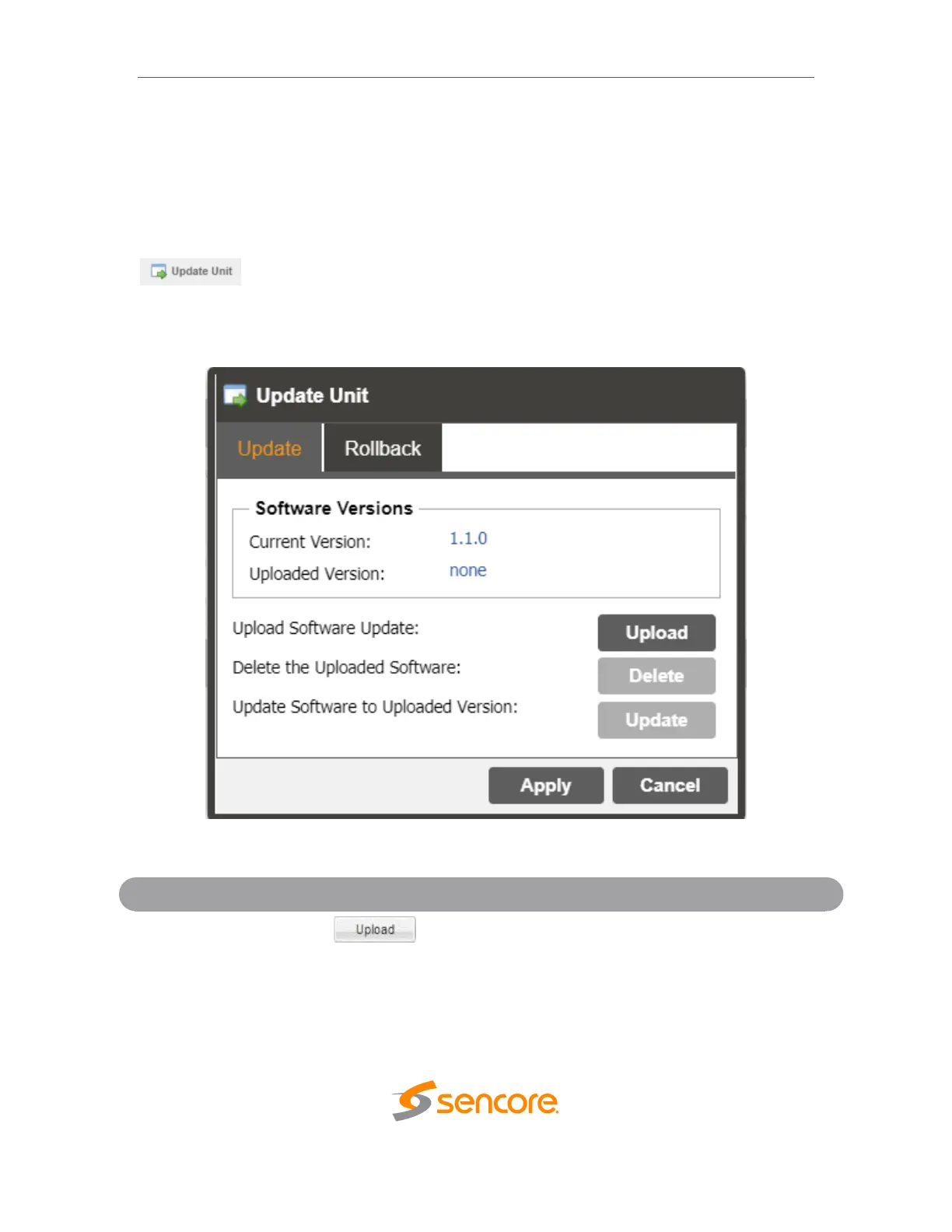
Updates to the IMPULSE 300D are performed through the web interface. A software
update file is provided by Sencore and then uploaded to the unit. Once uploaded, the
software update is applied to the unit. To upload software updates to the unit click on the
button. The current version and uploaded version is displayed in the
Software Versions section. The IMPULSE 300D will reboot after a software update is
complete.
To upload software updates to the IMPULSE
300D click this button. The user will be prompted
to navigate to an update file. The file will then
upload to the IMPULSE 300D. When complete
the IMPULSE 300D with prompt the user to either
apply the update or cancel



 To Next Page