Impulse 300D – User Manual
Page 16 (67)
3.1 IMPULSE 300D Front Panel Overview
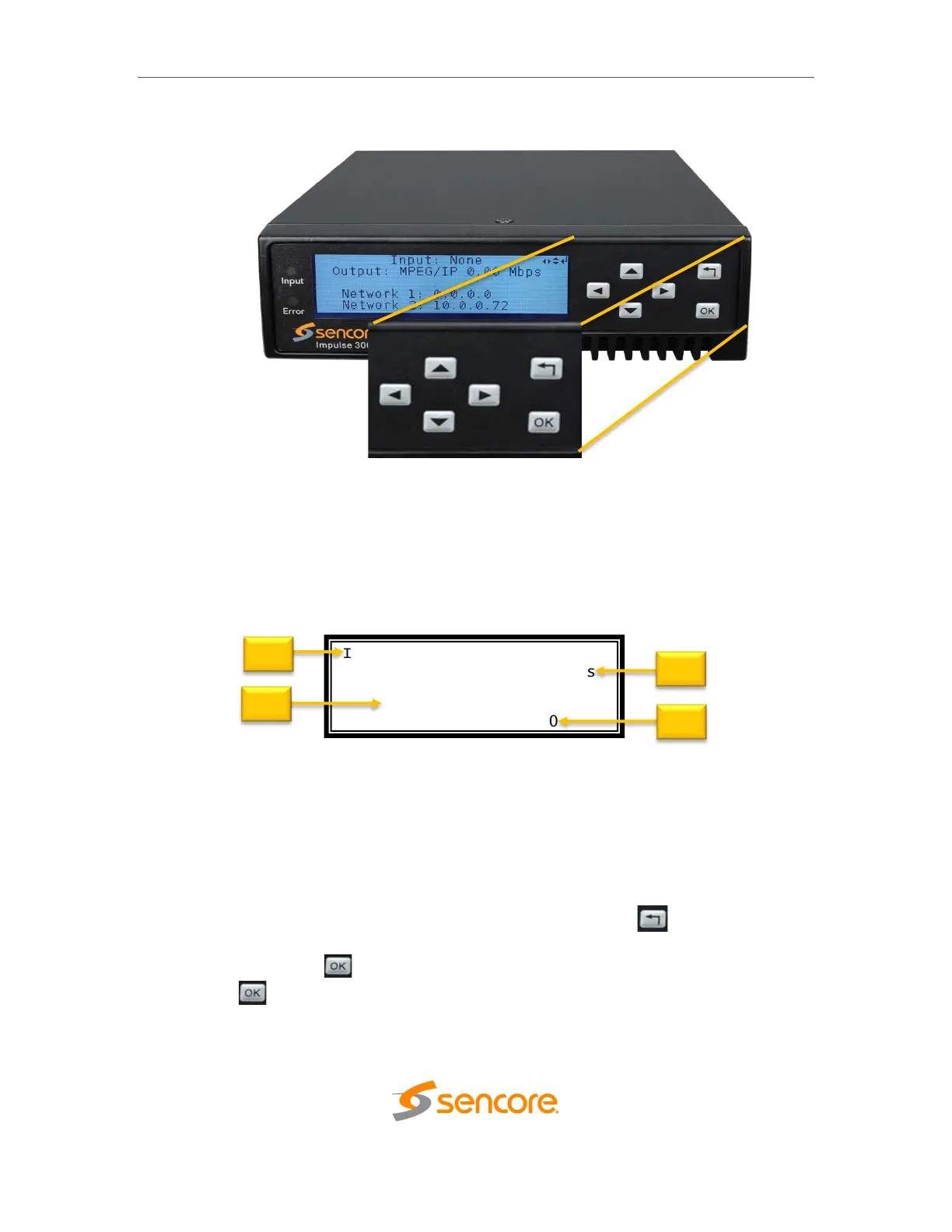
The IMPULSE 300D front panel allows configuration of the network interface settings,
application of profiles, and viewing alarm statuses and unit information. The screen
below is the idle screen of the IMPULSE 300D. This idle screen shows the incoming
bitrate of the active input and output as well as the management IP addresses of the
unit.
1. Active input and bitrate of incoming stream
2. Output format and bitrate
3. IP address of “Network 1” interface
4. IP address of “Network 2” interface
The figure on the next page shows a typical screen on the front panel. Several important
features have been circled and noted. These features are common to all screens and
assist when navigating, viewing and editing unit information. The button allows the
user to return to the home screen, cancel settings and go back a menu. In order to edit a
selected parameter the button must be pressed. Once a parameter has been
changed the button must be pressed again before the change takes effect on the
unit.



 To Next Page