Impulse 300D – User Manual
Page 22 (67)
4.1.3 Buttons and Status Indicators
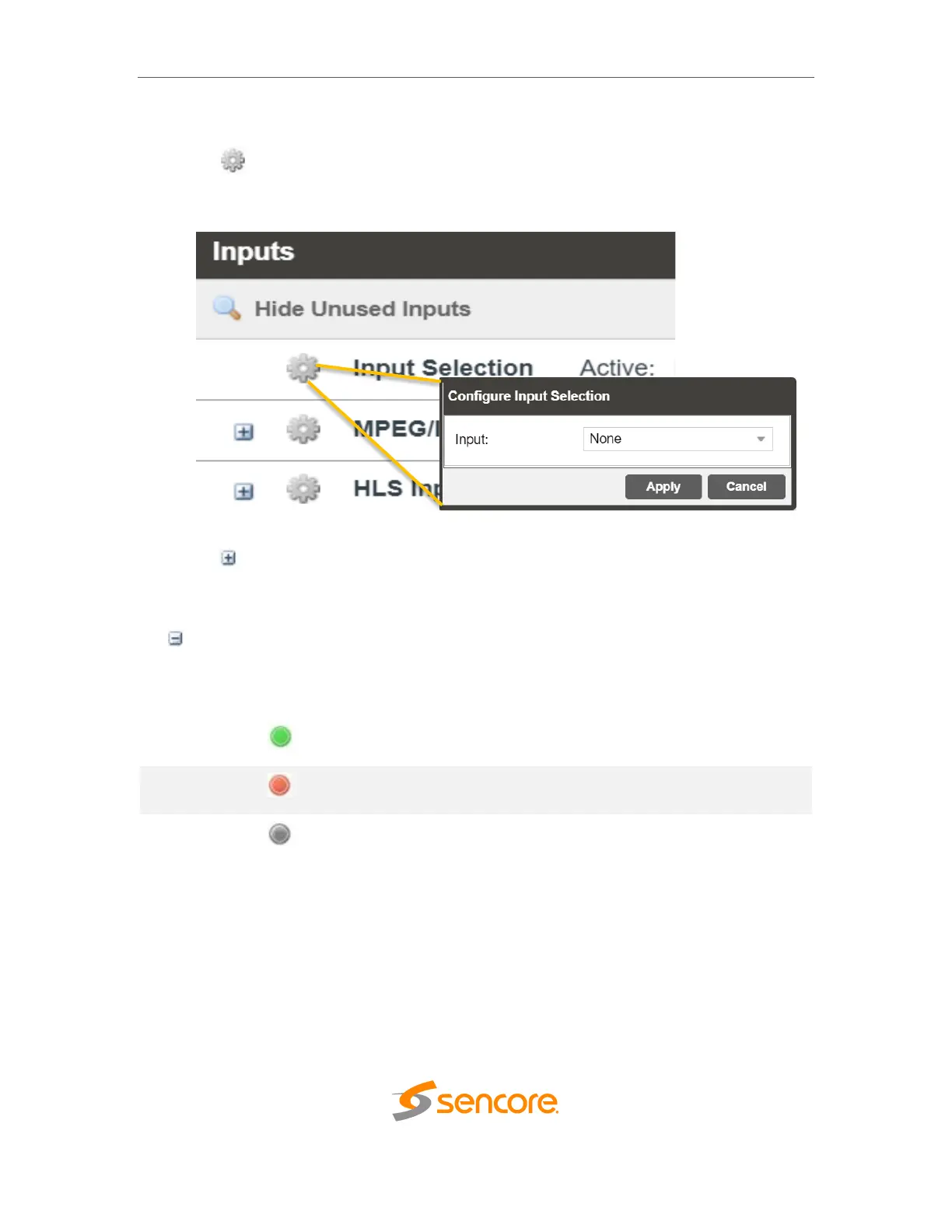
When the icon is shown user configuration is available. Clicking this button will open
menus where settings can be changed by the user.
When the icon is shown additional status information can be viewed. Click this button
will expand the menu to display the additional status information. All text in status menus
shown in ORANGE are user configurable settings. Text shown in BLUE is not user
configurable and is strictly a status or value. To minimize the status windows again click
the icon.
Status in the IMPULSE 300D web interface is shown with LED status indicators:
Status indicates function is affected by active error. To view
the errors navigate to Alarms panel to view Active Errors.



 To Next Page