Impulse 300D – User Manual
Page 19 (67)
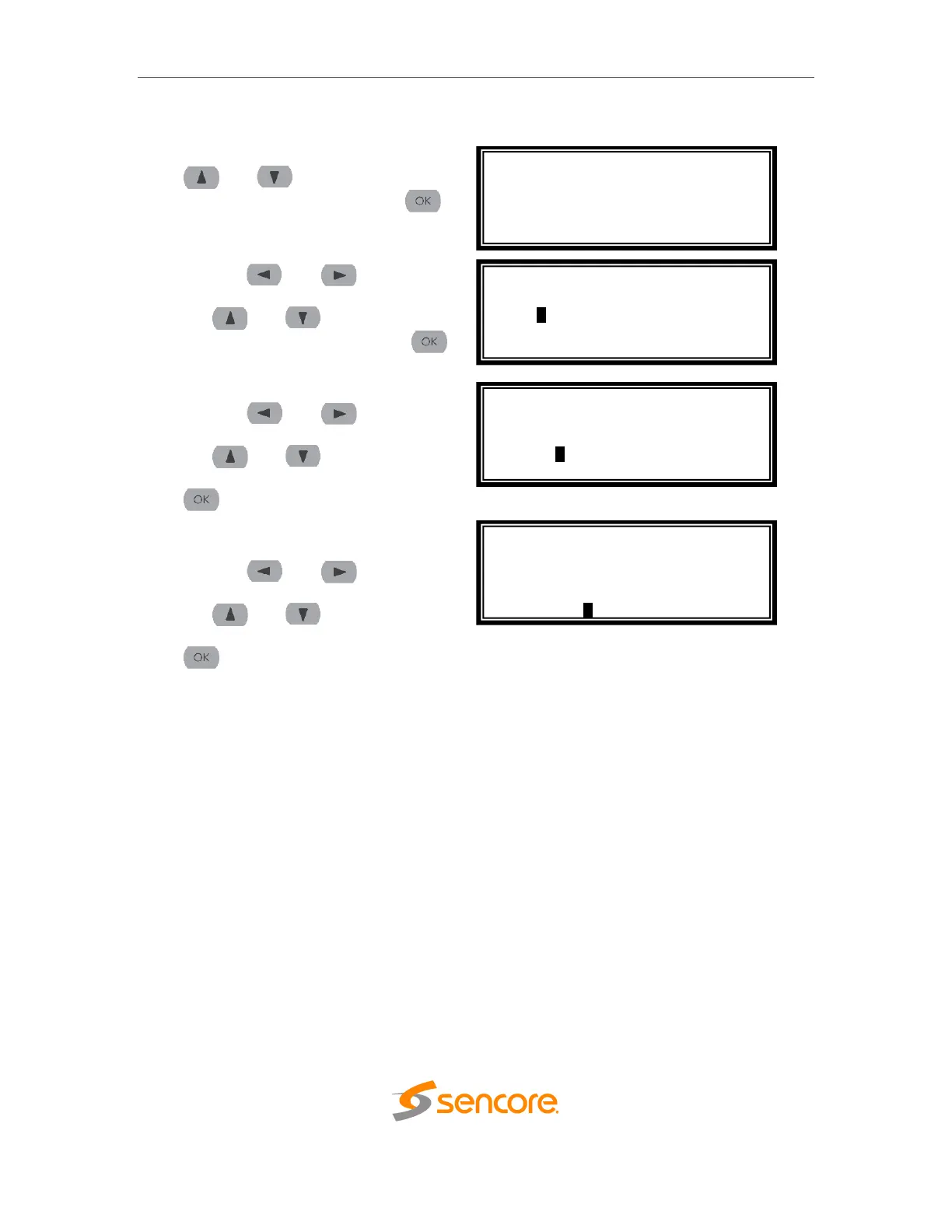
3.2.2 Configuring Static IP Address/Subnet Mask/Gateway
1. If it is not already selected, use the
and buttons to move the
cursor to “IP”, then press the
button to select it.
2. Use the and buttons to
select the column to edit and use
the and buttons to
change the IP, then press the
button to save the selection.
3. The cursor will now be on “Mask”.
4. Use the and buttons to
select the column to edit and use
the and buttons to
change the Mask, then press the
button to save the selection.
5. The cursor will now be on
“Gateway”.
6. Use the and buttons to
select the column to edit and use
the and buttons to
change the Gateway, then press the
button to save the selection.
Adapter Config 1 ↔↕
IP Mode: Static
>IP: 0.0.0.0
Mask: 0.0.0.0
Gateway: 0.0.0.0
Adapter Config 1 ↔↕
IP Mode: Static
IP: 192.168.1.100
Mask: 0.0.0.0
Gateway: 0.0.0.0
Adapter Config 1 ↔↕
IP Mode: Static
IP: 192.168.1.100
Mask: 255.255.255.0
Gateway: 0.0.0.0
Adapter Config 1 ↔↕
IP Mode: Static
IP: 000.000.000.000
Mask: 0.0.0.0
Gateway: 0.0.0.0



 To Next Page