Impulse 300D – User Manual
Page 18 (67)
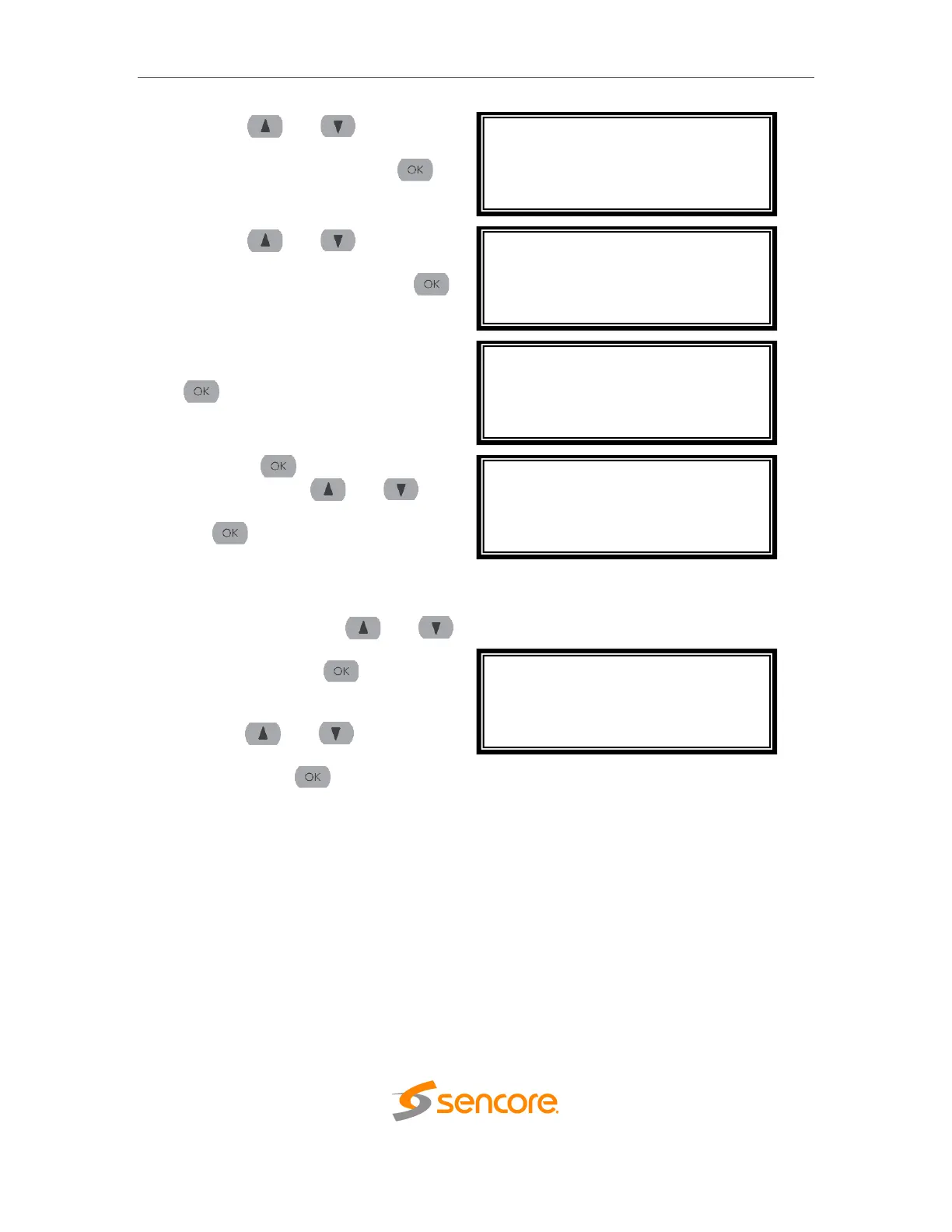
3. Use the and buttons to
move the cursor to “Unit
Networking”, then press the
button.
4. Use the and buttons to
move the cursor to “Network 1
Configuration”, then press the
button.
5. If unit is currently set to “DHCP”, it
can be set to “Static” by pressing
to navigate to the “Adapter
Config 1” Menu.
6. Press the button to select “IP
Mode”. Use the and
buttons to highlight “Static”. Press
the button to apply the
changes.
7. Alternatively, if the unit is currently
set to “Static”, it can be set to
“DHCP” by using the and
buttons to move the cursor to “IP
Mode”. Press the button to
enter “Adapter Config 1” menu.
8. Use the and buttons to
change the selection to “DHCP”,
then press the button to save
the selection.
Admin ↔↕
>Unit Networking
Profile
Unit Networking ↔↕
>Configure Networking
Network 1 Configuration
Network 2 Configuration
Press OK to configure ↔↕
IP Address: 0.0.0.0
Subnet Mask: 0.0.0.0
Gateway: 0.0.0.0
Mode: DHCP
Adapter Config 1 ↔↕
>IP Mode: DHCP
Adapter Config 1 ↔↕
>IP Mode: Static
IP: 0.0.0.0.
Mask: 0.0.0.0.
Gateway: 0.0.0.0



 To Next Page