Impulse 300D – User Manual
Page 50 (67)
4.4.1 Active Alarms
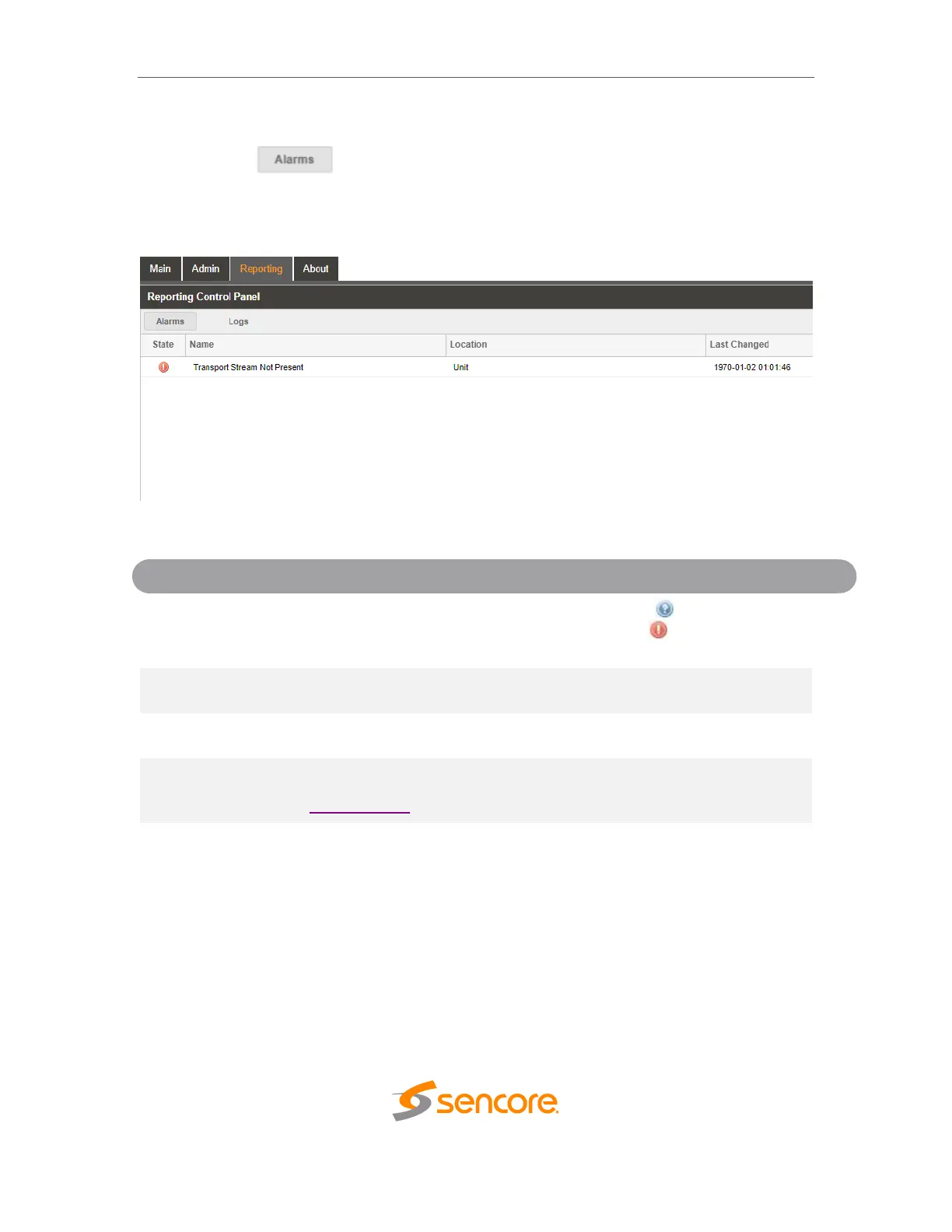
Clicking on the button displays the Active Alarms menu. This list displays all
of the active alarms currently affecting the unit. There are four columns in the log that
display different types of information.
This column displays the nature of the alarm. The icon means the
log entry is informational and is not an error. The icon means the
log entry is an active alarm.
This column displays the description of the error. The function that is
experiencing an error condition is described here.
This column displays the hardware or function that is experiencing the
active error.
This column displays the date and time the error was raised. This date
and time correlates with the Date and Time settings configured in
Section 4.3.8.



 To Next Page