Impulse 300D – User Manual
Page 25 (67)
4.2.2 Configuring IP Receive/Input
This menu allows the user to configure the IP recieve for the input of MPEG/IP, SRT and
HLS streams. Zixi input may also be added with additional licensing. The available
options are dependent upon whether the “Input Type” field is set for MPEG/IP, SRT, Zixi
or HLS.
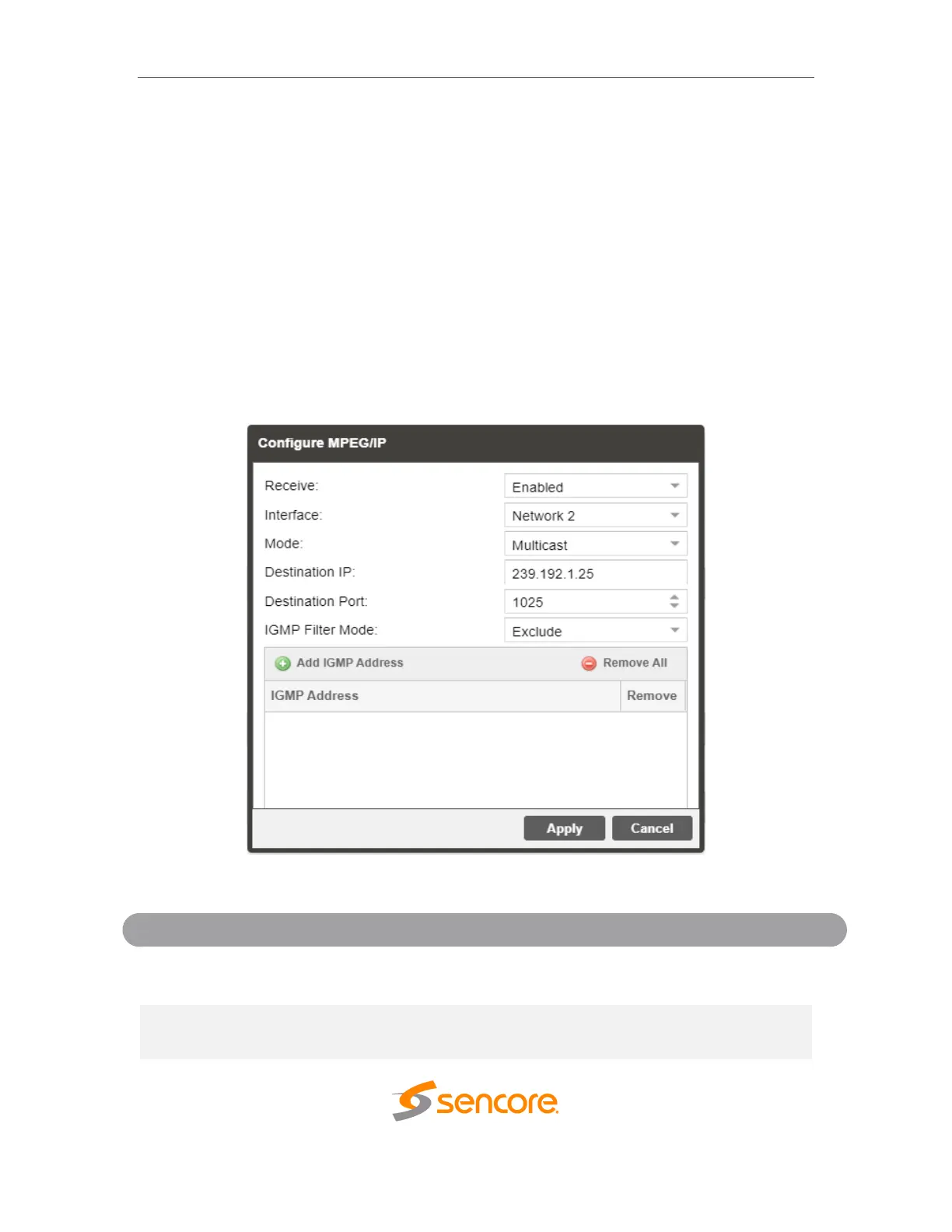
4.2.2.1 Configuring MPEG/IP Input
This menu configures the MPEG/IP input for reception of unicast or multicast transport
streams. The version of IGMP the IMPULSE 300D uses is automatically determined
when it connects to the network. IGMP Filter Mode can be entered for use when the unit
is connected to an IGMPv3 network.
General Options for MPEG/IP Input



 To Next Page