Impulse 300D – User Manual
Page 26 (67)
Multicast setting allows the unit to receive
multicast streams. Multicast streams
originate from the IP range 224.0.0.0 –
239.255.255.255. Unicast allows the unit to
receive unicast streams. Unicast streams
originate directly from a source device.
224.0.0.0 –
239.255.255.255
This setting is only available when
receiving a multicast stream. This address
is the IP address the source device is
sending to.
This is the UDP port the source device is
sending to. This is the only setting required
to receive a unicast stream.
Used on networks supporting IGMPv3. If
this setting is set to Exclude any streams
originating from the user defined IP
addresses will be rejected. If this setting is
set to Include any streams originating from
the user defined IP addresses will be
received.
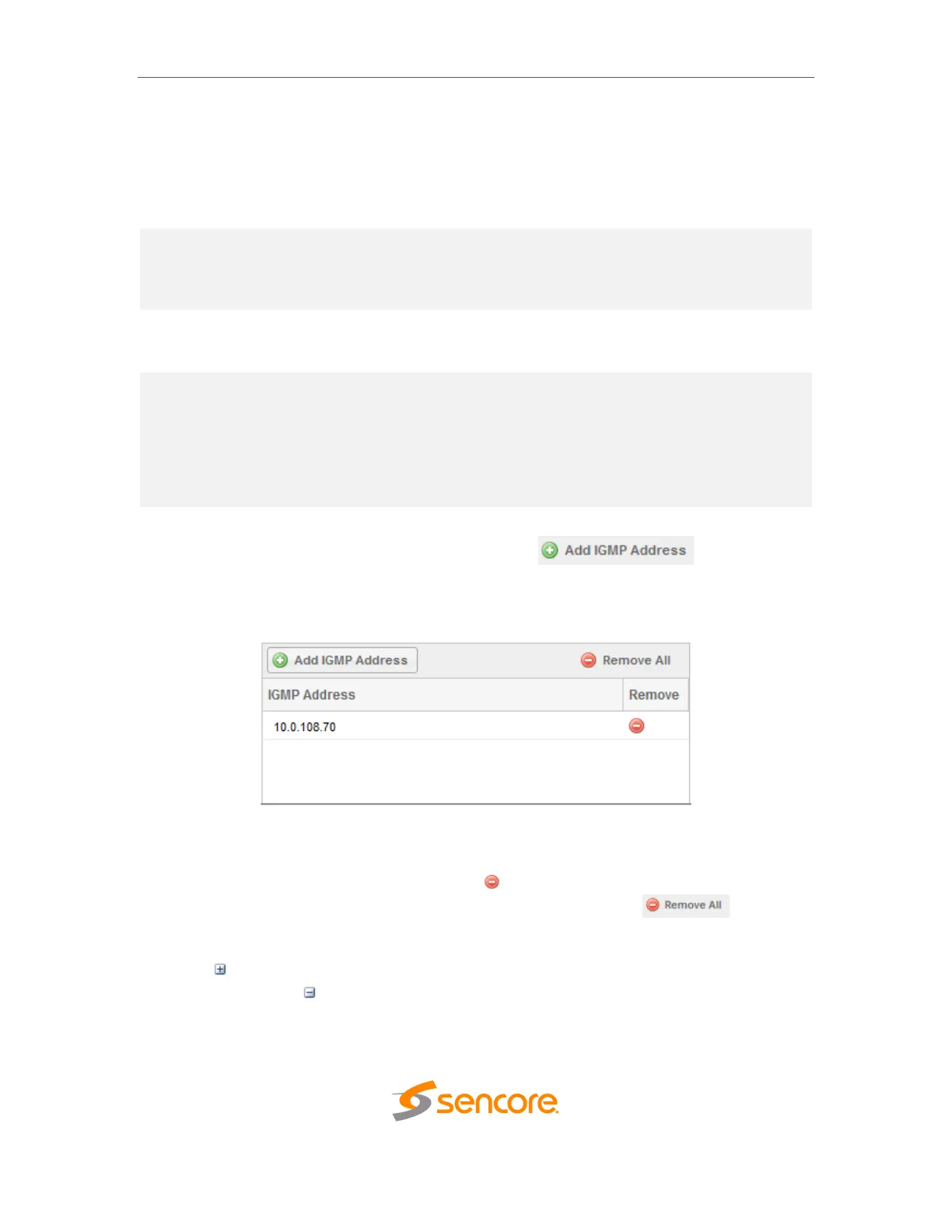
To add an IP address to the IGMP filter list, click the button. Enter
a valid IPV4 address and click OK. The filter list will show the newly entered address.
IGMP Filter List
To remove any IP from the filter list, click the icon in the corresponding row. All
addresses can be removed from the IGMP filter list by clicking the button.
Click the icon by the MPEG/IP input to view information about the incoming IP
stream. Clicking the icon will hide the IP statistics.



 To Next Page