Impulse 300D – User Manual
Page 24 (67)
4.2.1 Configuring Active Inputs
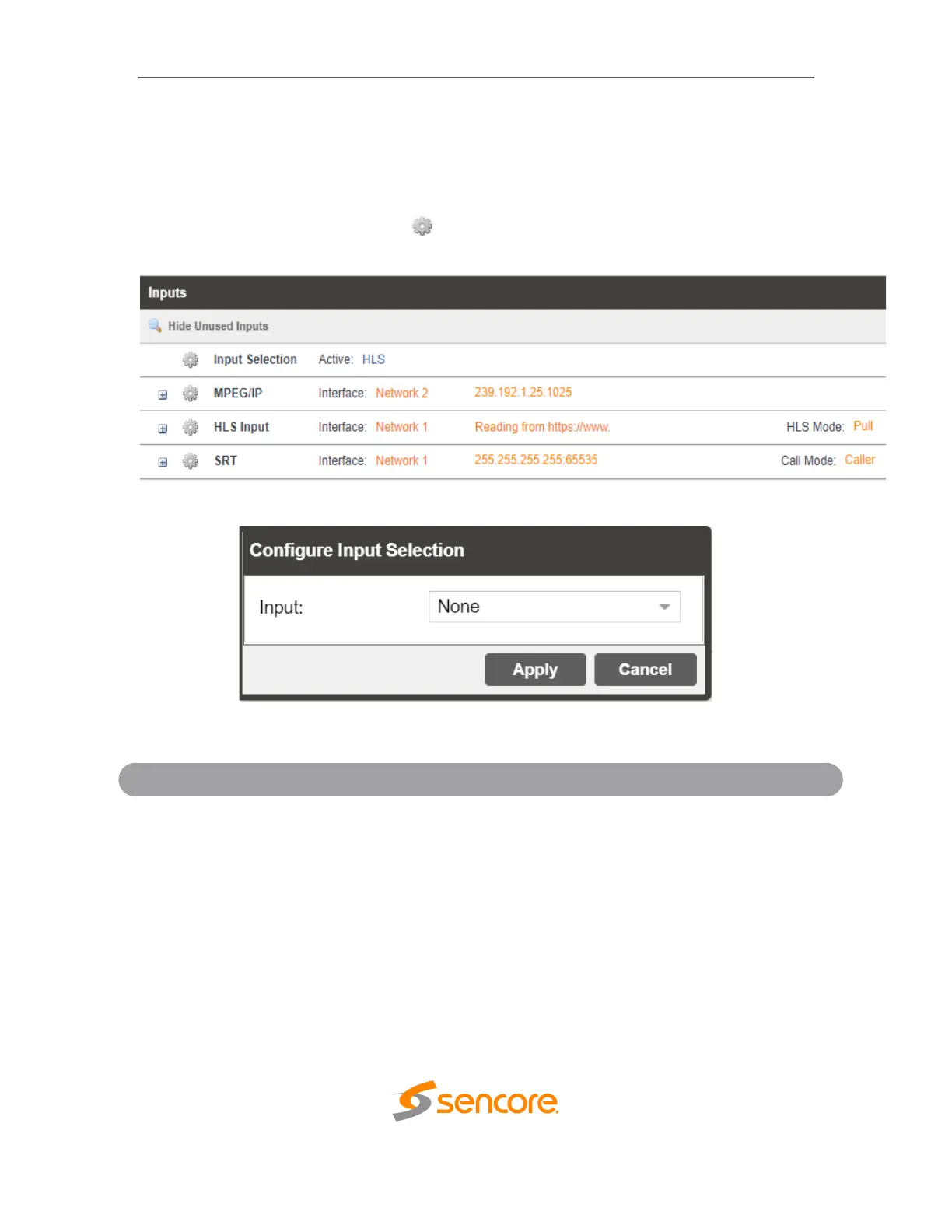
This menu allows the user to configure a input selection. Even though other inputs may
receive a signal, the active input will be the only information shown in the decoding
menu.
To change the active input click the icon next to Input Selection:
Active Input Indicator
Active Input Configuration Menu
MPEG/IP, HLS, SRT, Zixi or
None (dependent upon unit
configuration)
Used for normal operation. During normal
operation, this input will be the active input.



 To Next Page