Impulse 300D – User Manual
Page 17 (67)
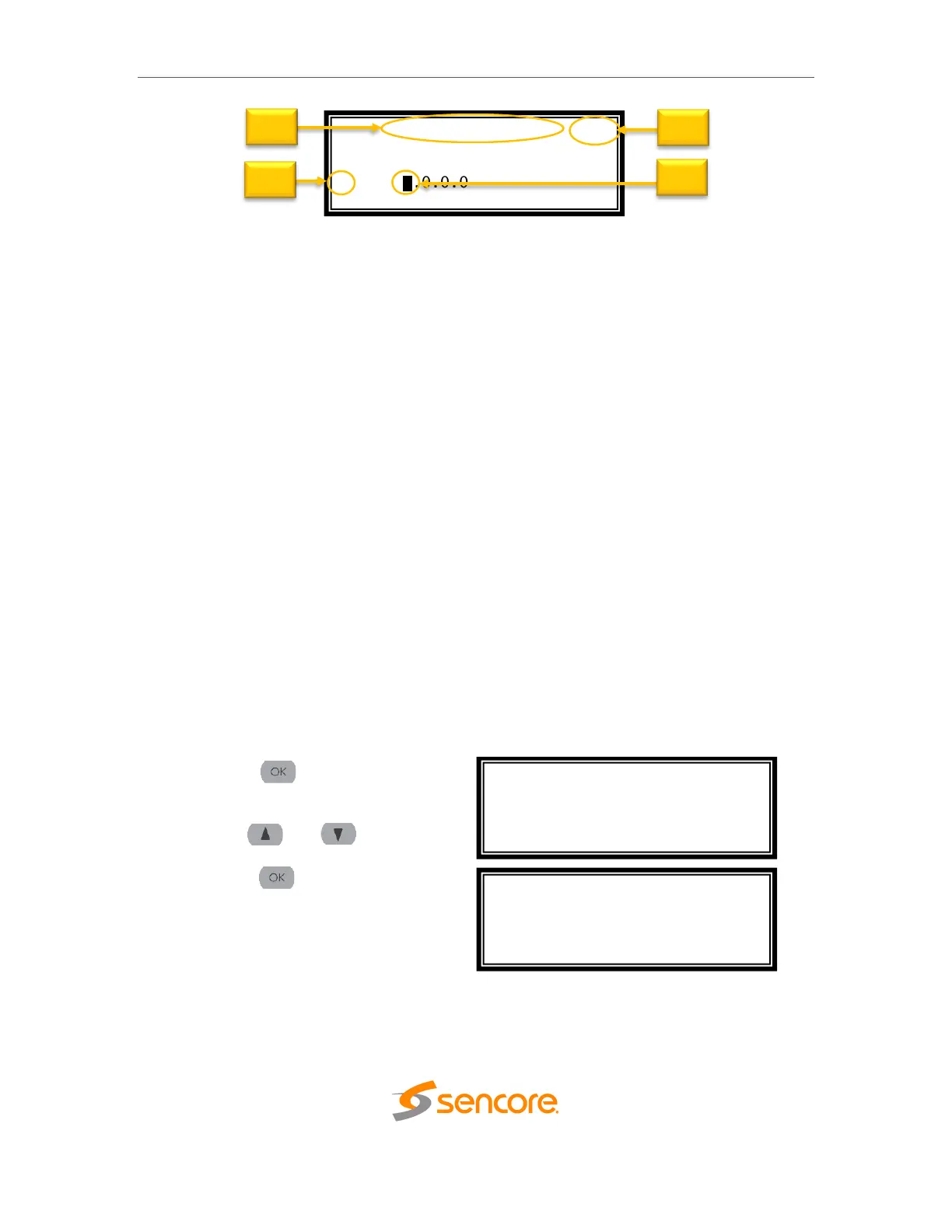
1. Screen title.
2. Icons indicate which control buttons are currently valid for entry.
3. Cursor shows which line is active.
4. When editing, active character or item is highlighted.
3.2 Network Setup via Front Panel
The IMPULSE 300D can be setup on a network connection to allow remote
management and SNMP configuration. For these features to work, the network settings
for the IMPULSE 300D must first be configured properly for the network it is connected
to. By default, the IMPULSE 300D follows this configuration scheme:
• Network 1:
o Mode: DHCP
• Network 2:
o Mode: Static
o IP Address: 10.0.0.72
o Subnet Mask: 255.255.255.0
o Gateway: 0.0.0.0
3.2.1 Configuring IP Mode (Static or DHCP)
To setup the IMPULSE 300D with a static IP address, use the following steps:
1. Press the button (twice if the
front panel is in “Idle” mode).
2. Use the and buttons to
move the cursor to “Admin”, then
press the button.



 To Next Page