Impulse 300D – User Manual
Page 28 (67)
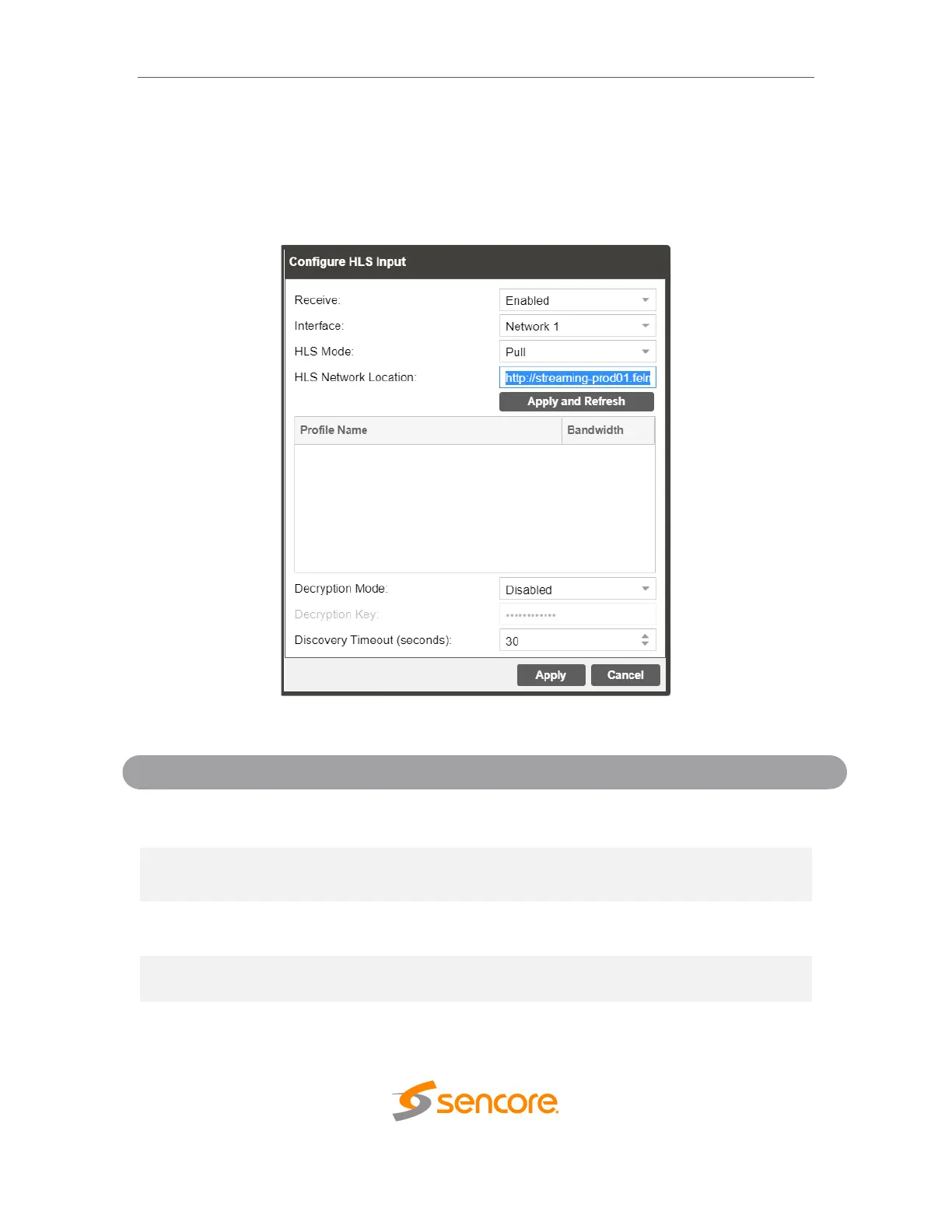
4.2.2.2 Configuring HLS Input
This menu configures the HLS input for reception of HTTP streams. The HLS input may
be configured to receive through a local or network location through the HLS mode
settings.
General options for HLS input
This setting allows the user to enable or
disable these input stream settings.
The physical connector on on which to
receive the HLS traffic.
Determines if the HLS receives through a
local or network location.
224.0.0.0 –
239.255.255.255
Defines address of the HLS stream to be
received.
Defines if a decryption of the received
signal is needed, AES 128 standard



 To Next Page