ADN Digital Conference System | 105
Using the “Conference Manager” software
Deleting a configuration from the central unit
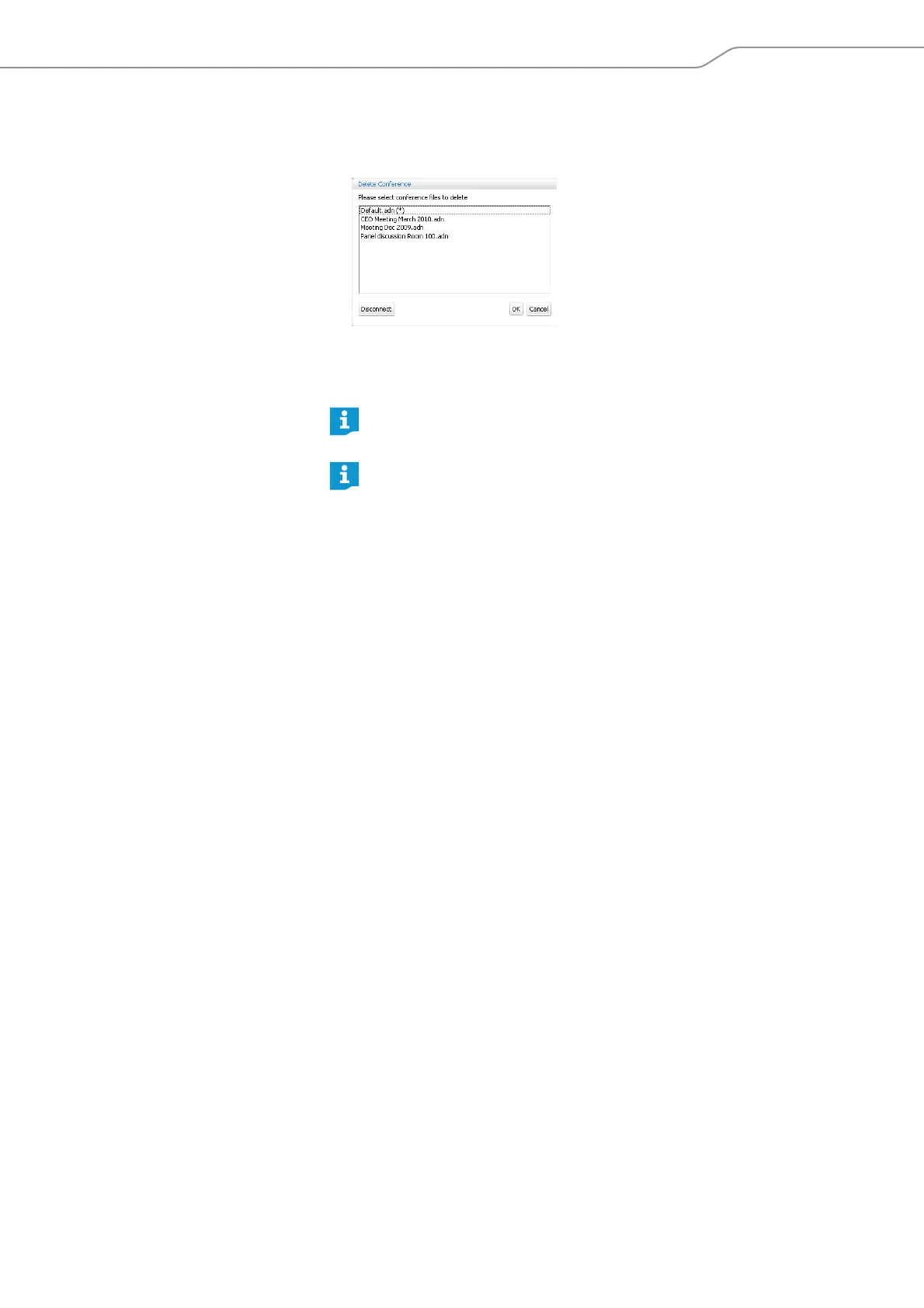
왘 In the menu bar, click “Global Menu” > “Delete”.
The “Delete Conference” window appears.
왘 Select a configuration.
왘 Click “OK”.
After a confirmation prompt, the selected file is deleted.
The configuration of an active conference (marked with an asterisk “*”)
and the default file name (“Default.adn”) cannot be deleted.
Configurations saved on the hard disk of a PC can be deleted using the
Windows Explorer.



 To Next Page