ADN Digital Conference System | 57
Configuring the conference system via the central unit
Activating/deactivating the function for eliminating feedback and for increasing
the volume – “Feedback Suppression“
Situation The audio signal of the 1. conference unit is fed to the floor channel.
Event The audio signal of another conference unit it fed to the floor
channel. The volume level of the floor channel would increase if the
signal wasn’t influenced.
Behavior “0.0 dB per Mic” ... “–3.0 dB per Mic” setting:
With each additional audio signal, the volume level of the floor
channel is reduced by the adjusted value.
왘 Try out the different settings by activating the maximum
number of open channels (see page 73).
The floor channel should be heard at the desired volume level
without any distortion or feedback.
왘 First start with low values.
“Linear Division” setting:
The volume level of the floor channel is automatically reduced
depending on the number of conference units with speaking privi-
leges (see the following table).
Conference units with
speaking privileges
Reduction of the volume level of the floor
channel in dB
1 0
2 –6
3 –9
4 –12
5 –14
6 –16
7 –17
8 –18
9 –19
10 –20
Submenu Menu item Function
“Feedback
Suppression“
“Loudspeaker“ Adjusts the influence for the floor channel
(“Floor/Loudspeakers”)
“XLR Out“ Adjusts the influence for the OUT audio
output (“XLR Out”)
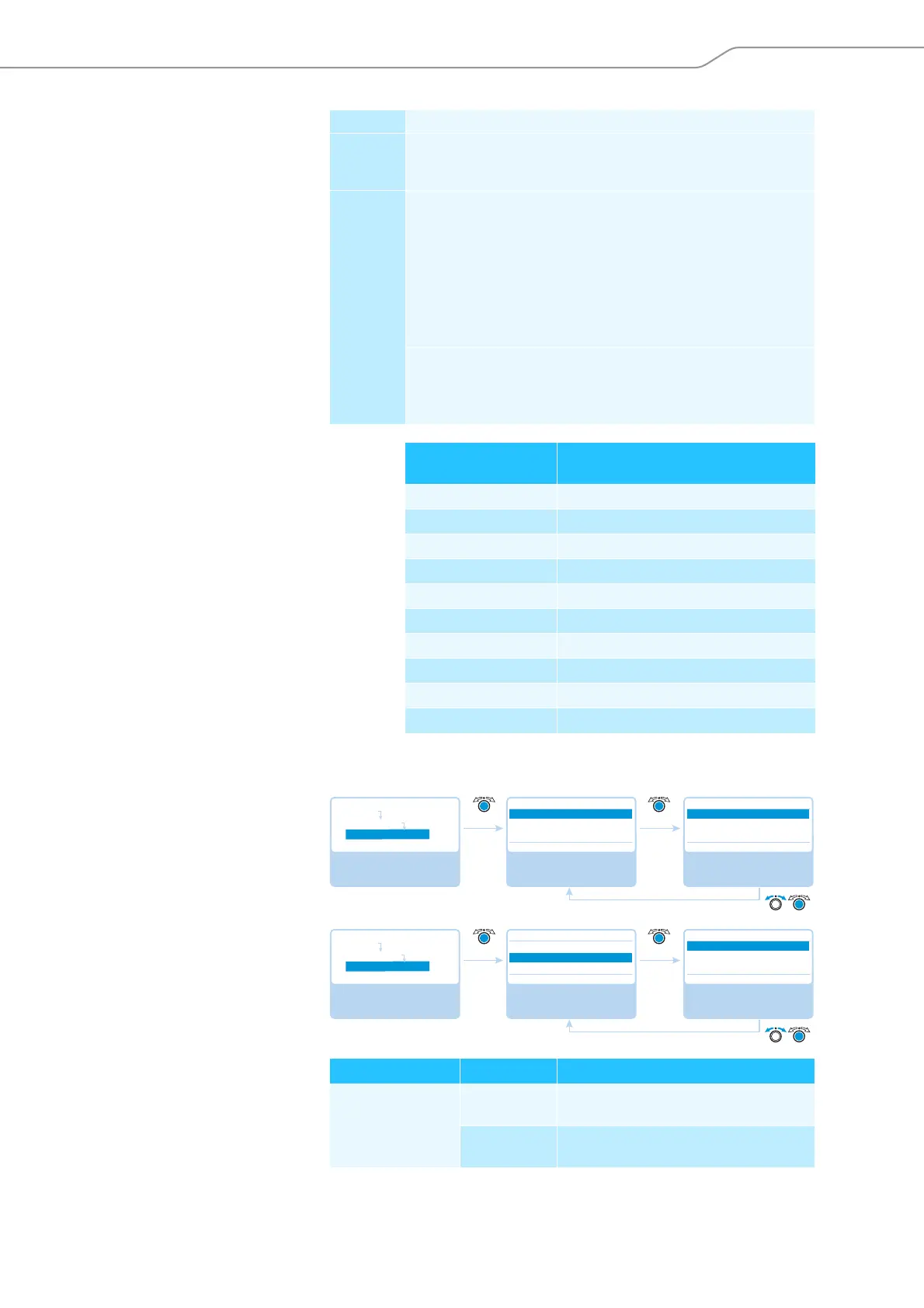
Select and call up the
“Feedback Suppression”
submenu
Select and call up the
“Loudspeaker” menu
item
Select the “Loudspeaker”
setting; store the setting
Feedback Suppression
Loudspeaker
XLR Out
Off Off
Loudspeaker
Off
Low Intensity
High Intensity
Main Menu
Audio Menu
Feedback Suppression
Select and call up the
“Feedback Suppression”
submenu
Select and call up the
“XLR Out” menu item
Select the desired
setting; store the setting
Feedback Suppression
Loudspeaker
XLR Out
Off Off
XLR Out
Off
Low Intensity
High Intensity
Main Menu
Audio Menu
Feedback Suppression



 To Next Page