Starting the program for the first time
17
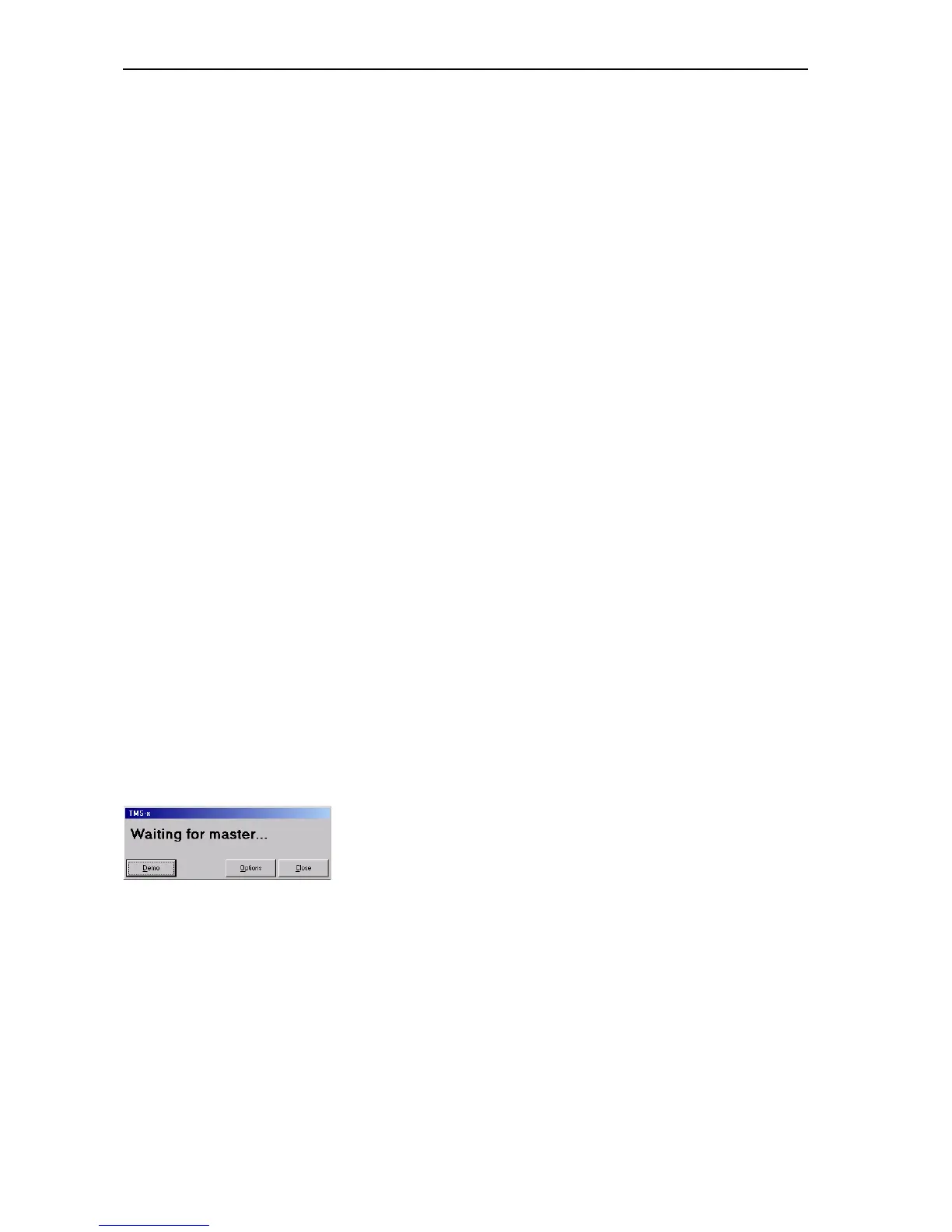
왘 In the “Waiting for master...” dialog box, click the “Options” button.
The “Options” window opens.
왘 On the “1” tab, configure the PC as a master PC, slave PC or video PC as
required (see “Configuring the PC in a network” on page 35). On the
master PC and on all other PCs in the network, enter the correct IP
addresses of all PCs involved in the control of your conference and
interpretation system.
왘 If you only use one PC to control the conference and interpretation
system, configure this one as the master PC. In this case, you do not
require any IP addresses.
왘 On the “2” tab, set the correct COM port (see “Configuring the COM
port” on page 38).
왘 In the “Options” window, click the ”Save and Exit” button. The
“Options” window closes.
왘 In the “Waiting for master...” dialog box, click the close “Close” button.
The dialog box closes.
왘 Restart the program. If you want to configure additional slave or video
PCs, proceed in the same way.
If the “Waiting for master...” dialog box appears when the program is
started for the second time (or later), this means that no connection can
be established with the master PC because:
y the master PC is not turned on or
y the “Confsys” program is not running on the master PC or
y the wrong IP address for the master PC was specified on the video or
slave PC or
y the wrong IP address for the video or slave PC was specified on the
master PC.
See also “If problems occur...” on page 93.
Starting the program in demo mode
To start the Confsys program without a dongle:
왘 In the “Waiting for master...” dialog box, click the “Demo” button.
The program starts in demo mode.
Note:
Demo mode is started automatically when the dongle is removed
during operation.
In demo mode, your conference system is restricted to five delegates
and your interpretation system is restricted to two languages with only
one interpreter per language, this means in detail:
y You can configure conferences with more than five conference
consoles, but only the first five conference consoles are stored.
y You can open conference configurations with more than five
conference consoles, but only the first five conference consoles are
displayed.



 To Next Page