Configuring the interpretation system
74
Configuring the interpretation system
This chapter provides information on how to quickly and easily configure
the consoles of your interpretation system (but not the consoles of the
conference system) using the software.
For configuring the interpretation system, you require the S-IM
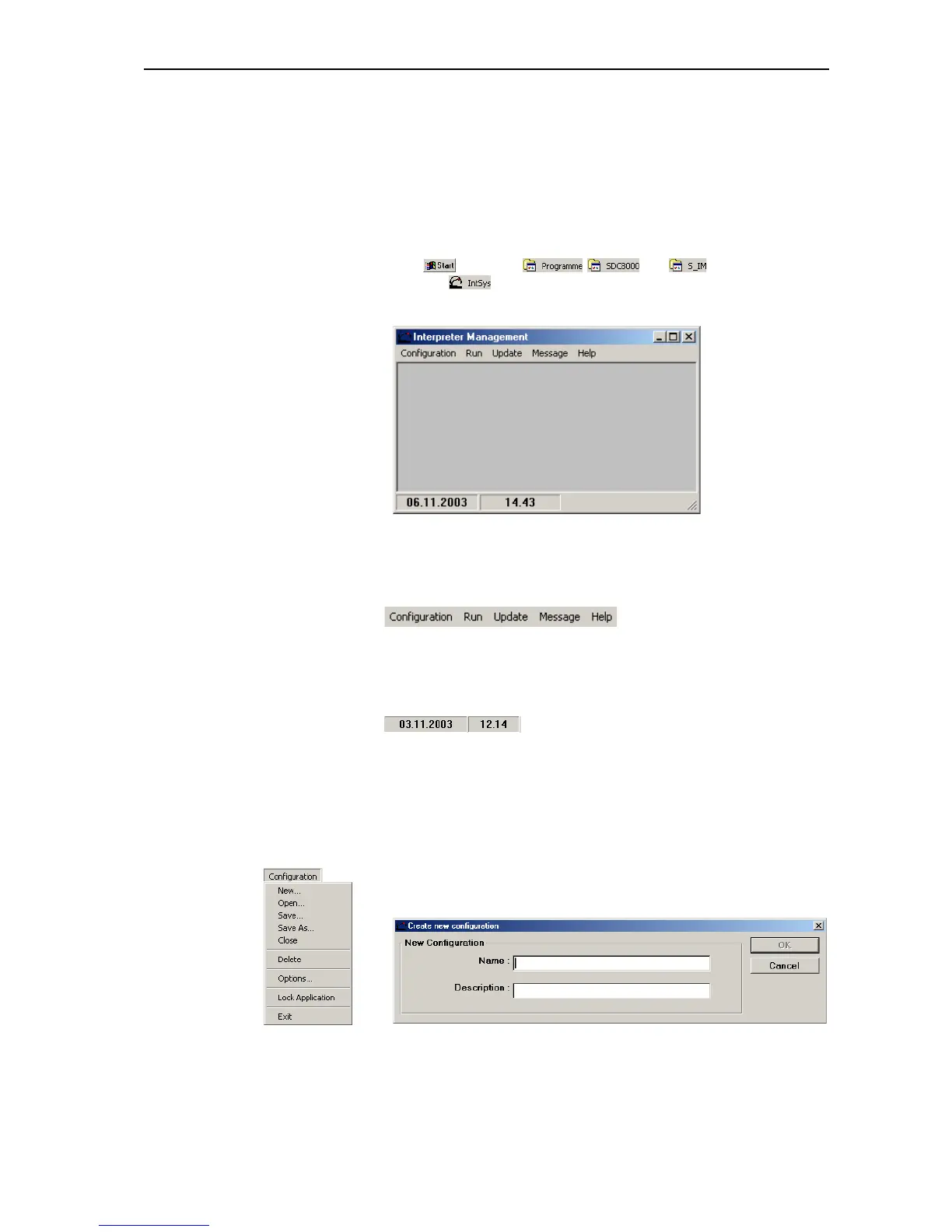
(Interpreter Management) software module which is started as follows:
왘 Click and select , and one after the other.
The click .
The “Interpreter Management” window opens.
The “Interpreter Management” window consists of:
y the menu bar
y the status bar
(displays the date, the time and the status of the COM connection)
Creating an interpretation configuration
To create a new interpretation configuration:
왘 From the “Configuration” menu, choose “New...”.
The “Create new configuration” window opens.
왘 In the “Name” field, enter the name of the interpretation configuration
to be created (eight characters max.).



 To Next Page