Configuring the interpretation system
82
COM port, menu language and password
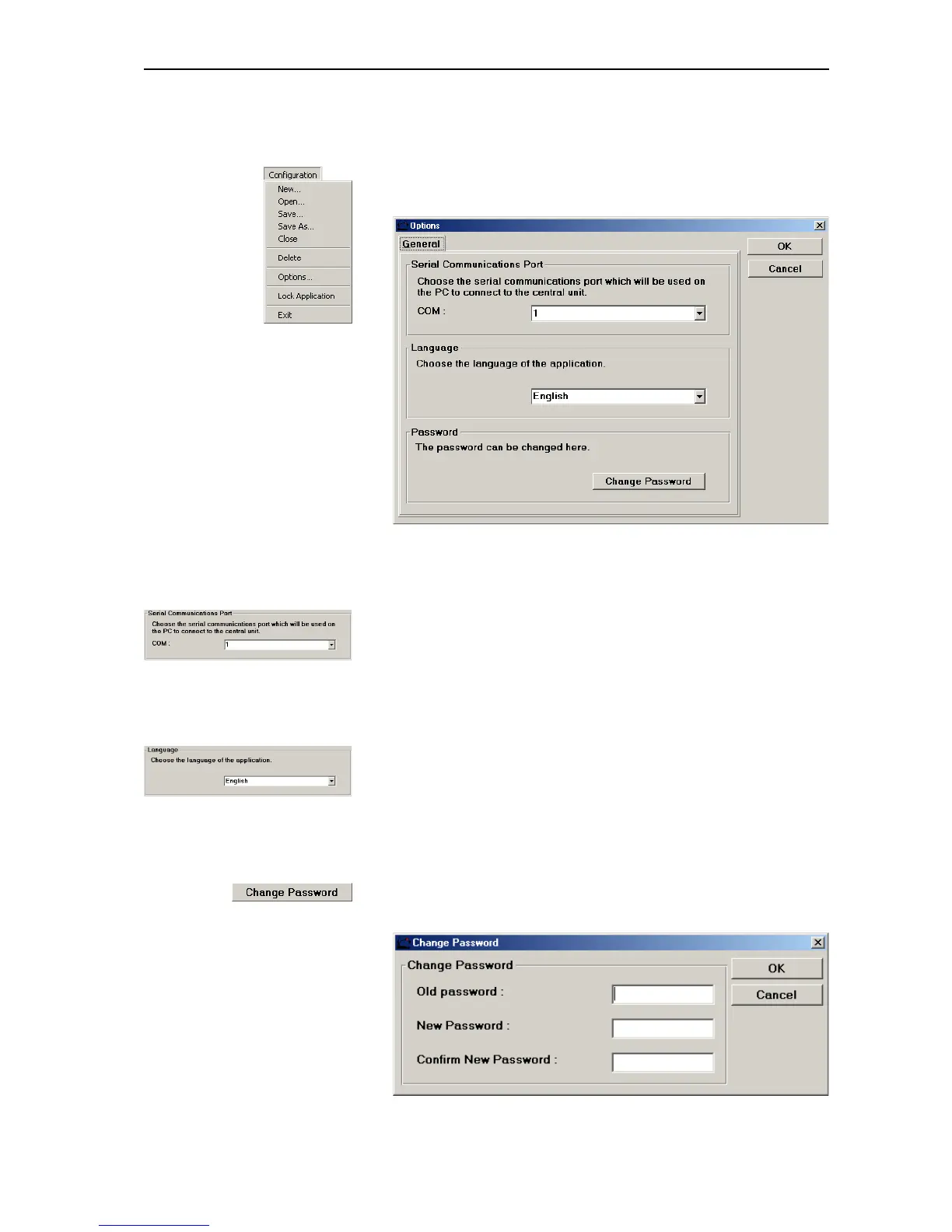
To configure the COM port and the menu language or to change the password:
왘 From the “Configuration” menu, choose “Options...”.
The “Options” window opens.
Configuring the COM port
To configure the COM port of the PC connected to the central unit:
왘 From the “COM” drop down list box in the “Serial Communications
Port” box, select the COM port of the PC connected to the COM 3
interface of the central unit.
Configuring the menu language
To change the menu language of the IM software module:
왘 From the drop down list box in the “Language” box, select the desired
menu language.
Changing the password
To change the password:
왘 Click the “Change Password” button.
The “Change Password” dialog box opens.



 To Next Page