Configuring the conference system
21
Creating a synoptic view of the conference
For monitoring a conference as well as for intervening in a conference at
any time, you require a synoptic view of the conference room. In this
synoptic view, each conference console is represented by an icon.
Creating a synoptic view file
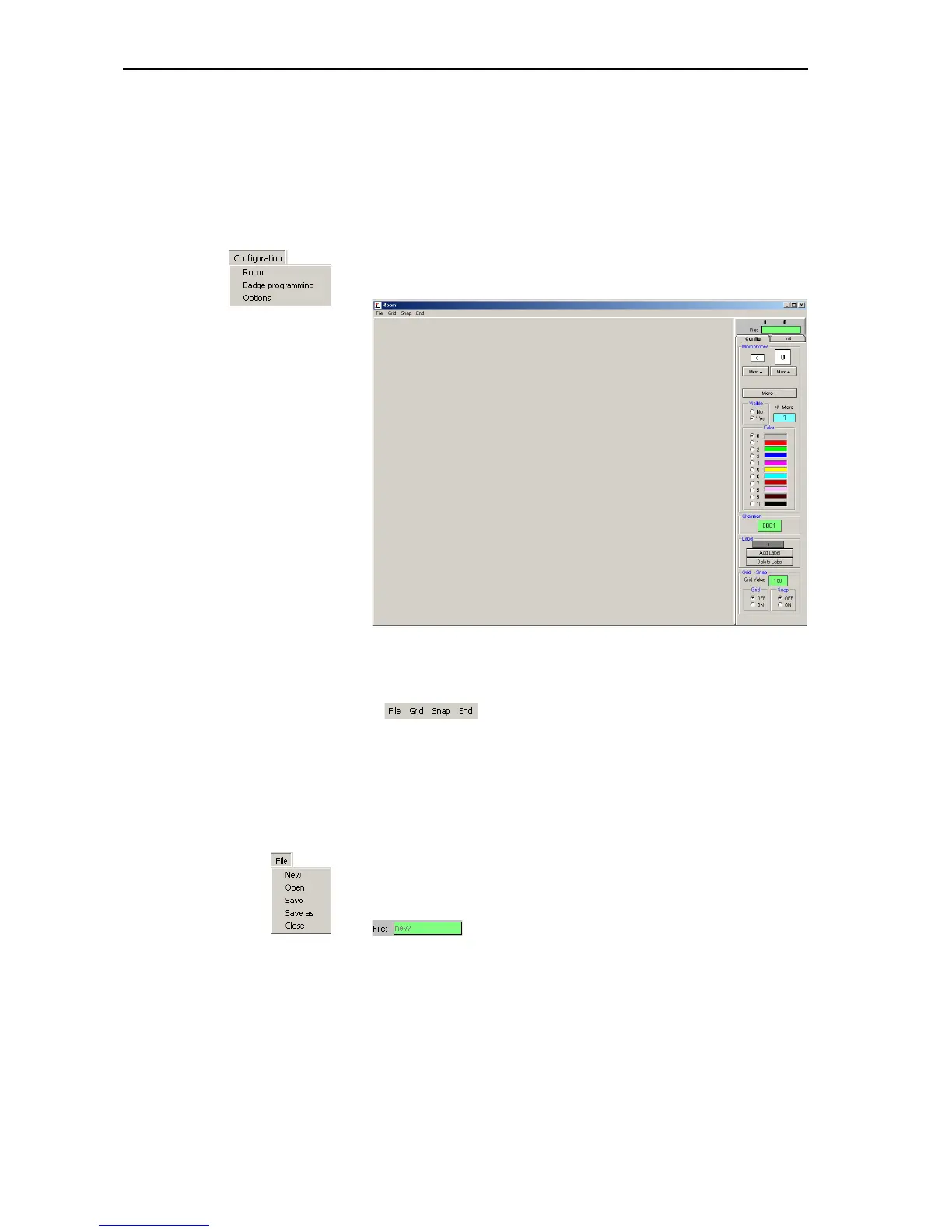
왘 From the “Configuration” menu, choose “Room”.
The “Room” window opens.
The “Room” window consists of:
y the menu bar,
y the “Config” and “Init” tabs on the right-hand side of the window
y the mains window for displaying and editing the synoptic view
y the display of the current mouse pointer coordinates on the main
window as well as the green “File” box for the file name (above the
tabs)
왘 From the “File” menu, choose “New”.
The main window turns white and the “Config” and “Init” tabs become
active. “new” is displayed in the green “File” box.
To save a synoptic view file:
왘 From the “File” menu, choose “Save” or choose “Save as” to save the
synoptic view under a new name or in a different folder.



 To Next Page